AI & Machine Learning
Transform Your Business with Practical AI Automation Use Cases
Transform Your Business with Practical AI Automation Use Cases by focusing on repeatable workflows, governed data, and measurable operational wins.

Tauseef Alam
Chief Technology Officer
Jul 6, 2026
10 min read
Transform Your Business with Practical AI Automation Use Cases by applying AI to specific, repeatable business workflows where decisions are slowed by manual review, fragmented data, or high-volume routine tasks. In practice, the most valuable AI automation is not a futuristic replacement for teams; it is a controlled layer that classifies, summarizes, routes, predicts, and assists inside the systems your business already uses.
Key takeaways
- The best AI automation projects start with narrow, repeatable workflows where teams already know the pain, the inputs, and the desired outputs.
- Practical AI automation usually combines LLMs, workflow orchestration, APIs, human approval steps, and business rules rather than relying on a model alone.
- Data access, security controls, auditability, and fallback paths matter as much as model quality when AI is used in real business operations.
- A good partner should estimate AI work in phases: discovery, pilot, integration, governance, and gradual scaling, not as a single magic implementation.
- For most businesses, the fastest path to value is augmenting existing systems such as CRM, ERP, help desk, and document workflows instead of replacing them.
Why practical AI automation matters now
Business leaders are no longer asking whether AI is real. They are asking a more useful question: where can it produce reliable operational value without introducing chaos, compliance risk, or expensive rework? That shift matters. The winning projects are rarely broad “AI transformation” programs at the start; they are focused initiatives tied to cycle time, service quality, compliance, or throughput in one process at a time.
In our experience, the strongest candidates share a few traits. The process happens often, follows a recognizable pattern, depends on information that already exists somewhere in your business, and has a clear success condition. Examples include handling support tickets, extracting fields from documents, drafting internal reports, triaging incidents, reconciling records, and answering common employee or customer questions from approved sources.
That is also why practical AI automation looks different from a demo. A production-ready workflow usually combines several components: a model for language or vision tasks, workflow orchestration, business rules, integrations with existing systems, logging, human review at key checkpoints, and security controls around data access. The model is only one part of the system.
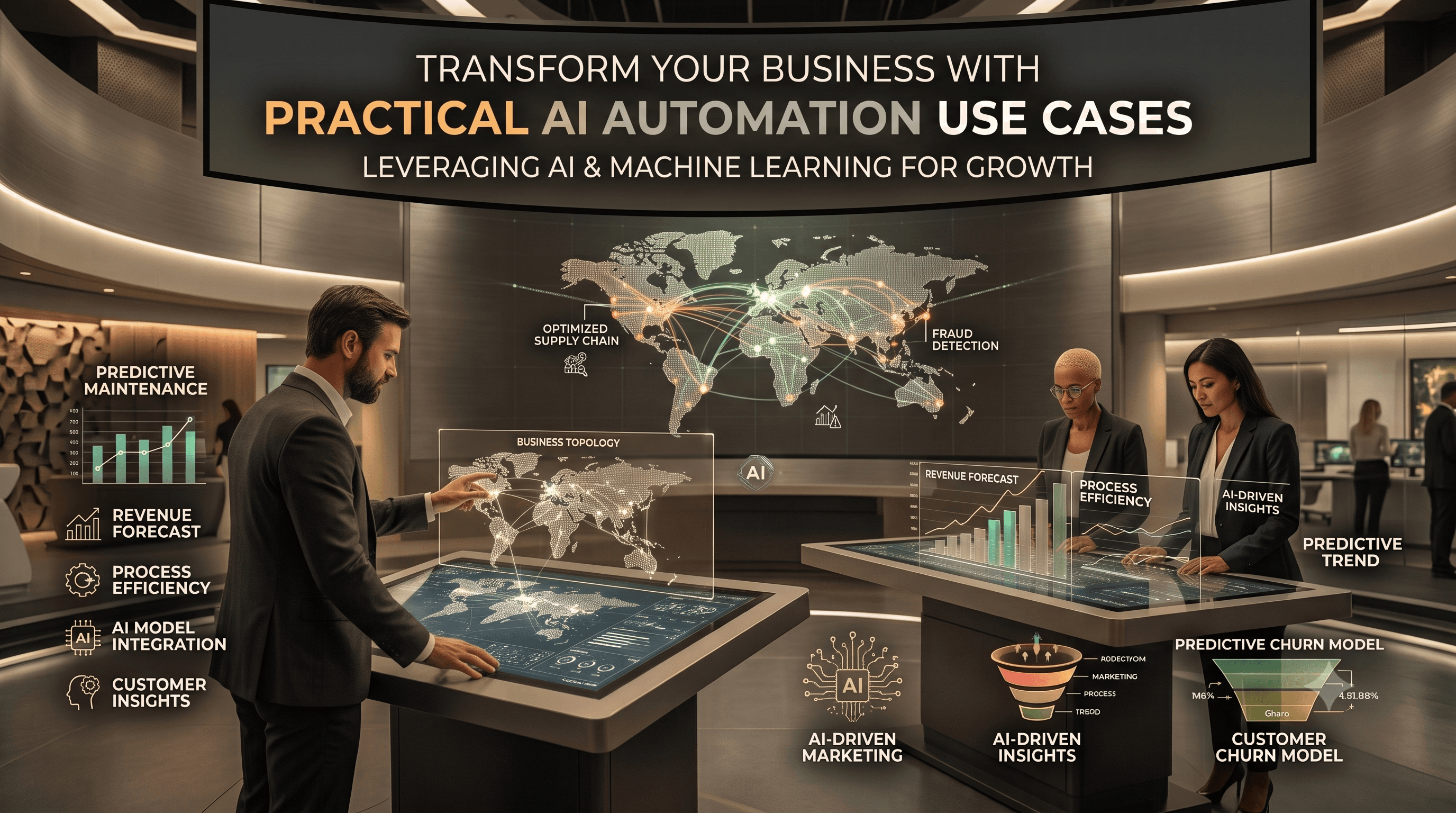
Transform Your Business with Practical AI Automation Use Cases
The most effective use cases sit at the intersection of business value, operational feasibility, and governance. If a workflow is valuable but data is inaccessible, or if it is easy to automate but low-impact, it should not be first in line. A disciplined prioritization approach is what separates useful AI from noise.
Here are practical use cases we see business teams evaluate most often:
- Customer support triage and response drafting: classify tickets by intent and urgency, suggest replies from a knowledge base, and route edge cases to the right team.
- Sales and CRM assistance: summarize calls, extract action items, enrich records, draft follow-up emails, and flag stalled opportunities based on activity patterns.
- Finance and operations document processing: capture data from invoices, purchase orders, onboarding forms, and contracts using OCR plus validation rules.
- Internal knowledge assistants: answer policy, process, technical, or product questions using retrieval-augmented generation from approved enterprise content.
- IT and DevOps workflow automation: summarize incidents, correlate alerts, generate postmortem drafts, and create runbook-based remediation suggestions.
- HR and recruitment support: screen for required criteria, summarize resumes against role requirements, and automate interview scheduling or candidate communications.
- Security operations assistance: prioritize alerts, summarize findings, extract indicators, and standardize reports while preserving analyst review.
The best implementations are grounded in the systems teams already use: Microsoft 365, Google Workspace, Salesforce, HubSpot, ServiceNow, Jira, Zendesk, SAP, NetSuite, GitHub, Slack, Teams, and custom internal apps. Typical technology stacks include OpenAI or Azure OpenAI for language tasks, Claude or Gemini in some environments, AWS Textract or Azure AI Document Intelligence for extraction, vector databases such as Pinecone, Weaviate, or pgvector for retrieval, and orchestration through tools like Temporal, n8n, Camunda, Airflow, or custom event-driven services.
High-value workflows by function
For founders and business operators, AI automation often pays off first where teams lose hours to context switching. A common pattern is email plus spreadsheet plus portal work: someone reads incoming information, checks two or three systems, copies data, decides a next step, and updates records. AI can help by reading inputs, proposing classifications, preparing structured outputs, and triggering the next step through APIs while keeping a person in the loop where risk is higher.
In customer-facing operations, this may mean a support pipeline that detects topic, sentiment, product area, account tier, and urgency; retrieves relevant policy or troubleshooting content; drafts a response; and routes exceptions to a specialist queue. In back-office operations, it often means document ingestion with confidence scoring and validation, so staff review only uncertain items rather than every item.
Technology and engineering leaders usually get fast traction from developer and IT workflows. A retrieval-based internal assistant can answer questions about architecture decisions, onboarding, deployment steps, and coding standards from version-controlled documents. Incident handling can be improved with alert grouping, log summarization, timeline generation, and suggested runbook actions. When we built GitHub Timesheet, one lesson reinforced by that work was that automation becomes truly useful when it sits naturally inside the tools teams already depend on, instead of forcing them into a separate process.
A few realistic examples of where AI helps without overreaching:
- A logistics business uses AI to read delivery exceptions from emails, match them to shipment records, and create structured cases for coordinators.
- A healthcare-adjacent organization automates intake document classification and routing while keeping sensitive decisions under human review.
- A B2B SaaS company summarizes customer calls, writes CRM notes, and creates follow-up tasks in Salesforce and Jira.
- An IT services team uses AI to draft incident summaries, extract root-cause candidates from logs, and standardize client-facing status updates.
The decision framework: how to choose the right first use case
The fastest way to waste budget is to start with a use case that sounds impressive but has weak foundations. A better approach is to score opportunities using a simple framework that balances impact, effort, and risk. This is the process we recommend before any build begins.
Step 1 is workflow discovery. Map the process in plain terms: trigger, inputs, decisions, outputs, systems touched, handoffs, volumes, exceptions, and current pain points. If a process cannot be explained clearly, it is usually too early to automate it with AI.
Step 2 is suitability scoring. For each candidate use case, assess:
- Frequency: does the workflow happen daily or weekly at meaningful volume?
- Repetition: are there common patterns the model can learn to classify or summarize?
- Data readiness: are the source documents, tickets, records, or transcripts accessible and clean enough?
- Risk level: what happens if the output is wrong, delayed, or incomplete?
- Integration effort: how hard is it to connect the relevant systems through APIs, webhooks, or middleware?
- Human review need: can the workflow tolerate approval checkpoints?
- Value signal: would success reduce queue time, backlog, manual effort, rework, or decision delays?
Step 3 is pilot design. Define one narrow workflow, one user group, one system boundary, and a measurable definition of done. For example: “Draft responses for a subset of support tickets using approved knowledge sources and route low-confidence cases for human handling.” Keep the pilot constrained enough to evaluate quality, security, and adoption quickly.
Step 4 is architecture selection. Decide whether you need prompt-based automation, retrieval-augmented generation, OCR plus extraction, predictive models, computer vision, or a hybrid. Many business cases need a blend: document parsing, retrieval from internal content, LLM reasoning, rules-based validation, and workflow orchestration.
Step 5 is operationalization. Production readiness means audit logs, access controls, confidence thresholds, approval paths, fallback logic, monitoring, and versioning for prompts, policies, and integrations. If those are missing, you have a demo, not a dependable business workflow.
Architecture, security, and governance that hold up in production
Most decision-makers underestimate how much of AI automation success depends on non-model design. The architecture should be shaped by your risk profile and existing stack. For regulated or security-sensitive environments, that may mean private networking, managed identities, role-based access control, encryption at rest and in transit, data retention policies, secret management, and separation between model interaction logs and business records.
A typical enterprise-safe pattern looks like this: inputs arrive from a trusted source, are validated and normalized, relevant context is fetched from approved repositories, the model is invoked with system constraints, outputs are checked against rules, and actions are either executed automatically or presented for human approval. Observability is essential. Teams should be able to inspect prompts, retrieved sources, output quality, exceptions, and downstream actions.
Standards and controls matter. Depending on your industry and geography, teams may need alignment with SOC 2 practices, ISO 27001 controls, GDPR requirements, regional data residency expectations, and internal retention rules. Authentication should use SSO where possible, with least-privilege access to data sources. Sensitive information may require masking, redaction, tokenization, or retrieval filters before it ever reaches an AI service.
A few implementation details that often make a major difference:
- Use retrieval-augmented generation for grounded answers instead of relying on model memory.
- Store prompts, schema definitions, and routing logic in version control.
- Validate structured outputs with JSON schemas or typed contracts before writing to downstream systems.
- Add confidence thresholds and explicit fallback routes for low-certainty cases.
- Keep human approval for contractual, financial, legal, security, or policy-sensitive decisions.
Common pitfalls and how to avoid them
The most common failure mode is starting with a vague ambition such as “build an AI assistant for the company.” Without a narrow scope, teams collect too much data, connect too many systems, and struggle to define quality. A better path is one workflow, one source of truth, and one clear operational outcome.
Another frequent issue is poor retrieval quality. If your internal documents are outdated, duplicated, or contradictory, the assistant will reflect that confusion. Before deploying retrieval-based systems, clean the content, define canonical sources, and set ownership for ongoing updates. AI exposes knowledge-management problems; it does not fix them automatically.
Leaders should also watch for hidden integration complexity. The model output may be excellent, but the project stalls because the CRM API has strict limits, the ERP has inconsistent records, or ticket metadata is unreliable. This is why discovery should examine process and systems together. Useful AI work often looks like a mix of product engineering, data engineering, and workflow design.
Finally, avoid measuring success only by how impressive the output appears. Practical quality checks include whether staff trust the suggestions, whether exceptions are routed safely, whether logs support audit review, whether downstream records stay clean, and whether the system degrades gracefully when inputs are incomplete. Reliability beats novelty in production.
Cost, timelines, and what a realistic rollout looks like
Costs vary widely because AI automation is rarely just a model fee. The main cost drivers are discovery effort, integration depth, security requirements, workflow complexity, data preparation, and whether the solution must fit into legacy or regulated environments. A lightweight pilot that drafts outputs inside an existing workflow is typically far cheaper than a deeply integrated cross-system automation with approval logic and enterprise controls.
As a rough planning guide, a focused discovery and pilot for one use case often takes a few weeks to a couple of months. Broader production rollout across multiple workflows, with governance and integrations, usually takes longer and should be phased. Budget discussions should separate one-time implementation work from ongoing model usage, monitoring, support, and iterative improvement.
A realistic rollout usually follows this path:
- Discovery and prioritization: map candidate workflows, systems, constraints, and success criteria.
- Pilot: automate one narrow flow with human review and clear guardrails.
- Integration hardening: connect business systems, add observability, and formalize security controls.
- Governance and adoption: document policies, train users, define ownership, and monitor quality.
- Scale-out: extend the same architecture patterns to adjacent workflows with shared components.
For most organizations, the best strategy is not to ask where AI can replace people. It is to ask where AI can remove repetitive reading, sorting, searching, drafting, and routing so skilled teams can spend more time on judgment, relationships, exceptions, and delivery. That is the practical path to business value, and it is how durable AI automation programs are built.
Frequently Asked Questions
What is a practical AI automation use case in business?
A practical AI automation use case is a repeatable business workflow where AI can reliably assist with classification, extraction, summarization, routing, or drafting inside an existing process. Good examples include support triage, document processing, CRM note generation, and internal knowledge search with human review for higher-risk decisions.
How do we decide which AI automation project to start with?
Start with a workflow that happens frequently, follows recognizable patterns, has accessible data, and creates a visible operational bottleneck today. The best first project is usually narrow in scope, connected to existing systems, and easy to evaluate with clear quality and risk controls.
How long does an AI automation implementation usually take?
A focused pilot for one workflow often takes a few weeks to a couple of months, depending on integrations, data quality, and governance needs. A broader rollout across multiple systems usually takes longer because production readiness requires security controls, monitoring, approval paths, and iterative tuning.
Do AI automation projects require replacing our current software stack?
No, most successful projects augment the systems a business already uses rather than replacing them. AI is commonly added through APIs, webhooks, middleware, and workflow orchestration around tools such as CRM, ERP, help desk, cloud platforms, and custom applications.
Work with eSparks IT Solutions
Planning a project around this? We help businesses across the USA, UK, Canada, Australia and the GCC ship it. See a related project: GitHub Timesheet. Explore our AI & Machine Learning services and portfolio, estimate your project cost, or book a free call.
Related AI services & solutions

Tauseef Alam
Chief Technology Officer
Passionate technology writer and industry expert with years of experience in software development, cloud computing, and digital transformation. Dedicated to sharing insights and helping developers stay ahead of the curve.
Related Topics
Continue Reading
More insights in AI & Machine Learning

AI & Machine Learning
AI Document Automation: A Practical Guide for Business
Learn how ai document automation works, where it fits, common pitfalls, costs, timelines, and how to evaluate the right delivery approach.
Oct 1, 2026
Read More
AI & Machine Learning
AI Adoption for Small Business: A Practical Guide
AI adoption for small business works best when you target one clear use case, secure your data, and roll out in measured phases with ROI checks.
Sep 28, 2026
Read More
AI & Machine Learning
Build vs Buy AI Solution: A Practical Decision Guide
How to decide build vs buy ai solution for your business: costs, timelines, risks, architecture, and a practical framework for leaders.
Sep 10, 2026
Read MoreReady to Transform Your Business?
Let's discuss how our expertise can help you achieve your goals