
AI & Machine Learning
Practical AI Automation Use Cases Internal Operations
Explore practical ai automation use cases internal operations teams can deploy first, with architecture, costs, governance, and rollout advice.

Tauseef Alam
Chief Technology Officer
Aug 30, 2026
10 min read
Businesses asking about practical ai automation use cases internal operations should start with narrow, repeatable workflows where staff spend time moving information, answering routine questions, or chasing approvals. The most reliable early wins are internal service desk triage, document handling, reporting, knowledge search, and workflow orchestration, especially when AI is paired with human review, role-based access, and integrations to the systems you already run.
Key takeaways
- The best internal AI automation projects start with repetitive, high-volume workflows that already have clear owners, defined inputs, and measurable service levels.
- For most businesses, practical AI automation succeeds when large language models are combined with system integrations, approval rules, audit logs, and human review.
- A secure internal AI rollout requires data classification, least-privilege access, prompt and output logging, and policy controls before broad deployment.
- Typical internal AI pilots can be scoped in weeks, but production-grade automation usually takes longer because governance, integration, testing, and change management matter as much as the model.
- You do not need a company-wide AI platform to create value; narrow workflows in finance, support, HR, engineering, and operations are often the most reliable starting points.
Why internal operations are the best place to start
Internal operations are usually a safer proving ground for AI than customer-facing experiences. The data is more familiar, the workflows are easier to observe, and you can put guardrails around usage before exposing anything to end users. For founders, CTOs, and IT managers, that matters because early AI projects fail less often when the team can control scope, users, and success criteria.
In practice, the strongest candidates have five traits: high volume, repetitive structure, clear ownership, measurable turnaround time, and enough historical examples to design prompts or train supporting components. Think invoice routing, policy search, incident summaries, employee onboarding steps, engineering status updates, or contract clause extraction. If a workflow depends on one expert's judgment and changes every time, it is usually a poor automation target. If it follows a recognizable pattern with a few exceptions, it is often a good one.
Another reason internal operations work well is that the implementation path is pragmatic. You can combine a large language model with tools your team already trusts: Microsoft 365, Google Workspace, Slack, Teams, Jira, ServiceNow, Zendesk, HubSpot, SharePoint, Confluence, GitHub, AWS, Azure, or GCP. That lets you improve the process instead of forcing a full system replacement.
Practical AI automation use cases internal operations leaders should prioritize
The goal is not to "add AI" everywhere. It is to remove low-value manual work while preserving oversight. In most organizations, these are the use cases worth evaluating first:
- IT and internal help desk triage: classify tickets, extract issue details, suggest resolutions from approved knowledge bases, and route requests to the right queue.
- Knowledge retrieval for employees: answer policy, SOP, product, or HR questions using retrieval-augmented generation tied to approved internal documents.
- Meeting and communication summaries: turn calls, chat threads, and email chains into action items, risks, decisions, and follow-ups.
- Document processing: extract fields from invoices, purchase orders, claims, contracts, and forms, then validate against business rules.
- Finance operations support: reconcile records, flag anomalies for review, summarize spending narratives, and prepare draft month-end commentary.
- HR and people operations: screen internal policy questions, draft onboarding checklists, summarize interview notes, and manage repetitive employee requests.
- Engineering operations: convert tickets into status summaries, generate release notes drafts, synthesize bug trends, and support developer workflow reporting.
A common pattern is that AI does the first-pass interpretation and a workflow engine handles the downstream action. For example, an accounts payable automation may use OCR plus document AI to extract invoice data, then a rules layer checks vendor IDs, PO matches, approval limits, tax handling, and duplicates before anything posts to an ERP. The AI helps with messy inputs; the business logic protects the process.
We have seen the same principle in software delivery contexts. When we built GitHub Timesheet, the real value was not "AI magic" but structured workflow automation around developer activity, approvals, and reporting. That is a useful reminder for decision-makers: internal AI works best when it sits inside a disciplined process, not outside one.
What the architecture usually looks like
Most production deployments follow a layered design rather than a single model call. At a minimum, there is a user interface or trigger, an orchestration layer, model access, business logic, data access, logging, and security controls. Depending on the workflow, the stack might include OpenAI or Azure OpenAI for language tasks, AWS Bedrock for model choice and governance, document extraction with Amazon Textract or Azure AI Document Intelligence, vector search using Pinecone, Weaviate, OpenSearch, or pgvector, and orchestration in tools such as Temporal, n8n, LangGraph, or custom services built with Node.js, Python, or .NET.
Retrieval-augmented generation is especially important for internal operations. Instead of asking a model to answer from general training, you pull relevant snippets from your own sources such as SharePoint, Confluence, Notion, Google Drive, or SQL-backed knowledge stores. You then ground the response with citations or source references. This reduces hallucination risk and makes reviews faster because employees can verify where the answer came from.
Security and identity should be designed upfront, not patched in later. For most US businesses, that means SSO through Azure AD or Okta, role-based access control, environment separation, audit logs, encryption in transit and at rest, and secrets management through AWS Secrets Manager, Azure Key Vault, or HashiCorp Vault. If you handle regulated data, align controls with the standards your business already lives under, such as SOC 2, ISO 27001, HIPAA, PCI DSS, or NIST guidance. The exact framework depends on your sector, but the design principle is the same: the model cannot become a side door around existing policy.
A decision framework for choosing the right first automation
If you are evaluating where to begin, use a simple step-by-step screen rather than collecting a long wish list. This helps avoid pilots that look exciting but never reach production.
- Map the workflow end to end. Identify triggers, inputs, exceptions, approvers, systems touched, and outputs.
- Measure the manual burden. Estimate volume, handling time, queue delays, and rework hotspots using operational logs or manager input.
- Classify the data. Separate public, internal, confidential, regulated, and customer-sensitive content before any model selection.
- Score process fit. Favor workflows with repeatable structure, stable rules, and a clear business owner.
- Define the human checkpoint. Decide where a person must review, approve, or override the result.
- Choose the pattern. Use summarization, extraction, classification, retrieval, or agentic orchestration only where each is justified.
- Set production metrics. Track turnaround time, exception rate, reviewer acceptance, SLA adherence, and auditability rather than vague "AI usage."
A useful way to rank candidates is by value versus implementation friction. A simple internal knowledge assistant may be live in a few weeks if your content is organized and access permissions are clear. A cross-system finance automation touching OCR, ERP integration, approval policies, and compliance review may take a few months. Neither is inherently better; the right first project is the one that your team can govern and your users will actually adopt.
For budgeting, a modest proof of concept often falls in the low five-figure range for a narrow workflow with limited integrations. A production-grade implementation with identity, observability, governance, multiple environments, and core-system integration is typically a larger investment and should be treated like software delivery, not just prompt engineering. Model usage costs are only one line item; integration, testing, and security usually dominate.
Common pitfalls and how to avoid them
The first mistake is automating a broken process. If approvals are unclear, knowledge is outdated, or upstream data is inconsistent, AI often makes the chaos faster rather than fixing it. Before implementation, clean up core decision rules, document exceptions, and assign process ownership. Even a short process workshop can prevent months of churn.
The second mistake is treating internal AI as a chatbot project only. Many teams overfocus on the interface and underinvest in grounding, evaluation, and controls. For internal operations, the hard part is usually not generating text; it is reliably pulling the right data, applying the right policy, and recording what happened. This is why prompt design alone is not enough. You need versioning, regression tests, output evaluation sets, and fallbacks when confidence is low.
The third mistake is weak governance. Avoid these traps:
- Sending sensitive data to tools without legal and security review.
- Allowing broad access to knowledge sources without permission mapping.
- Skipping prompt and response logs, which makes audit and debugging difficult.
- Giving AI authority to execute actions without approval thresholds or rollback paths.
- Measuring success by novelty instead of queue reduction, response quality, or review effort.
Another common issue is unrealistic autonomy. So-called agents can be useful, but in internal operations they should usually begin with bounded tasks: gather information, prepare a draft, suggest routing, or orchestrate a known sequence. Full autonomy across email, tickets, file systems, and financial systems introduces operational and security risk quickly. In our experience, agentic designs work best when every tool call is permissioned, observable, and reversible.
Rollout, governance, and change management in the real world
The technical build is only half the job. Internal AI changes how people work, and that requires clear operational design. Start with a limited user group, documented usage policy, and a support path for bad outputs. Publish what the system can do, what it cannot do, what data it uses, and when a human must step in. If employees do not trust the boundaries, they either avoid the tool or misuse it.
A practical rollout plan often looks like this:
- Phase 1: workshop and workflow discovery, including data sources and risk review.
- Phase 2: prototype on a narrow use case with sample data and success criteria.
- Phase 3: pilot with real users, human review, logging, and exception capture.
- Phase 4: production hardening with SSO, observability, CI/CD, and policy controls.
- Phase 5: iterative expansion to adjacent workflows once acceptance and governance are stable.
On the engineering side, use the same disciplines you apply to any business-critical system. Set up environment segregation, test datasets, prompt and policy version control, infrastructure as code with Terraform or CloudFormation where relevant, monitoring through tools such as Datadog, CloudWatch, or Azure Monitor, and incident response procedures for degraded model performance or provider outages. If the workflow affects regulated records or financial processes, involve compliance and audit stakeholders early rather than asking for signoff at the end.
How to judge whether a partner actually understands this work
For business decision-makers, the biggest risk is hiring a team that can demo AI but cannot operationalize it. A credible partner should be able to discuss system boundaries, not just model brands. Ask how they handle identity, source permissions, prompt and workflow versioning, evaluations, human-in-the-loop review, rollback, and observability. If the answer is vague, the project is still at the novelty stage.
You should also look for practical fluency across software engineering, cloud, and business process design. Internal automation lives at the intersection of APIs, data models, security controls, and user adoption. A good team can explain when to use RAG versus fine-tuning, when a deterministic rule beats a model, when to keep data inside your cloud boundary, and how to structure approval logic so operations leaders remain comfortable with the result.
At eSparks, we have found that the most durable internal AI systems are not the most ambitious on day one. They are the ones that solve a specific operational bottleneck, integrate cleanly with existing tools, and produce outputs that managers can trust. That is what practical AI looks like in real businesses: less theater, more workflow discipline.
Frequently Asked Questions
What are the safest first AI automation projects for internal operations?
The safest first projects are usually high-volume, low-risk workflows such as internal ticket triage, knowledge search, meeting summaries, and document extraction with human review. These use cases are easier to monitor, easier to reverse, and less risky than giving AI direct authority over payments, legal commitments, or customer-facing actions.
How long does an internal AI automation project typically take?
A narrow proof of concept can often be scoped and validated in a few weeks if data access and ownership are clear. A production-grade deployment typically takes longer because integration, security, logging, testing, and change management are what turn a demo into a dependable business workflow.
Do companies need fine-tuning to automate internal operations with AI?
Not usually at the start. Many internal use cases work well with retrieval-augmented generation, structured prompts, business rules, and good source data before fine-tuning is necessary. Fine-tuning becomes more relevant when tasks are highly specialized, consistent, and supported by quality examples.
How should a business measure success for internal AI automation?
Success should be measured with operational metrics such as turnaround time, exception rate, reviewer acceptance, SLA adherence, and auditability. Counting prompts or chatbot sessions is less useful than proving that the workflow became faster, more consistent, and easier to govern.
Work with eSparks IT Solutions
Planning a project around this? We help businesses across the USA, UK, Canada, Australia and the GCC ship it. See a related project: GitHub Timesheet. Explore our AI & Machine Learning services and portfolio, estimate your project cost, or book a free call.
Related AI services & solutions

Tauseef Alam
Chief Technology Officer
Passionate technology writer and industry expert with years of experience in software development, cloud computing, and digital transformation. Dedicated to sharing insights and helping developers stay ahead of the curve.
Related Topics
Continue Reading
More insights in AI & Machine Learning
AI & Machine Learning
AI Document Automation: A Practical Guide for Business
Learn how ai document automation works, where it fits, common pitfalls, costs, timelines, and how to evaluate the right delivery approach.
Oct 1, 2026
Read More
AI & Machine Learning
AI Adoption for Small Business: A Practical Guide
AI adoption for small business works best when you target one clear use case, secure your data, and roll out in measured phases with ROI checks.
Sep 28, 2026
Read More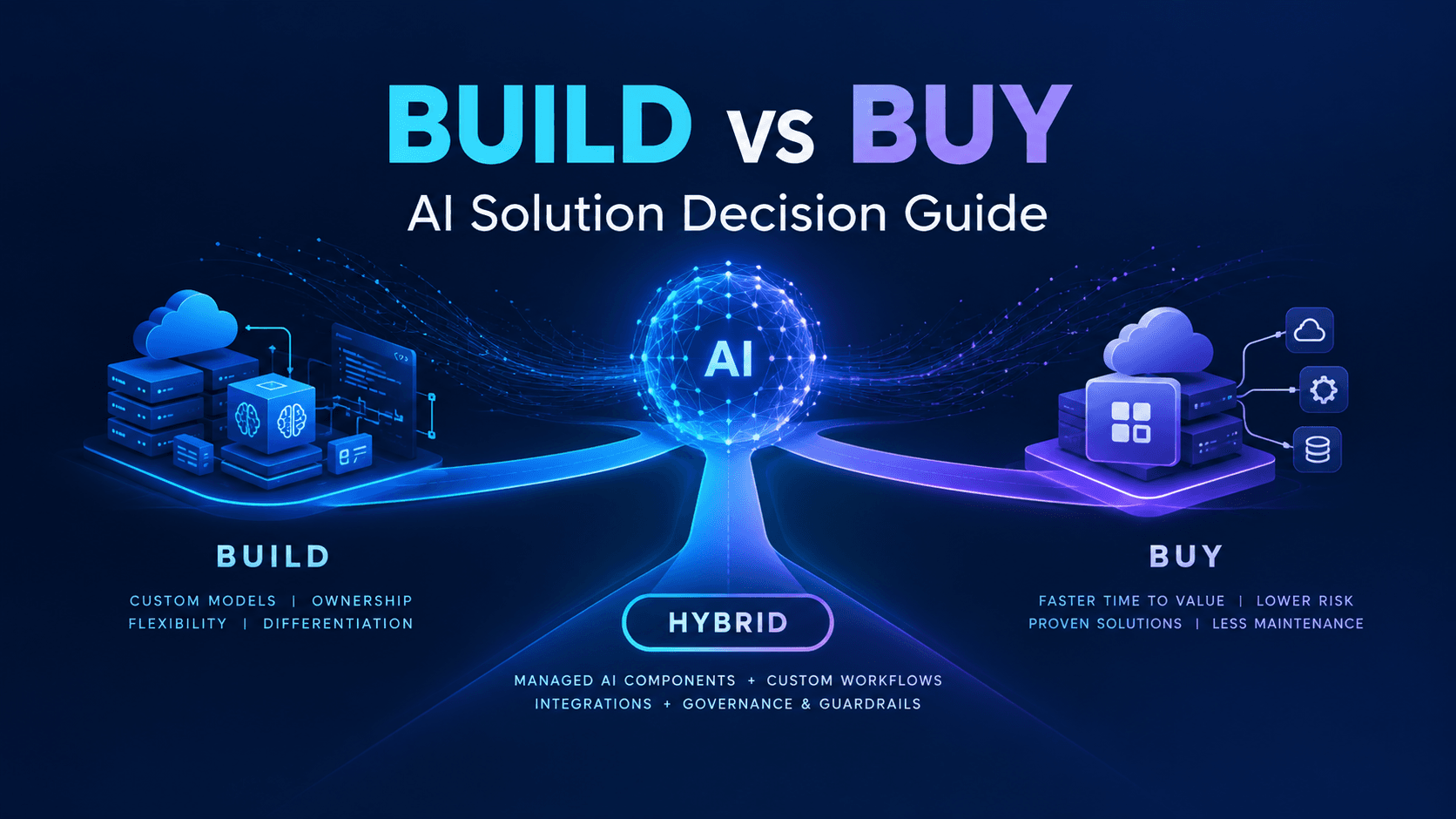
AI & Machine Learning
Build vs Buy AI Solution: A Practical Decision Guide
How to decide build vs buy ai solution for your business: costs, timelines, risks, architecture, and a practical framework for leaders.
Sep 10, 2026
Read MoreReady to Transform Your Business?
Let's discuss how our expertise can help you achieve your goals