
Cloud Computing
Zero Downtime Database Migration: Practical Guide
Learn how zero downtime database migration works, when it is realistic, key patterns, risks, timelines, and how to plan a safe cutover.

Tauseef Alam
Chief Technology Officer
Oct 20, 2026
10 min read
Zero downtime database migration means moving a live database to a new environment with no user-visible outage and no loss of committed data. In practice, that is achieved by keeping source and target systems synchronized, making the application compatible with both states during transition, and switching traffic only after validation confirms the new database is safe to serve production.
Key takeaways
- A zero downtime database migration is achieved by combining replication, application compatibility, and a controlled cutover rather than by moving data in one big step.
- The right migration pattern depends on transaction volume, latency tolerance, schema changes, and whether the source and target databases can stay synchronized during transition.
- Most migration failures come from application dependencies, hidden writes, and poor rollback planning rather than from the data copy itself.
- Blue-green releases, dual writes, change data capture, and phased cutovers are proven techniques for minimizing business disruption during database migrations.
- Typical timelines range from a few weeks for a straightforward cloud-to-cloud move to several months for complex replatforming with schema redesign and compliance constraints.
Why businesses pursue database migration without outages
For most business systems, database downtime is not just an IT inconvenience. It can interrupt orders, payments, customer support, warehouse updates, reporting pipelines, partner APIs, and internal workflows that rely on fresh data. When leaders ask for zero downtime, what they usually mean is simple: customers should keep working, staff should keep processing transactions, and the migration should not become a revenue or reputation event.
That matters even more in multi-region operations across the USA, UK, Canada, Australia, the UAE, Saudi Arabia, Qatar, and the Netherlands, where working hours span time zones and the “quiet window” may be far smaller than teams expect. A migration strategy that depends on a long overnight outage often fails once real-world dependencies are mapped. In our experience, the better question is not “Can we turn the database off for a few hours?” but “How do we move while the business keeps running?”
There are also strategic reasons to migrate beyond infrastructure age. Common drivers include moving from on-premise to AWS, Azure, or Google Cloud; replacing expensive legacy licenses; improving disaster recovery; adopting managed databases such as Amazon Aurora, Azure SQL Database, Cloud SQL, or MongoDB Atlas; and replatforming for analytics, AI, or stricter security controls. A zero-downtime approach protects those goals from being overshadowed by operational risk.
Zero downtime database migration patterns that actually work
Not every migration uses the same playbook. The pattern depends on database type, transaction rate, acceptable lag, schema complexity, and whether you are staying within the same engine or changing platforms. The most common successful patterns are:
- Native replication and controlled failover: common for PostgreSQL, MySQL, SQL Server, and Oracle when source and target are compatible.
- Change data capture, or CDC: tools stream inserts, updates, and deletes from source logs into the target. Examples include Debezium, AWS DMS, Oracle GoldenGate, SQL Server replication, and managed cloud migration services.
- Dual writes at the application layer: the app writes to both old and new databases for a transition period. This is powerful but risky if idempotency, retries, and consistency are not carefully designed.
- Blue-green database cutover: a fully prepared target runs in parallel while traffic is switched gradually or all at once after final checks.
- Expand-and-contract schema evolution: the application is updated in steps so old and new schema versions can coexist, then old structures are removed later.
The most practical migrations combine several of these. For example, a team may use CDC for continuous sync, blue-green deployment for application traffic, and expand-and-contract to avoid breaking changes during release. When we built Database Migration Platform, one of the core lessons was that migration success depends less on the copy mechanism alone and more on orchestration around validation, cutover sequencing, and operational visibility.
A critical distinction is homogeneous versus heterogeneous migration. Moving PostgreSQL to PostgreSQL or SQL Server to SQL Server is typically simpler because replication and query behavior remain closer. Moving Oracle to PostgreSQL, MySQL to Aurora PostgreSQL, or a relational model into a distributed NoSQL store introduces data type differences, transaction model changes, indexing tradeoffs, stored procedure rewrites, and application query updates. Zero downtime is still possible, but only if those changes are planned into the release sequence instead of discovered during cutover.
Planning a zero downtime database migration
The best migrations are won in discovery, not during the switch. Before choosing tools, map the system around the database: applications, background jobs, ETL pipelines, BI dashboards, partner integrations, caches, search indexing, file processors, batch imports, and operational scripts. Teams often underestimate hidden writers such as admin panels, cron jobs, or support tools that update records outside the main application path.
A useful planning framework is this step-by-step sequence:
- Define success criteria. Decide what “zero downtime” means in business terms, including acceptable replication lag, read consistency, RPO, RTO, and rollback thresholds.
- Inventory dependencies. Identify every service, query path, write path, scheduled job, and downstream consumer.
- Classify migration type. Determine whether it is homogeneous or heterogeneous, same cloud or cross-cloud, same region or multi-region.
- Analyze schema and code compatibility. Review data types, constraints, triggers, stored procedures, ORM assumptions, and SQL dialect differences.
- Choose a sync method. Select native replication, CDC, dual write, or a hybrid model based on latency and consistency requirements.
- Design cutover and rollback. Document exact decision points, who approves them, and how the old path remains recoverable.
- Rehearse in production-like staging. Use realistic data volume, traffic patterns, and failure scenarios.
Capacity planning also matters. The target database must handle not just steady-state load but migration load too: backfill reads, replication writes, validation queries, reindexing, cache warmups, and potentially duplicated application traffic. For example, a PostgreSQL migration to Amazon RDS or Aurora may require tuning WAL settings, replication slots, connection pooling with PgBouncer, autovacuum parameters, and index creation sequence. A SQL Server move may require attention to transaction log growth, tempdb behavior, linked server dependencies, and Always On architecture. These are not edge details; they are often what turns a migration from smooth to unstable.
Application changes make or break the cutover
Many leaders think of migration as a database task. In reality, the application layer usually determines whether zero downtime is realistic. If your application assumes one schema version, one connection endpoint, or one transaction pattern, a live migration becomes brittle. The safest teams make the application tolerant before they move the data.
A few proven engineering practices reduce cutover risk significantly:
- Make schema changes backward compatible first. Add new columns or tables before removing old ones.
- Separate deployment from activation. Release code paths behind feature flags so they can be turned on after validation.
- Support both old and new read paths temporarily if query models differ.
- Avoid tightly coupled migrations where a code deploy and irreversible database change must happen at the same minute.
- Use idempotent writes and durable retry logic if implementing dual writes.
- Normalize time handling, collation, encoding, and decimal precision rules across environments.
Consider a common scenario: an e-commerce platform moving from self-managed MySQL to Amazon Aurora with minimal interruption. If the application hardcodes connection behavior, depends on specific AUTO_INCREMENT patterns, and uses long-running transactions during checkout, the cutover window becomes fragile. But if the team adds read-write routing, shortens transaction scope, externalizes connection settings, and validates compatibility in advance, the same move becomes routine.
This is also where observability matters. During migration, you want dashboards for replication lag, error rates, lock contention, slow queries, deadlocks, queue depth, connection saturation, cache hit ratio, and business events such as completed orders or processed invoices. Technical health alone is not enough; the business signal confirms whether the platform still behaves correctly under real usage.
Common risks and how to avoid them
The most dangerous migration risks are often the quiet ones. A full load may complete successfully while a background service keeps writing to the old database, or a CDC pipeline may replicate rows but not preserve the exact semantics a downstream report expects. Zero downtime requires discipline across data correctness, application behavior, and operations.
Watch especially for these pitfalls:
- Hidden writes: internal tools, support scripts, and scheduled jobs can silently bypass the new path.
- Long-running transactions: they increase lag, block replication progress, and complicate cutover timing.
- Non-deterministic transformations: if source-to-target mapping changes values unpredictably, validation becomes unreliable.
- Sequence and identity drift: common in PostgreSQL, MySQL, and SQL Server after parallel loads or manual inserts.
- LOB and binary object handling: documents, images, and large text fields may stress throughput or behave differently across engines.
- Trigger, stored procedure, and function mismatch: business rules embedded in the database can be easy to miss.
- Charset and collation differences: these can affect sorting, uniqueness, and search behavior in subtle ways.
- Security gaps: new environments may expose ports, weaken secrets handling, or miss audit and retention controls.
Prevention is mostly procedural. Run repeated data validation using checksums, row counts, sampled deep comparisons, and business-rule verification rather than trusting a single pass. Freeze nonessential schema changes during the migration period. Time-box long transactions. Audit every write-capable component. Create rollback criteria before launch day, not after an issue appears. For regulated environments, make sure logging, encryption, access control, and retention policies are equivalent or stronger on the target platform.
A practical rollback plan should answer four questions clearly: what triggers rollback, how traffic is redirected, what happens to writes accepted on the new system, and how stakeholders confirm integrity after reversion. Without those answers, “we can always roll back” is usually optimistic rather than true.
Typical cost and timeline ranges
Decision-makers usually want to know whether zero downtime is worth the added complexity. The honest answer is yes for many customer-facing or operations-critical systems, but not every system needs the same level of sophistication. A low-risk internal reporting database may tolerate a planned maintenance window more economically than a 24/7 transactional platform.
Typical timelines vary by scope. A straightforward same-engine migration with modest schema change, clean application boundaries, and one or two core services may take a few weeks including rehearsal. A mid-complexity migration involving cloud replatforming, CDC setup, compatibility fixes, and staged cutover commonly runs for one to three months. Large estates with multiple applications, regional compliance constraints, stored procedure rewrites, and heavy validation often extend beyond that. Those are broad planning ranges, not guarantees.
Cost drivers are similarly predictable even though exact budgets differ by region and architecture:
- Environment duplication during transition, including compute, storage, networking, and backups
- Migration tooling or managed services such as AWS DMS, Azure Database Migration Service, Fivetran, GoldenGate, or vendor licenses
- Engineering time for application compatibility changes, testing, and runbook preparation
- Performance tuning, security hardening, observability, and data validation effort
- Cutover staffing, after-hours support, and hypercare monitoring
The mistake is to compare only infrastructure line items. The real comparison is between the cost of engineering a safe move and the business cost of outage, data inconsistency, delayed orders, missed SLAs, or a rollback under pressure. For many transactional systems, the latter is far more expensive even if it never appears directly on a cloud quote.
A practical decision framework for choosing the right approach
Executives and CTOs do not need every low-level detail, but they do need a reliable way to decide. The framework below works well for partner evaluation and internal planning.
First, score the workload across five factors: business criticality, write intensity, architecture complexity, migration distance, and compliance sensitivity. A customer billing platform with constant writes, partner integrations, and audit requirements sits at the high end and usually warrants CDC, rehearsed cutover, and stronger rollback controls. A departmental app with low write volume and limited dependencies may not justify the same machinery.
Second, choose the target-state strategy:
- Rehost if the current engine is acceptable and the goal is mainly infrastructure modernization.
- Replatform if you want managed operations, better backups, scaling, or cloud-native resilience without major query redesign.
- Refactor if the current schema, data model, or workload pattern is the root problem and the application can evolve safely.
Third, insist on evidence in four areas before approving execution:
- Compatibility proof: schema, SQL behavior, security, and application assumptions have been tested.
- Synchronization proof: the team can keep source and target aligned under realistic write load.
- Validation proof: there is a repeatable method to compare correctness, not just a successful initial copy.
- Cutover proof: there is a minute-by-minute runbook with ownership, observability, and rollback criteria.
That is the point where an experienced software and IT partner adds real value. At eSparks, the strongest migrations we see are not the ones with the fanciest tooling; they are the ones where architecture, application release strategy, cloud operations, and data engineering are treated as one coordinated system. That is what makes zero downtime achievable in production rather than just plausible in a slide deck.
Frequently Asked Questions
Is zero downtime database migration always possible?
Not always in the strictest sense. It is most realistic when the source and target can be synchronized continuously, the application can tolerate transitional states, and schema or engine differences are managed with backward-compatible releases.
What is the safest way to migrate a live production database?
The safest approach is usually a phased migration that combines continuous replication or change data capture, production-like rehearsals, explicit validation checks, and a controlled cutover with rollback criteria. Safety comes from process and compatibility planning as much as from the migration tool itself.
How long does a zero downtime database migration typically take?
A straightforward same-engine migration may take a few weeks, while more complex replatforming or cross-engine migration commonly takes one to three months or longer. The timeline depends on application changes, dependency mapping, data volume, compliance requirements, and the number of rehearsal cycles needed.
What are the biggest risks during database migration?
The biggest risks are hidden write paths, replication lag, schema incompatibilities, data validation gaps, and weak rollback planning. Most serious issues arise at the boundaries between the database and the surrounding applications, jobs, and integrations rather than from the bulk data copy alone.
Work with eSparks IT Solutions
Planning a project around this? We work with businesses in the United States, Canada and the UAE, as well as the UK and Australia. See a related project: Database Migration Platform. Explore our Cloud Computing services and portfolio, estimate your project cost, or book a free call.
Related cloud & DevOps services

Tauseef Alam
Chief Technology Officer
Passionate technology writer and industry expert with years of experience in software development, cloud computing, and digital transformation. Dedicated to sharing insights and helping developers stay ahead of the curve.
Related Topics
Continue Reading
More insights in Cloud Computing

Cloud Computing
Choosing an Oracle to PostgreSQL Migration Tool
Learn how to choose an oracle to postgresql migration tool, plan schema and code conversion, control downtime, and reduce migration risk.
Oct 19, 2026
Read More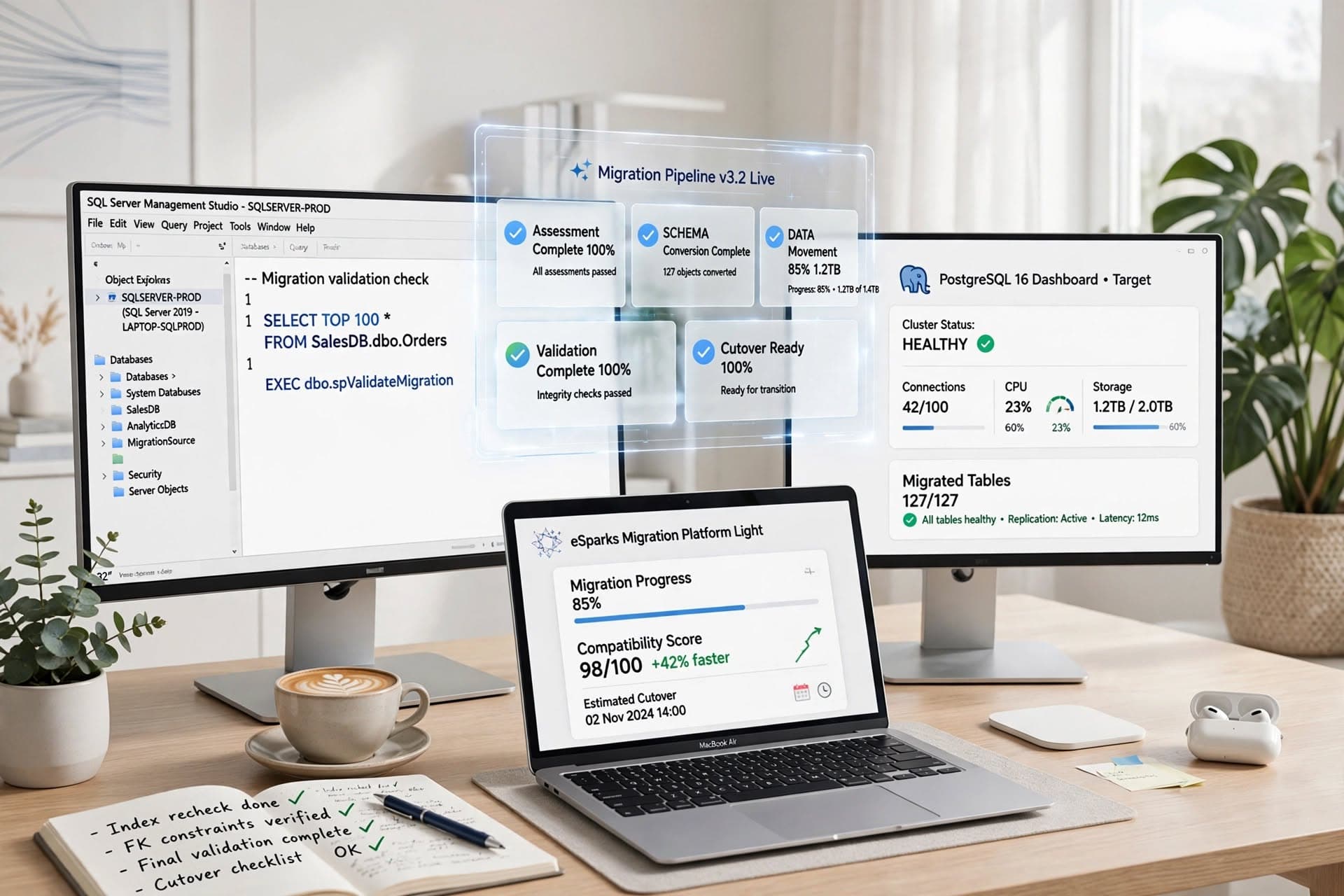
Cloud Computing
SQL Server to PostgreSQL Migration: Business Guide
A practical guide to sql server to postgresql migration, covering planning, code changes, risks, timelines, costs, and execution choices.
Oct 18, 2026
Read More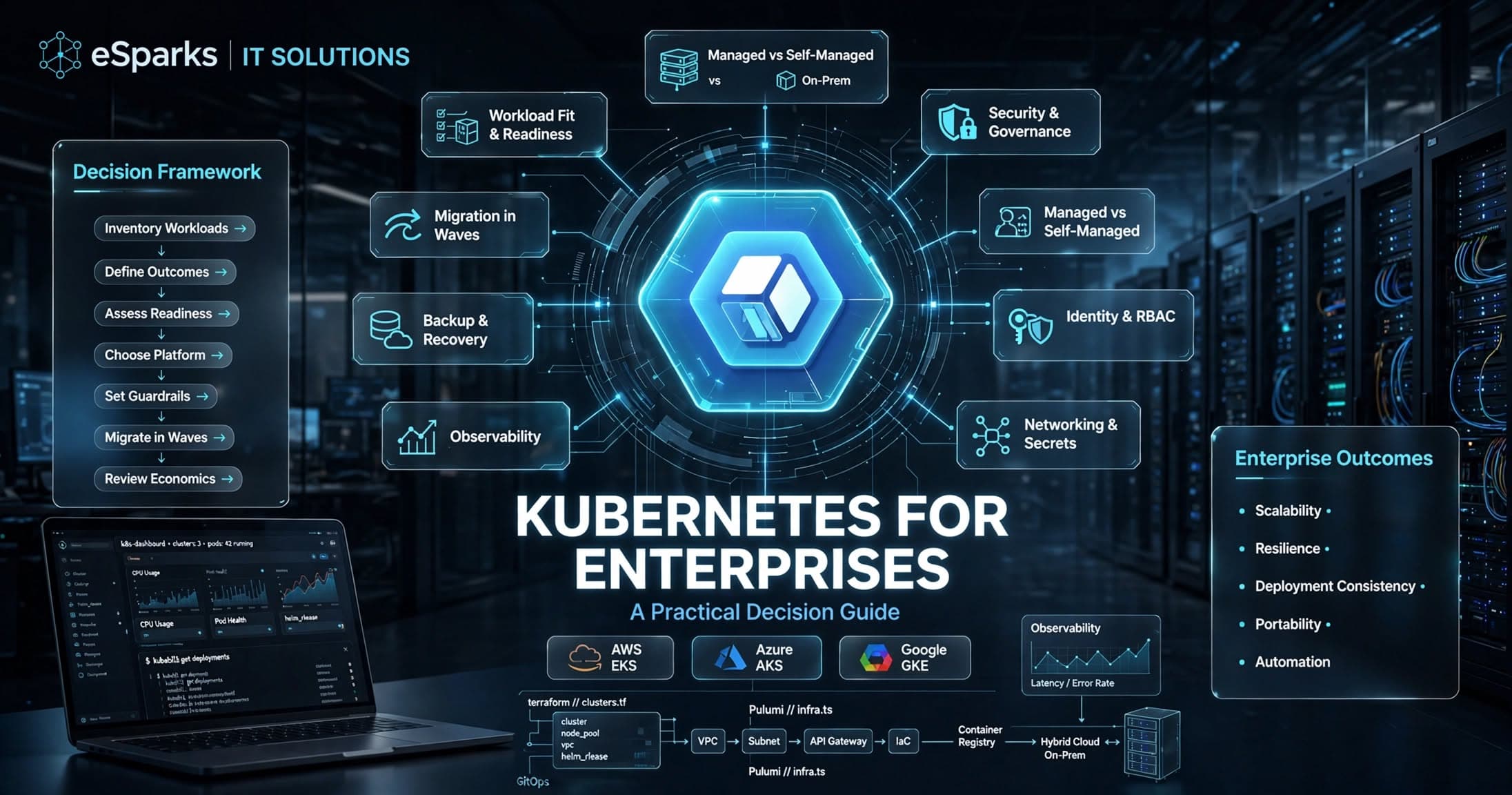
Cloud Computing
Kubernetes for Enterprises: A Practical Decision Guide
Kubernetes for enterprises can improve scalability, resilience, and release speed—but only when platform maturity, security, and operating model align.
Sep 26, 2026
Read MoreReady to Transform Your Business?
Let's discuss how our expertise can help you achieve your goals