Programming
Kiosk Mode Operating System for Business: UK Buyer's Guide
A practical UK guide to choosing a kiosk mode operating system for business, covering security, management, cost and rollout decisions.

Anika Rukhsar
Founder
Oct 14, 2026
10 min read
What is a kiosk mode operating system for business?
Key takeaways
- A kiosk mode operating system for business should lock devices to approved tasks, prevent tampering and support central remote management at scale.
- The best kiosk platform is chosen by use case, hardware constraints, offline needs, security requirements and the operational skills of the internal IT team.
- Browser-only lockdown is rarely enough for business-critical kiosks; enterprises usually need device-level controls, auto-recovery and fleet visibility.
- Typical kiosk projects succeed when teams decide update policy, user session rules, peripheral support and remote support workflows before deployment.
- For many organisations, total cost depends less on licence price and more on device lifespan, support model, rollout effort and failure recovery time.
A kiosk mode operating system for business is a locked-down software environment that restricts a device to a defined set of tasks, apps or websites, while blocking unwanted user actions and reducing security risk. In practice, businesses use it to turn standard hardware into stable single-purpose or limited-purpose endpoints for self-service, staff workflows, digital signage, check-in, point-of-sale, visitor management or secure workspace access.
For UK organisations, the real decision is not simply whether to enable kiosk mode on a tablet or PC. It is whether the operating system, management tooling and support model together can deliver reliable uptime, controlled updates, auditability, peripheral compatibility and data protection across many locations. That is what separates a demo setup from an enterprise-ready deployment.
Why businesses use kiosk systems, and where they fail
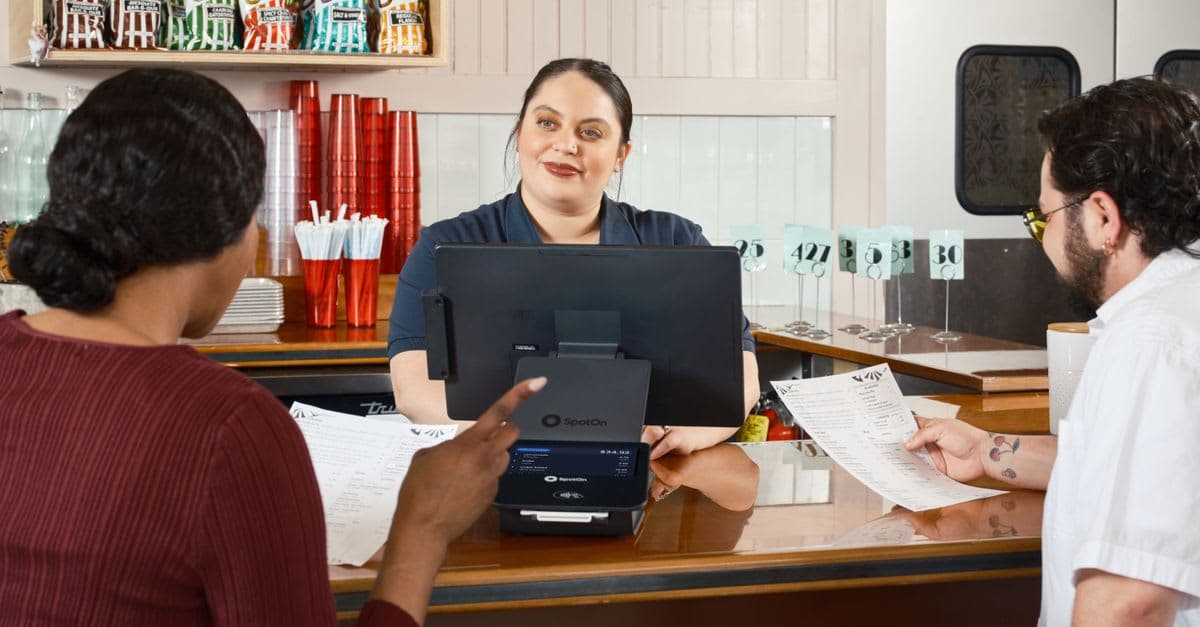
Most decision-makers look at kiosk software because they want simpler user journeys and fewer support calls. Common examples include reception check-in in an office, queue management in healthcare, catalogue browsing in retail, order placement in hospitality, and factory floor terminals where staff only need one internal web app. A proper kiosk setup reduces distraction, shortens training time and prevents casual misuse because users cannot wander into settings, install software or browse unrelated sites.
The business case is often strongest where devices are shared, public-facing or remotely deployed. A locked-down terminal can let you standardise workflows across branches, franchise locations, warehouses or customer sites. It can also extend the life of commodity hardware if the software footprint is lightweight and tightly controlled.
Where projects fail is usually operational, not conceptual. We repeatedly see the same issues:
- Treating kiosk mode as just a browser setting rather than a managed endpoint strategy
- Choosing hardware before confirming barcode scanner, printer, camera, NFC or touchscreen compatibility
- Ignoring offline behaviour, session timeouts and crash recovery
- Allowing unrestricted local admin access for convenience during rollout
- Pushing operating system updates without staged testing
- Underestimating the importance of remote diagnostics and device health monitoring
In other words, the kiosk itself may look simple to the end user, but the underlying estate is still an IT platform. If nobody owns patching, certificates, content updates, peripheral drivers and incident response, the long-term support cost can outweigh the initial savings.
How to choose a kiosk mode operating system for business
The right kiosk mode operating system for business depends on the workload, the environment and who will manage it after go-live. There is no universal best option; there are only better fits for specific constraints.
Start by narrowing the workload type:
- Web kiosk: for SaaS apps, portals, booking tools, forms or dashboards accessed via Chromium, Edge or another hardened browser
- Native app kiosk: for Android, Windows or Linux applications that need local device features, offline processing or specialised peripherals
- Virtual desktop or thin client kiosk: for secure access to centrally managed Windows desktops, Linux sessions or published apps
- Multi-app controlled mode: for staff devices that need a small approved set of tools rather than a single app
Then compare operating system paths realistically:
- Windows kiosk mode: often chosen where businesses rely on legacy Windows software, domain integration, Active Directory, Microsoft Intune, Entra ID, Group Policy or specialist USB peripherals. It is flexible, but can become heavy if you do not carefully control updates, shell replacement and local user permissions.
- Android kiosk mode: strong for tablets, rugged handhelds, digital signage and purpose-built devices. Android Enterprise with an MDM can provide single-app or multi-app control, policy enforcement and remote support, but peripheral support varies by vendor.
- Linux-based kiosk or thin client OS: attractive when you want a lightweight, locked-down footprint, predictable boot behaviour and strong control over the stack. It is often a good fit for browser-based or VDI scenarios, especially where hardware varies or devices need to be centrally orchestrated.
- ChromeOS or browser-centric models: suitable for some web-first estates, though enterprises should validate identity integration, offline behaviour, peripheral support and policy depth against their use case.
In our experience, the most reliable shortlist emerges when you score each option against these practical criteria:
- Required apps and whether they are web, native or virtualised
- Peripheral support: receipt printers, scanners, scales, card readers, webcams, signature pads
- Identity and access: SSO, conditional access, certificate-based auth, local account restrictions
- Central management: policy push, remote wipe, remote shell, logs, inventory, health status
- Recovery features: watchdogs, auto-login, app relaunch, immutable images, rollback
- Network reality: offline mode, local caching, flaky Wi-Fi, 4G or 5G fallback
- Compliance expectations: device encryption, audit logs, patch governance, GDPR handling
- Support operating model: who maintains images, packages updates and troubleshoots incidents
Security, compliance and resilience: what matters in the UK
For UK businesses, kiosk security is not just about stopping users from opening the Start menu or home screen. The bigger concern is controlling data exposure, privileged access and recoverability when a device is unattended, public-facing or spread across multiple sites. A kiosk should be assumed to be physically accessible to unauthorised people, so the software design must limit the blast radius of any compromise.
A solid baseline usually includes:
- Full device encryption where supported
- Secure boot or verified boot
- Locked BIOS or UEFI settings with password protection
- Restricted local ports and removable media policies where appropriate
- Application allowlisting rather than broad blacklisting
- MDM or endpoint management for policy enforcement and inventory
- Centralised logging and alerting for failed check-ins, tamper events or repeated app crashes
- Certificate lifecycle management for secure internal service access
- Network segmentation for kiosks that talk to internal systems
If the kiosk handles personal data, the design should also reflect UK GDPR principles such as data minimisation, access control and defined retention. For example, a visitor check-in kiosk should not display prior users' information, store images unnecessarily or allow back-navigation into completed forms. Session reset and privacy screen behaviour matter more than many teams expect.
Resilience is equally important. A business kiosk should recover from power loss, unstable networks and failed app launches without manual intervention wherever possible. Watchdog services, read-only system partitions, containerised app delivery, staged rollouts and known-good rollback images are practical controls. When we built ThinClient OS + Fleet Manager, one of the clearest lessons was that fleet visibility and predictable recovery matter as much as the lock-down itself; a secure device you cannot rapidly diagnose still creates operational risk.
Architecture choices: local app, browser, VDI or thin client
A common mistake is to choose the operating system before deciding the delivery model. In reality, architecture drives the kiosk requirements more than branding does.
A browser-based kiosk can be the fastest route if your application is already responsive, reliable and secure in modern browsers. It works well for booking systems, customer portals, dashboards and internal workflow tools. But browser-only deployments need hardening beyond fullscreen mode: disable unwanted navigation, restrict downloads, control pop-ups, manage certificates, pin allowed URLs and define behaviour if the start page fails to load.
A native local app is better when you need richer peripheral access, lower latency or true offline support. Examples include warehouse scanning, manufacturing workstations, mobile checklists or retail devices interacting with local hardware. The trade-off is packaging, update management and testing effort across device models.
VDI or published applications can simplify application control if the estate already uses Azure Virtual Desktop, Windows 365, Citrix or VMware Horizon. This model can improve data centralisation and standardisation, especially for shared terminals. However, it adds dependency on stable connectivity, identity flows and backend capacity planning. Thin client approaches sit in a useful middle ground: the endpoint remains locked and lightweight, while the primary workload runs centrally. This can be ideal for task workers, branch terminals and secure third-party environments.
As a quick rule of thumb:
- Choose browser kiosk if the app is web-first and peripherals are simple
- Choose native kiosk if hardware integration or offline work is essential
- Choose VDI or thin client if central control and data isolation matter most
- Choose multi-app managed mode if staff need a small but fixed toolset
A step-by-step decision framework for buyers
If you are evaluating partners or products, use a structured decision process rather than product demos alone. Demos tend to hide the edge cases that cause trouble later.
-
Define the exact user journey. List what the user must do, what they must never do, how a session starts and ends, and what happens if they walk away mid-task. Include timeouts, accessibility needs, language options and any requirement for receipt printing, scanning or identity checks.
-
Map the environment. Document where devices will live: reception desk, warehouse, shop floor, public concourse, clinic, meeting room or vehicle. Note physical tamper risk, power stability, connectivity quality, cleaning requirements and whether peripherals are fixed or swapped.
-
Select the application delivery model. Decide whether the workload is web, native, multi-app or virtual desktop. This one decision narrows the OS and management tooling significantly.
-
Define control requirements. Decide who can remotely support the device, who can change policies, how updates are approved, and whether local admin access is ever permitted. Also define reboot rules, self-healing behaviour and expected audit logs.
-
Run a pilot with failure scenarios. Do not only test the happy path. Simulate network loss, power cycling, app crashes, broken peripherals, expired certificates and user misuse. If a non-technical staff member cannot recover the device with simple steps, the support model needs improvement.
-
Price the whole lifecycle. Include device procurement, image creation, MDM or management licences, peripheral testing, secure mounting, connectivity, support tooling, monitoring and replacement handling. A lower software licence can still produce a higher total cost if the platform is harder to manage.
Typical estimates, as a planning guide rather than a promise, look like this:
- Small pilot with one simple web kiosk workflow: often a few weeks
- Mid-sized production rollout with peripheral testing and remote management: often one to three months
- Estate-wide transformation with custom OS image, MDM integration, identity controls and support workflows: often several months
Costs vary widely by hardware, scale and customisation. A standard tablet kiosk managed through an existing MDM may be relatively modest. A custom thin client estate with bespoke policy controls, central fleet management and specialist peripherals is a different class of project. Buyers should ask for assumptions, exclusions and operational responsibilities, not just implementation pricing.
Common pitfalls, migration advice and what good partners do differently
Many organisations already have ad hoc kiosk setups: a Windows PC with auto-login, a pinned browser tab, a local admin password shared across sites, and no real monitoring. These deployments can limp along for months until a browser update, expired cert or user tampering causes a visible outage. Migration does not always require replacing everything, but it does require standardisation.
The fastest wins usually come from:
- Removing unnecessary local privileges
- Standardising a known-good image or baseline policy set
- Moving configuration into central management
- Adding health checks, reboot windows and alerting
- Separating kiosk content changes from OS-level changes
- Testing every critical peripheral across the actual device models in use
For partner evaluation, business buyers should look beyond generic software capability decks. Ask how the team handles image hardening, unattended provisioning, zero-touch enrolment, certificate renewal, remote diagnosis, log collection, rollback and staged releases. Ask what happens when a branch loses internet, when a scanner model changes, or when a security patch conflicts with the kiosk app. The quality of these answers tells you far more than a polished demo.
At eSparks, we have found that the best kiosk engagements are framed as endpoint platforms, not one-off app wrappers. That means designing for supportability from day one: clear ownership, controlled updates, realistic pilots and architecture choices aligned to the business process. When that discipline is in place, kiosk systems become dependable operational tools rather than fragile exceptions inside the IT estate.
Frequently Asked Questions
What is the difference between kiosk mode and a normal locked-down device?
Kiosk mode usually restricts a device to one app, one website or a tightly controlled set of tasks, with the user interface simplified and escape routes removed. A normal locked-down device may still allow broader navigation, background apps or user settings, so it is less suitable for public-facing or highly controlled workflows.
Is Windows or Android better for a business kiosk?
Neither is universally better; the right choice depends on application type, peripheral requirements, support model and management tooling. Windows is often better for legacy apps and specialised hardware, while Android is often better for tablets, rugged devices and simpler app-based deployments.
Can a kiosk operating system work offline?
Yes, but only if the application and device design support offline behaviour deliberately. Businesses should confirm local caching, queued transactions, certificate handling, session recovery and what the user sees when connectivity returns.
How much customisation does a business kiosk usually need?
Simple browser kiosks may need only policy configuration, branding and remote management setup, while enterprise kiosks often require custom imaging, identity integration, peripheral testing and support automation. The more locations, device types and business-critical dependencies involved, the more important standardisation and tailored controls become.
Work with eSparks IT Solutions
Planning a project around this? We help businesses across the USA, UK, Canada, Australia and the GCC ship it. See how we work with clients in the UK. See a related project: ThinClient OS + Fleet Manager. Explore our Programming services and portfolio, estimate your project cost, or book a free call.
Related development services

Anika Rukhsar
Founder
Passionate technology writer and industry expert with years of experience in software development, cloud computing, and digital transformation. Dedicated to sharing insights and helping developers stay ahead of the curve.
Related Topics
Continue Reading
More insights in Programming
Programming
Endpoint Fleet Management Software: Buyer’s Guide
Learn how to evaluate endpoint fleet management software for security, patching, compliance, automation, and long-term IT operations.
Oct 13, 2026
Read More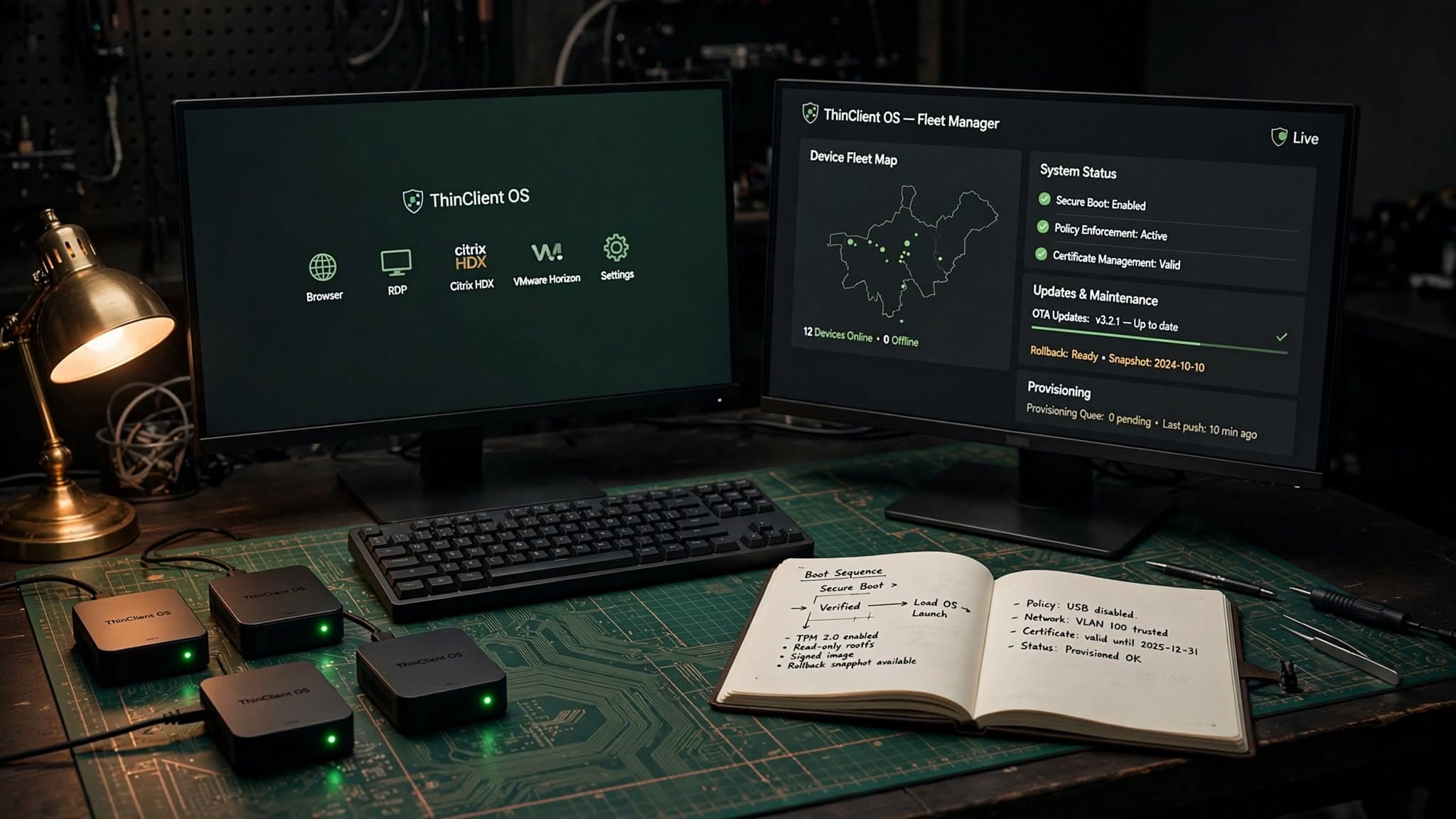
Programming
Linux Thin Client Operating System: Buyer’s Guide
A practical guide to choosing a linux thin client operating system for secure, manageable endpoint fleets across VDI, kiosks and remote work.
Oct 12, 2026
Read More
Programming
Thin Client Management Software: A CTO Buyer’s Guide
Learn how to evaluate thin client management software for security, updates, VDI access, device control, and long-term operating cost.
Oct 11, 2026
Read MoreReady to Transform Your Business?
Let's discuss how our expertise can help you achieve your goals