Programming
Endpoint Fleet Management Software: Buyer’s Guide
Learn how to evaluate endpoint fleet management software for security, patching, compliance, automation, and long-term IT operations.

Anika Rukhsar
Founder
Oct 13, 2026
10 min read
Endpoint fleet management software is the control layer businesses use to deploy, secure, update, monitor, and support large numbers of devices from one place. For decision-makers, the real question is not whether you need it, but which platform and operating model will reliably manage your mix of laptops, mobiles, kiosks, thin clients, and remote endpoints without creating security gaps or support bottlenecks.
Key takeaways
- Endpoint fleet management software centralizes device provisioning, patching, policy enforcement, monitoring, and remote support across laptops, mobiles, kiosks, and thin clients.
- The best platform is not the one with the longest feature list; it is the one that fits your operating systems, identity stack, compliance needs, and support workflow.
- A successful rollout depends as much on packaging, policy design, identity integration, and exception handling as it does on the software itself.
- Typical enterprise deployments take weeks for straightforward environments and several months for complex, multi-region fleets with legacy apps and stricter controls.
- Zero-touch enrollment, role-based access control, audit logs, encryption enforcement, and reliable patch orchestration are baseline requirements, not nice-to-have extras.
What endpoint fleet management actually covers
At a practical level, endpoint fleet management is broader than classic device management. It usually combines endpoint provisioning, software distribution, patching, configuration enforcement, remote access, health monitoring, asset visibility, and policy-based security controls. In modern environments, that may span Windows laptops in corporate offices, macOS devices for design teams, Linux workstations for engineering, Android tablets in the field, iPads for retail, and purpose-built devices such as kiosks or thin clients.
The best teams think in terms of lifecycle management, not just administration. That lifecycle starts with enrollment and identity binding, continues through app delivery and patch orchestration, and ends with secure decommissioning, certificate revocation, and data wipe. If you only solve enrollment or only solve patching, you still leave a lot of operational risk on the table.
For business leaders, the value usually shows up in four places:
- Lower support friction through centralized policies and remote remediation
- Better security posture through patch compliance, encryption, and access controls
- Faster onboarding for employees, contractors, and branch sites
- Cleaner visibility into asset state, software versions, and operational exceptions
How to evaluate endpoint fleet management software
When buyers compare tools, they often get distracted by feature matrices. A better approach is to start with operating reality: what devices you own, who uses them, how they authenticate, what apps they need, and how tightly they must be controlled. A platform that works well for a mostly Windows office fleet may be a poor fit for multi-OS environments, frontline devices, or highly locked-down regulated workflows.
A useful evaluation framework is to score each candidate across these eight areas:
- Device and OS coverage
- Windows, macOS, Linux, Android, iOS/iPadOS, ChromeOS, thin clients, kiosks
- Support for BYOD, corporate-owned, shared, and offline-first devices
- Enrollment and provisioning
- Zero-touch enrollment such as Windows Autopilot, Apple Automated Device Enrollment, Android Enterprise, Samsung Knox Mobile Enrollment
- Golden image alternatives using configuration-as-code, package automation, and policy-based setup
- Application and patch management
- MSI, PKG, DMG, mobile app store, containerized delivery, custom scripts
- OS updates, third-party app patching, staged rings, rollback options, maintenance windows
- Identity and access integration
- Microsoft Entra ID, Okta, Google Workspace, LDAP or hybrid AD
- Role-based access control, conditional access, device compliance signals
- Security and compliance controls
- Full-disk encryption, certificate management, firewall baselines, USB restrictions, browser policies, local admin controls
- Audit logs, tamper alerts, CIS-aligned hardening, evidence export for ISO 27001, SOC 2, HIPAA, or regional controls
- Remote support and observability
- Remote shell, screen sharing, unattended access, command execution, diagnostics, log collection
- Health metrics such as battery, storage, CPU load, service status, failed updates, and reboot debt
- Automation and extensibility
- API quality, webhook support, event triggers, workflow tools, Terraform or infrastructure automation integrations
- Integration with SIEM, ITSM, CMDB, ticketing, and vulnerability tools
- Commercial and operating model fit
- Licensing model, minimum commitments, hidden module costs, regional hosting options
- Internal skill requirements, managed service needs, and migration complexity
This method is more reliable than asking, “Which tool is best?” The right answer depends heavily on whether you are standardizing a few hundred office endpoints, replacing fragmented tooling after M&A, or managing distributed branch devices with strict uptime and remote support requirements.
Core capabilities every serious platform needs
Any shortlist should include a few non-negotiables. First is dependable policy enforcement. It is not enough to define a configuration profile; the platform must continuously report drift, retry failed enforcement, and distinguish between temporary noncompliance and structural incompatibility. Good tools show why a policy failed, on which subset of devices, and what remediation path is available.
Second is mature patch orchestration. In real environments, patches fail because of disk constraints, pending reboots, VPN dependence, conflicting agents, application lock files, and user deferrals. Look for update rings, blackout windows, peer distribution or caching, bandwidth controls, and the ability to separate critical security updates from lower-priority feature releases. For third-party applications, catalog quality matters as much as the patching engine itself.
Third is identity-aware access control. Device management cannot live in a silo anymore. The management layer should integrate with identity providers and access policies so device compliance can influence who gets access to email, source code, production consoles, or customer data. That usually means aligning device state with SSO, MFA, certificate trust, and conditional access policies.
A strong platform should also support:
- Secure baseline templates for Windows, macOS, and mobile platforms
- Secrets and certificate handling without manual distribution
- Remote wipe and selective wipe for lost or offboarded devices
- Software inventory with version visibility and license awareness
- Detailed audit trails for admin actions and policy changes
- API access for automation, reporting, and integration
- Tenant or environment separation for subsidiaries, clients, or business units
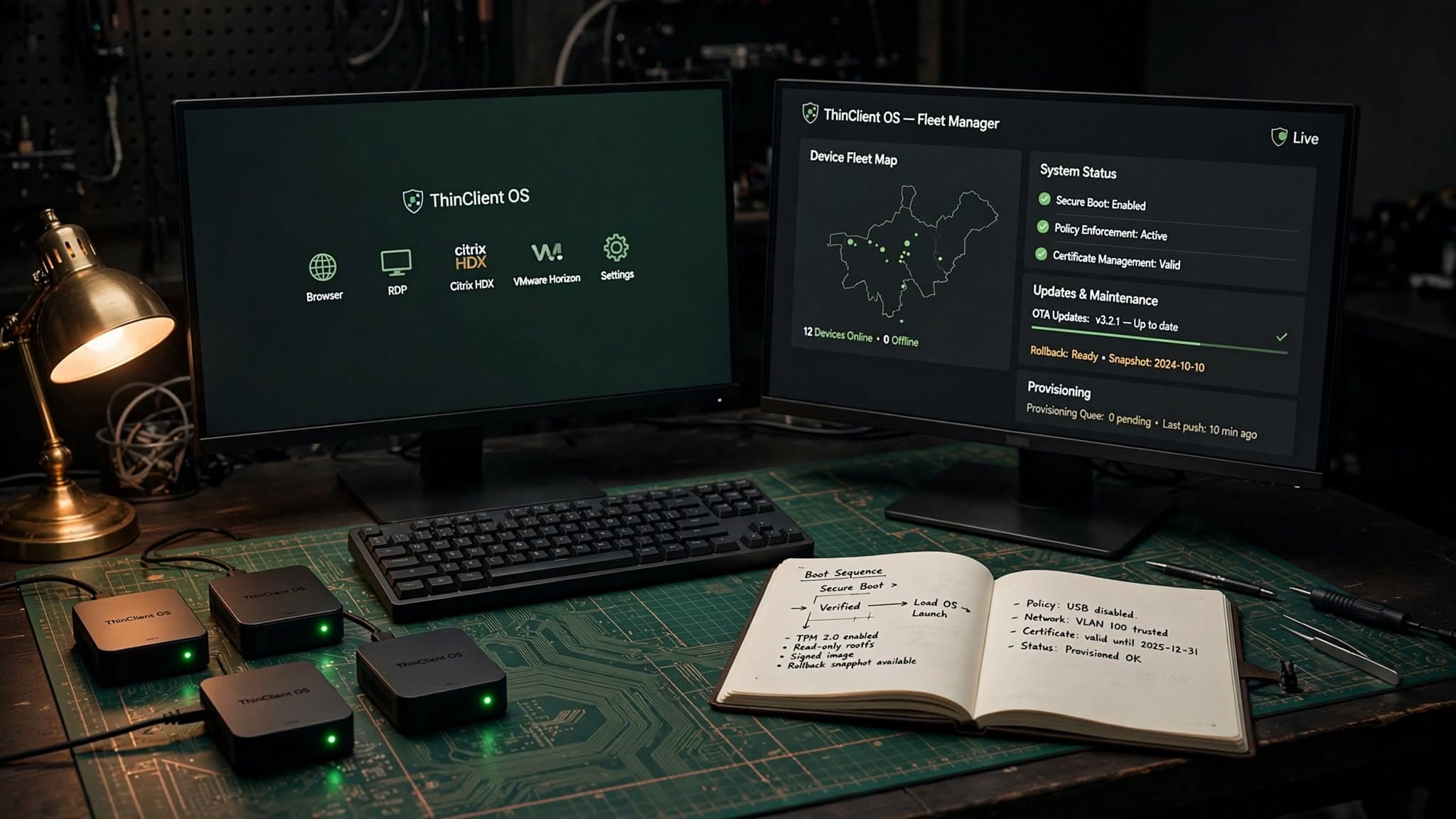
In our experience, buyers often underestimate packaging and software delivery. Even when the management product is good, poorly packaged applications create silent failures, broken upgrades, and endless exceptions. When we built ThinClient OS + Fleet Manager, a major lesson was that reliable fleet operations depend on clear policy layers, deterministic update behavior, and remote recovery paths just as much as on the dashboard itself.
Endpoint fleet management software for security and compliance
Security teams typically care less about the presence of an agent and more about enforceable controls with evidence. That means being able to answer simple but critical questions quickly: Which devices are missing this patch? Which machines have encryption disabled? Which users still have local admin rights? Which devices have not checked in for seven days? A platform that cannot answer those questions cleanly becomes a reporting problem as well as a security problem.
For regulated or security-conscious organizations, pay special attention to baseline hardening and auditability. Mature tools should help enforce settings aligned to common frameworks such as CIS Benchmarks and support evidence collection for internal audits. The goal is not blind lock-down. It is controlled standardization with a documented exception process for engineering teams, specialized software, or field hardware that cannot follow the default profile.
Common security controls worth validating during a proof of concept include:
- Full-disk encryption enforcement with escrowed recovery keys
- OS firewall policies and endpoint protection interoperability
- Local privilege management and just-in-time elevation options
- Browser hardening for Chrome, Edge, Safari, or Firefox
- USB and peripheral restrictions where needed
- Certificate deployment for Wi-Fi, VPN, and internal apps
- Geofenced or network-aware policies for sensitive environments
- Integration with SIEM tools for compliance and incident workflows
A frequent mistake is piling on too many controls at once. If you introduce encryption, conditional access, VPN certificates, browser restrictions, app allowlisting, and OS upgrades in a single wave, troubleshooting becomes slow and politically expensive. Sequence the rollout so your teams can isolate issues and support users properly.
Costs, timelines, and operating trade-offs
Business stakeholders usually want a concrete answer on budget and timeline. In practice, costs vary by fleet size, platform mix, geographic spread, compliance burden, and how much legacy cleanup is required. Typical spend includes software licensing, implementation, policy design, app packaging, migration effort, integrations, pilot support, and ongoing administration. If you are replacing multiple overlapping tools, some of that cost can be offset by consolidation, but the transition still needs planning.
For a relatively standard environment, such as a few hundred cloud-managed laptops with mainstream SaaS apps, a basic rollout may take several weeks from design to pilot and broader deployment. More complex programs often take several months, especially when they include hybrid identity, on-prem applications, multiple operating systems, custom packaging, strict security controls, or global support windows. The migration gets harder if your current fleet has inconsistent naming, poor inventory hygiene, local admin sprawl, or devices that rarely connect to the corporate network.
The main operating model choices are:
- In-house management: best when you already have endpoint engineering maturity and time for ongoing tuning
- Co-managed: a good middle ground if your internal team wants control over policy but needs implementation or escalation support
- Fully managed: useful when endpoints are business-critical but your IT team is focused elsewhere
Whichever model you choose, budget for the hidden work:
- Application rationalization and package cleanup
- Policy testing across different user groups and device models
- User communications and reboot/update expectations
- Legacy exception handling
- Documentation, runbooks, and handoff training
Common pitfalls and how to avoid them
The first pitfall is treating the tool purchase as the project. The actual project is standardization. If your device naming, software ownership, access model, and onboarding process are all inconsistent, the platform will expose that mess rather than fix it. Start with a clean device taxonomy, ownership model, and minimum supported OS policy.
The second pitfall is underestimating app dependencies. A finance app might rely on an old Java runtime; a warehouse label printer may need a vendor-specific driver; a design team may require kernel extensions on macOS; a field app may break under aggressive battery or network restrictions. These are not edge cases. They are the reason pilots matter.
The third pitfall is weak exception management. Every fleet has devices that cannot follow the standard path right away. Instead of bypassing the system completely, create controlled exception classes with expiration dates, compensating controls, and explicit owners. That preserves visibility while you work through constraints.
A practical way to reduce risk is to stage the rollout in this order:
- Discovery
- Inventory devices, operating systems, users, ownership, apps, and security gaps
- Baseline design
- Define device groups, enrollment methods, patch rings, access roles, and mandatory controls
- Pilot
- Start with IT and technically tolerant departments; test remote workers, office staff, and at least one edge-case workflow
- Packaging and automation
- Standardize core applications, scripts, certificates, and remediation workflows
- Security layering
- Add encryption, privilege controls, browser policies, and conditional access in sequence
- Scale-out
- Roll out by region, business unit, or device type with support windows and rollback plans
- Operate and optimize
- Track policy drift, failed updates, stale devices, and recurring support issues; tune continuously
A practical decision framework for choosing a partner
If you are not just buying software but selecting an implementation or managed services partner, judge them by operating depth, not presentation polish. A credible partner should be able to discuss package formats, update rings, certificate workflows, remote support constraints, logging, RBAC design, Apple and Microsoft enrollment nuances, and how to handle unreliable networks or shared devices. They should also be comfortable talking through failure scenarios, not just ideal demos.
During evaluation, ask questions that reveal execution capability:
- How do you package and test line-of-business applications across environments?
- How do you handle rollback when a patch causes business disruption?
- What is your approach to local admin rights and developer exceptions?
- How do you integrate device compliance with identity and access controls?
- What logs, dashboards, and alerts do you set up on day one?
- How do you manage branch, kiosk, or thin-client devices with intermittent connectivity?
- What evidence can you provide for auditability without exposing client-sensitive data?
A good answer includes trade-offs. For example, zero-touch enrollment is excellent, but not every legacy app fits that model. Tight lockdown improves control, but it can frustrate engineering teams unless there is a clear elevation path. Cloud-native management simplifies remote operations, but some industries still need hybrid patterns for specific systems.
At eSparks, we generally advise clients to favor platforms and partners that make day-two operations easier, not just deployment day smoother. The long-term win comes from repeatable policies, clean observability, documented exceptions, and automation that reduces manual support work without sacrificing control.
Frequently Asked Questions
What is endpoint fleet management software?
Endpoint fleet management software is a centralized platform used to provision, configure, secure, patch, monitor, and support large numbers of business devices. It typically covers laptops, desktops, mobile devices, kiosks, and thin clients across multiple operating systems.
How is endpoint fleet management different from MDM?
MDM usually focuses on mobile device control and basic policy enforcement, while endpoint fleet management is broader and lifecycle-oriented. It often includes software packaging, desktop patching, remote support, asset visibility, compliance reporting, and automation across both mobile and traditional endpoints.
How long does an endpoint fleet management rollout usually take?
A straightforward rollout for a relatively standardized environment can often be completed in several weeks, especially if identity and application packaging are already clean. More complex programs commonly take several months when they involve multiple operating systems, legacy apps, hybrid identity, or stricter compliance controls.
What should businesses prioritize when choosing a platform?
Businesses should prioritize device and OS coverage, zero-touch enrollment, patch reliability, identity integration, security controls, API extensibility, and auditability. The right platform should fit the organization’s actual operating model rather than simply offering the largest feature list.
Work with eSparks IT Solutions
Planning a project around this? We help businesses across the USA, UK, Canada, Australia and the GCC ship it. See how we work with clients in the USA. See a related project: ThinClient OS + Fleet Manager. Explore our Programming services and portfolio, estimate your project cost, or book a free call.
Related development services

Anika Rukhsar
Founder
Passionate technology writer and industry expert with years of experience in software development, cloud computing, and digital transformation. Dedicated to sharing insights and helping developers stay ahead of the curve.
Related Topics
Continue Reading
More insights in Programming
Programming
Linux Thin Client Operating System: Buyer’s Guide
A practical guide to choosing a linux thin client operating system for secure, manageable endpoint fleets across VDI, kiosks and remote work.
Oct 12, 2026
Read More
Programming
Thin Client Management Software: A CTO Buyer’s Guide
Learn how to evaluate thin client management software for security, updates, VDI access, device control, and long-term operating cost.
Oct 11, 2026
Read More
Programming
How to Import Tally Data Into New Accounting Software
Learn how to import tally data into new accounting software with a practical migration plan, risks, tools, timelines and validation steps.
Oct 10, 2026
Read MoreReady to Transform Your Business?
Let's discuss how our expertise can help you achieve your goals