AI & Machine Learning
Harnessing AI for Small Business: Tips to Cut Operational Costs
Harnessing AI for Small Business: Tips to Cut Operational Costs with practical steps, tools, risks, and decision frameworks for leaders.

Tauseef Alam
Chief Technology Officer
- Published
- Jun 15, 2026
- Reading time
- 10 min read

Harnessing AI for Small Business: Tips to Cut Operational Costs starts with a simple idea: use AI where your team spends time repeating the same decisions, drafts, classifications, and lookups. The fastest savings usually come from reducing manual admin, shortening response times, and preventing errors that trigger rework. For most small businesses, that means practical automation before advanced machine learning.
Key takeaways
- AI cuts operational costs best when it targets repetitive work, not when it is added as a vague innovation project.
- The most practical small-business AI use cases are customer support triage, document processing, forecasting, workflow automation, and internal search.
- A good AI pilot should have a clear owner, measurable baseline, data access controls, and a rollback plan before it starts.
- Human review is still essential for customer-facing and compliance-sensitive workflows, especially when AI influences money, contracts, or service decisions.
- The cheapest AI program is the one that uses existing tools, clean data, and narrow use cases instead of custom models from day one.
Where AI actually lowers operating costs
The biggest mistake leaders make is treating AI as a single initiative rather than a set of targeted tools. In practice, cost reduction comes from a few specific categories: automating repetitive office work, improving decision speed, reducing support load, and helping teams find information faster. If a task happens every day, follows a pattern, and does not require deep judgment, it is usually a candidate.
Common examples include customer support triage, invoice extraction, proposal drafting, meeting summaries, document classification, inventory forecasting, and knowledge search across policies or internal files. These use cases do not require a research lab. They often use existing platforms such as Microsoft Copilot, Google Workspace AI features, OpenAI-based assistants, AWS Bedrock, Azure OpenAI, or workflow automation tools like Power Automate, Zapier, Make, and n8n.
The best way to think about savings is through hours removed, mistakes avoided, and cycle times shortened. A ten-person company that saves even a few staff hours per week on admin, quoting, reporting, or support routing can often reallocate meaningful capacity without hiring. That does not always mean cutting headcount; more often, it means delaying hiring, improving service levels, or giving managers more time for revenue work.
Harnessing AI for Small Business: Tips to Cut Operational Costs in the right places
Start by mapping tasks with high repetition and clear inputs. We usually recommend looking at five operational buckets: customer service, finance and admin, sales operations, internal knowledge management, and IT operations. If a workflow includes copy-paste between systems, repeated document checks, or frequent status questions, AI can usually help.
Here are the most practical cost-saving use cases for small and mid-sized companies:
- Customer support: AI can classify tickets, suggest replies, summarize long threads, and route issues to the right team.
- Finance and admin: AI can read invoices, extract fields, flag duplicates, and draft payment follow-ups.
- Sales operations: AI can summarize calls, draft proposals, and update CRM records from meeting notes.
- Knowledge access: AI search can answer questions from SOPs, policies, product docs, and onboarding materials.
- IT and operations: AI can help draft runbooks, summarize incidents, detect anomalies, and speed up internal support.
The most cost-effective deployments are narrow and measurable. For example, instead of asking AI to run all customer communication, use it to draft first-pass responses for common questions, with a human approving anything sensitive. Instead of automating all document processing, start with one form type, such as vendor invoices or onboarding packets, and measure how much manual review remains.
A practical decision framework for choosing AI initiatives
A good AI initiative should pass a simple decision test before anyone writes code or buys licenses. First, ask whether the process is frequent enough to matter. Second, check whether the work is pattern-based enough for AI to assist. Third, confirm that the team has access to the necessary data and that the data quality is acceptable. Fourth, decide who owns review, exceptions, and escalation.
A useful framework is to score each candidate workflow across five dimensions: volume, repeatability, error cost, data readiness, and integration complexity. High volume and high repeatability are favorable. High error cost means you need stronger controls, not necessarily that you should avoid the use case. Low data readiness or high integration complexity may still be workable, but the project should start smaller.
For business decision-makers, this framework prevents expensive distractions. A flashy generative AI idea may look impressive, but if it touches only a few cases each month, it rarely pays back quickly. By contrast, a modest automation that handles hundreds of invoices, tickets, or internal requests every month can create steady operational relief with less risk.
A typical pilot can take 2 to 8 weeks if the scope is narrow and systems are accessible. If the workflow involves multiple data sources, security reviews, or custom integration with ERP, CRM, or ticketing systems, 6 to 12 weeks is more realistic. The point is to keep pilots short enough to learn quickly and controlled enough to stop without disruption.
Tools, architectures, and standards that keep AI affordable
Small businesses do not need a custom model to capture value. Most savings come from combining off-the-shelf AI services with existing business systems. For example, a support workflow might use a chatbot or assistant layer, a ticketing system such as Zendesk or Freshdesk, a knowledge base in SharePoint or Confluence, and an automation layer that pushes summaries into Slack, Teams, or email.
When a workflow needs more control, retrieval-augmented generation is often a better choice than fine-tuning. In that setup, the model answers using approved internal documents instead of guessing from its general training data. This is especially useful for policy questions, product support, and internal knowledge search because it reduces hallucination risk and keeps content grounded in current sources.
On the technical side, a sensible architecture includes identity and access management, logging, input validation, approval gates, and human fallback paths. If you are in a regulated environment or handling customer data, align the design with basic security and governance standards such as least privilege, data classification, encryption in transit and at rest, audit logging, and retention rules. Depending on your market and risk profile, you may also need to consider GDPR, SOC 2 controls, ISO 27001 practices, or local privacy laws in the US, UK, Canada, Australia, UAE, Saudi Arabia, Qatar, or the Netherlands.
We often advise clients to prefer platforms that integrate cleanly with their current stack rather than chasing the newest model. A secure, well-logged workflow using Microsoft, Google, AWS, Azure, or a managed automation platform is usually more maintainable than a bespoke AI tool that no one on the team can support six months later. This is where partnering with an experienced implementation team such as eSparks can help, but the principle holds even if you build internally.
Common pitfalls that erase cost savings
The first pitfall is automating a broken process. If a workflow already has unclear ownership, duplicate approvals, or inconsistent data entry, AI will not fix the underlying mess. It may simply make the mess faster. Clean up the process first, then automate the stable parts.
The second pitfall is allowing AI to act without guardrails. Generative models can produce plausible but wrong responses, so any customer-facing, financial, legal, or compliance-sensitive output should have human review or strict retrieval from approved sources. Another common mistake is failing to define what the system must never do, such as issuing refunds, changing records, or making commitments without approval.
The third pitfall is ignoring hidden costs. AI tools may require setup time, prompt design, data cleanup, security review, user training, and ongoing monitoring. A cheap subscription can become expensive if it creates a support burden or if staff do not trust the output. In our experience, the real cost is not the license fee; it is the operational discipline required to make the system reliable.
To avoid these problems, use a simple implementation checklist:
- Define the business problem and baseline process before selecting tools.
- Limit the first version to one workflow and one owner.
- Use approved data sources and restrict access by role.
- Add logging so exceptions can be reviewed.
- Train users on where AI is helpful and where it is not.
- Review the workflow weekly during the pilot, then monthly after launch.
Example scenarios: what cost reduction looks like in practice
A small professional services firm may use AI to draft proposals from a standard scope template, summarize discovery calls, and populate CRM notes. The savings come from reducing the hours consultants spend on low-margin admin, which preserves billable time. The risk is over-reliance on AI-generated language, so a senior reviewer should still validate scope, assumptions, and pricing.
A retail or distribution business may use AI-powered forecasting and demand signals to improve reorder timing, reduce stockouts, and minimize excess inventory. Even a lightweight forecasting model can help managers spot seasonal patterns and exceptions faster than spreadsheet checks alone. Here the real value is not perfect prediction; it is better planning discipline and fewer last-minute corrections.
A software company or internal IT team may use AI to summarize support tickets, create incident timelines, and surface recurring issues from logs and documentation. That can shorten time to resolution and reduce the number of engineers interrupted by repetitive questions. For teams running cloud workloads, AI can also assist with cost anomaly detection, infrastructure documentation, and runbook generation across DevOps tooling.
These examples all share the same pattern: narrow the task, connect it to live business systems, and keep a human in charge of exceptions. That is the difference between a useful operational tool and an expensive experiment.
How to implement AI without disrupting the business
Begin with a discovery workshop that includes operations, IT, security, and the department that owns the process. Document the current workflow, data sources, approval steps, exception cases, and the cost of doing nothing. A 90-minute workshop can often reveal whether a pilot is viable and which steps are worth automating first.
Then build a minimum viable workflow rather than a full platform. For many companies, that means integrating an AI service into one channel, one queue, or one document type. Test the output against real examples, track error patterns, and decide what must be human-reviewed. If the workflow performs well, expand gradually to adjacent tasks.
Finally, assign operational ownership. Every AI workflow needs a named business owner, a technical owner, and a review cadence. Without ownership, models drift, prompts become outdated, access permissions spread too widely, and the system loses trust. A well-run pilot should leave behind documentation, controls, and a clear path for maintenance, not just a clever demo.
For decision-makers comparing vendors or internal build options, the key question is not whether AI is impressive. It is whether the solution is maintainable, secure, and aligned with your operating model. The teams that succeed treat AI as a disciplined workflow improvement program, not a one-time software purchase. That is how modern business technology partnerships, including the work we do at eSparks, create practical value without unnecessary complexity.
Frequently Asked Questions
What is the fastest way to use AI to cut small business costs?
Start with repetitive tasks that happen every day, such as ticket triage, invoice extraction, meeting summaries, or internal knowledge search. These use cases usually have clear inputs and measurable time savings, which makes them easier to justify and control.
Do small businesses need custom AI models to save money?
Usually no. Most small businesses get better ROI from existing AI features, automation tools, and retrieval-based systems that use approved company data. Custom models are typically only worth considering when the workflow is highly specialized and the volume is high.
How long does a practical AI pilot usually take?
A narrow pilot can take 2 to 8 weeks if data access and integrations are straightforward. Projects that involve multiple systems, security approvals, or complex workflows often take 6 to 12 weeks.
What is the biggest risk when using AI for operations?
The biggest risk is letting AI act without guardrails in customer-facing, financial, legal, or compliance-sensitive workflows. Human review, access controls, logging, and approved data sources are essential to prevent costly errors.
Work with eSparks IT Solutions
Planning a project around this? We work with businesses in the United States, Canada and the UAE, as well as the UK and Australia. Explore our AI & Machine Learning services and portfolio, estimate your project cost, or book a free call.
Written by

Tauseef Alam
Chief Technology Officer
Chief Technology Officer at eSparks IT Solutions. Writes from the team's own delivery work across software, cloud, DevOps and security.
Related topics
Continue reading
More in AI & Machine Learning

AI & Machine Learning
AI Document Automation: A Practical Guide for Business
Learn how ai document automation works, where it fits, common pitfalls, costs, timelines, and how to evaluate the right delivery approach.
Oct 1, 2026Read

AI & Machine Learning
AI Adoption for Small Business: A Practical Guide
AI adoption for small business works best when you target one clear use case, secure your data, and roll out in measured phases with ROI checks.
Sep 28, 2026Read
AI & Machine Learning
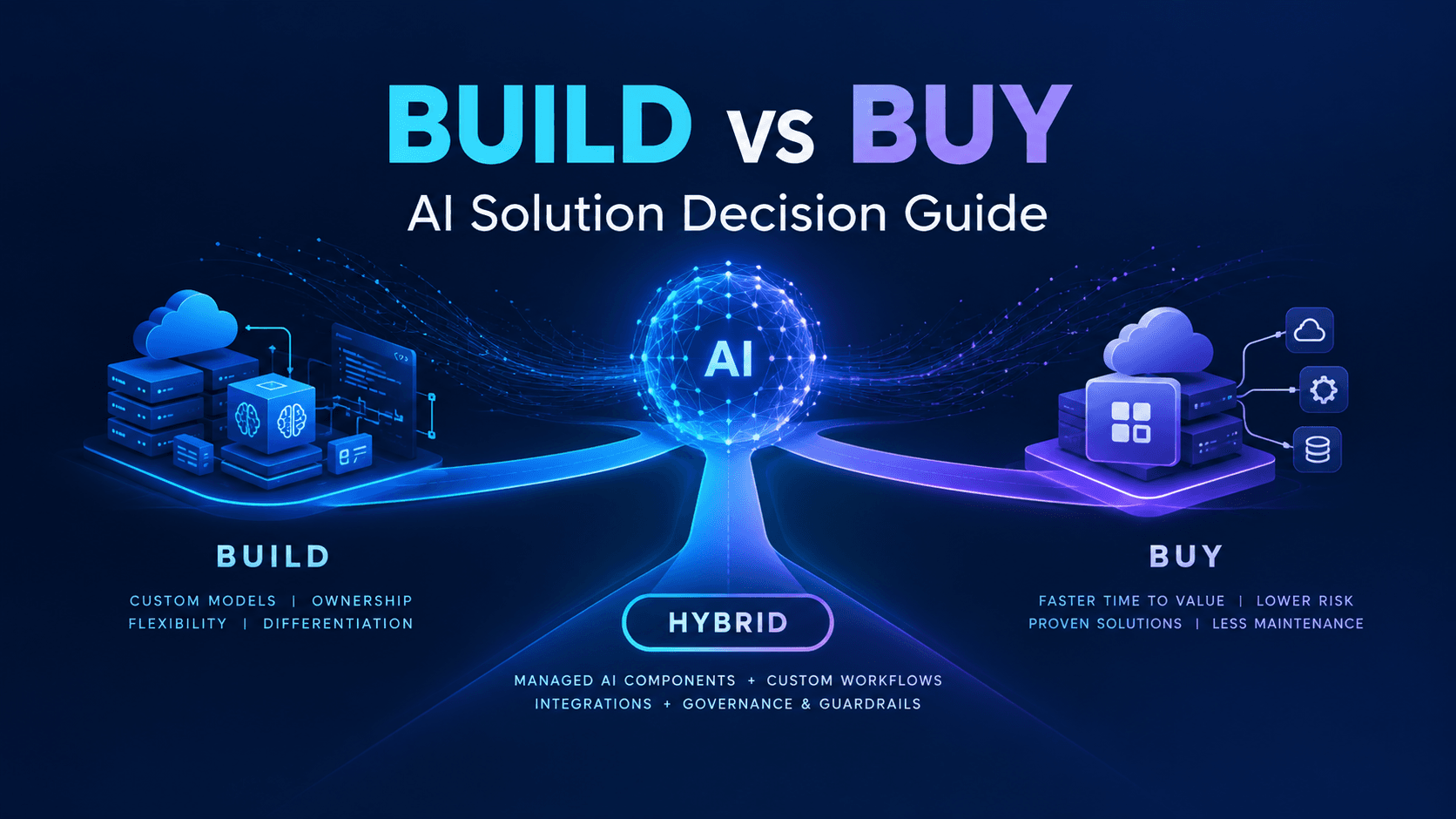
Build vs Buy AI Solution: A Practical Decision Guide
How to decide build vs buy ai solution for your business: costs, timelines, risks, architecture, and a practical framework for leaders.
Sep 10, 2026Read
Work with us
Have a system to build, fix or scale?
Tell us what you are working on and where it hurts. We will tell you how we would approach it.