Programming
Thin Client vs Desktop PC Cost: Business Guide
A practical guide to thin client vs desktop pc cost for business leaders, covering hardware, licensing, support, security, and rollout trade-offs.

Anika Rukhsar
Founder
- Published
- Sep 13, 2026
- Reading time
- 9 min read
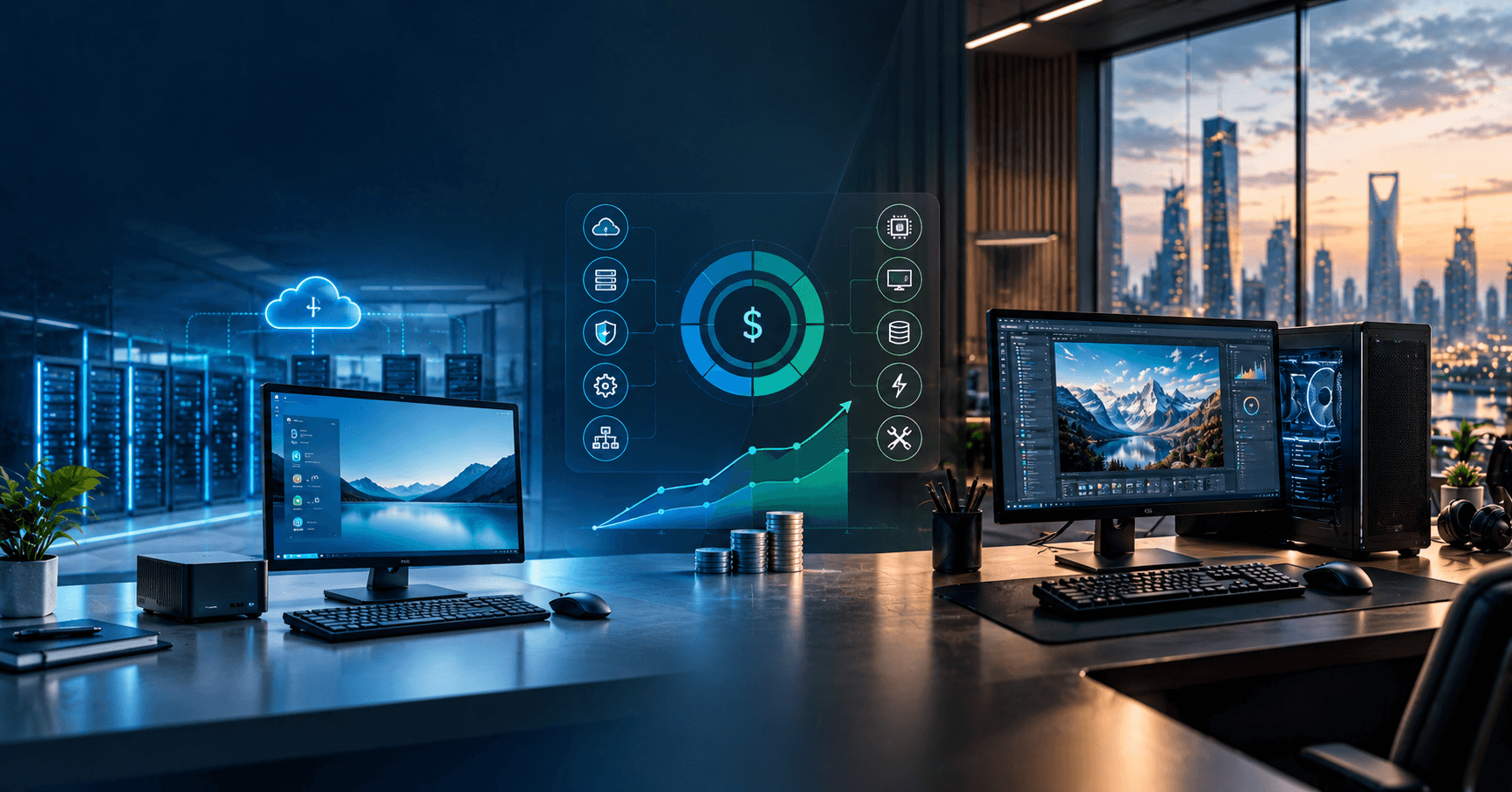
Thin client vs desktop pc cost usually comes down to this: thin clients are often cheaper to buy and simpler to manage at scale, while desktop PCs can be more economical for demanding, offline, or highly specialized workloads. For most businesses, the right answer is not the endpoint price alone but the three-to-five-year total cost of ownership across hardware, licensing, support, security, and infrastructure.
Key takeaways
- Thin clients usually lower endpoint hardware and support costs, but the real comparison depends on the price of servers, cloud desktops, licensing, and network upgrades.
- Desktop PCs are often the better fit for offline work, graphics-heavy applications, legacy peripherals, and workloads that do not justify centralized infrastructure.
- The most accurate way to evaluate thin client vs desktop pc cost is to compare total cost of ownership over three to five years, not purchase price alone.
- Security and manageability are major cost drivers because centralized patching, policy control, and reduced local attack surface can lower operational overhead in thin client environments.
- A pilot with 20 to 50 users across different roles is usually the fastest way to validate performance, compatibility, and support effort before a wider migration.
For founders, CTOs, and IT managers, the mistake is treating this as a device procurement decision. It is really an operating model decision: where applications run, how data is secured, who supports the fleet, and how quickly new users can be onboarded, patched, or replaced.
What actually drives endpoint cost in a business environment
When teams compare devices, they often start with unit price: a thin client terminal can cost less than a full desktop PC, especially when local storage, CPU, and RAM requirements are minimal. But a business endpoint cost model should include more than the box on the desk. You also need to account for operating system licensing, endpoint management tools, application delivery, warranty terms, peripheral compatibility, staff time for support, replacement cycles, and energy use.
A useful way to frame the comparison is CapEx versus OpEx. Desktop PCs concentrate more cost on the endpoint itself: more powerful hardware, more local software installs, and often a broader support surface. Thin clients shift part of the spend upstream into centralized systems such as virtual desktop infrastructure (VDI), Remote Desktop Services (RDS), Desktop as a Service (DaaS), identity controls, and network reliability. In practice, that means a thin client can look inexpensive until you add the cost of Azure Virtual Desktop, Windows 365, Citrix, VMware Horizon, or back-end servers and storage.
Typical cost categories to model include:
- Endpoint hardware: thin client terminal, monitor, keyboard, docking, webcam, headset, smart card reader, printer access.
- Centralized compute: on-prem servers, hypervisors, storage, GPUs for graphics workloads, or cloud-hosted desktops.
- Software and licensing: Windows, Linux-based thin client OS, Microsoft 365, Intune, Entra ID, RDS CALs, Citrix, Horizon, endpoint security, MDM/UEM.
- Operations: imaging, provisioning, patching, user support, remote troubleshooting, replacements, asset tracking.
- Risk and resilience: backup strategy, ransomware exposure, local data loss, disaster recovery, and business continuity requirements.
Thin client vs desktop pc cost by deployment model
If users mostly access browser apps, Microsoft 365, ERP, CRM, ticketing, and line-of-business systems hosted centrally, thin clients often win on long-term manageability. They generally have fewer moving parts, lower power draw, less local data to protect, and a smaller attack surface. In centralized environments, IT can patch once, apply policies consistently, and swap failed endpoints quickly because the user session lives in the data center or cloud rather than on the device.
Desktop PCs often make more sense where performance must be local and predictable: CAD, video editing, software builds, large spreadsheet models, field work with poor connectivity, labs with USB-attached equipment, or older applications that behave badly over remote display protocols. The hidden cost advantage of a desktop is that you may avoid investing in VDI hosts, higher-spec shared storage, WAN optimization, and user experience tuning for audio, printing, graphics, and peripherals.
As a rule of thumb, thin clients usually favor:
- Task workers in call centers, BPO, reception, retail, healthcare admin, and shared desks.
- Security-sensitive roles where local data storage should be minimized.
- Multi-site operations that need standardized provisioning and remote support.
- Environments using Azure Virtual Desktop, Windows 365, Citrix, or RDS effectively.
Desktop PCs usually favor:
- Power users needing sustained CPU, RAM, local GPU, or offline capability.
- Teams dependent on specialist drivers, serial devices, scanners, industrial peripherals, or custom local services.
- Small offices without mature centralized infrastructure.
- Workloads where cloud desktop licensing would exceed the savings from cheaper endpoints.
The hidden costs businesses often miss
The biggest budgeting errors come from omitted dependencies. With thin clients, network quality matters more than many teams expect. Latency, packet loss, Wi-Fi congestion, branch routing, VPN design, and internet failover directly affect user experience. A pilot can appear successful in head office and then struggle in remote sites because the WAN path, firewall inspection, DNS, or QoS policies were never tuned for remote display traffic.
Licensing is another common blind spot. A desktop PC cost estimate is usually straightforward, but thin client environments can trigger layered charges: user or device subscriptions, session hosts, Windows entitlements, profile management, monitoring, conditional access, and support contracts. None of these are inherently bad; many are worth paying for. The issue is that they belong in the model from day one, especially if your estate spans contractors, shared devices, kiosks, and regulated roles.
Support economics also cut both ways. Thin clients can reduce desk-side troubleshooting because the endpoint is simpler, but only if the back end is well-designed. If the image, identity stack, profile containers, printers, and app delivery are brittle, problems become centralized and can affect many users at once. Desktop fleets create more one-to-one incidents, yet failures are often isolated. In our experience, mature standardization is what creates savings, not the device category by itself.
Watch for these hidden cost areas:
- Peripheral redirection issues for webcams, headsets, label printers, scanners, POS devices, and USB tokens.
- Graphics acceleration requirements for 3D apps, video conferencing, and high-resolution multi-monitor setups.
- Profile and storage design using FSLogix, roaming profiles, OneDrive Known Folder Move, or similar tools.
- Patch windows and change control for shared host pools, where one mistake can hit many users simultaneously.
- Compliance controls such as MFA, device posture, audit logging, data residency, and retention.
A practical TCO framework you can use
A solid thin client versus desktop decision should be modeled over three to five years. Shorter windows can overstate the value of whichever option has the lower upfront price; longer windows can hide refresh timing and licensing changes. Start by segmenting users by workload instead of seeking a one-size-fits-all answer. Most organizations end up with at least three personas: task workers, knowledge workers, and power users.
Then calculate cost by persona using a simple worksheet. For each group, estimate hardware refresh cycle, warranty coverage, average support effort, required apps, data sensitivity, peripherals, expected uptime, and network dependency. Add centralized infrastructure where relevant: host capacity, storage IOPS, connection brokers, backup, observability, and cloud egress. Use typical ranges rather than pretending to precision you do not have at the planning stage.
A step-by-step decision framework:
- Inventory current workloads. List apps, authentication methods, browser dependence, offline needs, peripherals, and GPU requirements.
- Group users into personas. Avoid averaging the whole company into one profile.
- Map each persona to a delivery model. Options may include full desktop PC, thin client with VDI, browser-only thin client, or hybrid laptop plus cloud desktop.
- Build a three-to-five-year TCO model. Include endpoint, licensing, support labor, energy, network, security tooling, and disaster recovery.
- Pilot with representative users. Include at least one difficult site, one peripheral-heavy workflow, and one executive or power user cohort.
- Measure operational reality. Track login times, app responsiveness, ticket types, replacement effort, and patch/change overhead.
- Decide by exception. Standardize the majority path, then approve desktops for the minority of users who genuinely need them.
Typical timeline estimates are modest if the groundwork is good. A focused assessment may take a few weeks, a pilot often runs for one to two months, and a phased rollout varies by site count, identity maturity, and application complexity. The fastest projects are rarely those with the cheapest hardware; they are the ones with clean identity, clear application ownership, and documented network paths.
Where thin clients deliver the most value
Thin clients create the strongest business case in standardized, centrally managed environments. Shared workstations, hot desks, shift-based operations, contact centers, and branch offices benefit because failed devices are easier to swap and sensitive data stays off the endpoint. This is especially useful when audit requirements emphasize centralized control, session logging, restricted local storage, and consistent policy enforcement.
They also fit well with modern identity and management stacks. A thin client connected to Entra ID, Intune or another UEM platform, Conditional Access, MFA, and a cloud desktop platform can simplify onboarding and offboarding. When the endpoint mainly establishes a secure session, IT has fewer local variables to chase. That predictability matters more than raw hardware price.
A few examples where thin clients are often sensible:
- Healthcare administration desks accessing EMR systems from controlled stations.
- Financial and back-office teams using virtualized Windows apps with strict data handling policies.
- Retail, warehouse, and kiosk scenarios where local configuration should be locked down.
- Global teams that need the same managed workspace from multiple offices.
When we built ThinClient OS + Fleet Manager, one lesson stood out clearly: endpoint savings only become durable when fleet governance is designed from the start. Device enrollment, policy baselines, remote updates, certificate handling, and observability were just as important as the terminal hardware itself.
When desktop PCs are still the better business choice
Desktop PCs remain the pragmatic choice in more cases than thin-client advocates sometimes admit. If your application stack includes engineering tools, local databases, media production software, or heavy multitasking across many native apps, pushing everything through a remote session may add cost and friction rather than reduce it. The same applies where teams need reliable performance during internet outages or travel.
There is also a legacy reality in many mid-market environments. Older line-of-business software may depend on local COM objects, specific printer drivers, hardware dongles, old .NET runtimes, or direct access to USB and serial devices. You can often make these work in VDI, but the engineering and support effort may erase the expected savings. In those cases, a controlled desktop standard with modern endpoint management is often the cleaner answer.
Desktop-first is usually wiser when:
- Users need sustained local compute or GPU acceleration.
- Sites have unstable connectivity or no practical failover.
- Application vendors do not officially support virtualized delivery.
- The business cannot justify the complexity of centralized desktop infrastructure.
That does not mean unmanaged PCs. A well-run desktop estate should still use zero-trust principles, EDR/XDR, disk encryption such as BitLocker, patch automation, least-privilege access, and configuration baselines through Intune, Group Policy, or other UEM tools. The cost gap narrows significantly when desktop operations are standardized and automated properly.
Common pitfalls and how to avoid an expensive wrong turn
The most common mistake is trying to migrate everyone to one model for procurement simplicity. That usually creates hidden support cost because the wrong users end up on the wrong platform. A better approach is to standardize for the majority while preserving exceptions for power users, offline staff, and incompatible legacy workflows.
Another pitfall is under-testing user experience. Teams often validate logins and a few business apps, then discover later that Teams calls, webcams, USB headsets, dual monitors, local printing, or smart card authentication are inconsistent. Remote display protocols such as HDX, PCoIP, Blast Extreme, and Microsoft RDP have improved a lot, but they still need deliberate tuning and validation under real network conditions.
To avoid expensive rework:
- Test peripherals early, not after platform selection.
- Validate identity flows including MFA, SSO, certificate auth, and privileged access scenarios.
- Include security teams in the design for segmentation, logging, and endpoint posture rules.
- Model worst-case network conditions for branch offices and home workers.
- Keep an exit path. Avoid locking critical workflows into a design that cannot support fallback desktops if needs change.
A final practical point: decision-makers should distinguish between cost reduction and cost relocation. Thin clients can reduce spend at the desk and lower support overhead, but they often move investment into cloud desktops, server capacity, and network engineering. Desktop PCs may cost more upfront yet remain cheaper overall for certain personas because they avoid those shared infrastructure layers. The best answer is usually a mixed estate with clear standards, not ideology.
Frequently Asked Questions
Are thin clients always cheaper than desktop PCs for business?
No. Thin clients are often cheaper at the endpoint, but the full cost depends on centralized infrastructure, cloud desktop subscriptions, licensing, and network readiness. They tend to be most cost-effective for standardized, centrally managed users rather than for every role in an organization.
How should a company compare thin client vs desktop pc cost accurately?
Compare total cost of ownership over three to five years, not just purchase price. Include hardware, warranties, endpoint management, virtualization or DaaS fees, security tooling, support labor, power use, peripherals, and any network or server upgrades required.
Which workloads are a poor fit for thin clients?
Thin clients are often a poor fit for graphics-intensive applications, offline work, latency-sensitive workflows, and environments that depend on specialist peripherals or legacy drivers. In those cases, local desktop PCs usually provide more predictable performance and lower implementation risk.
Is a hybrid approach better than choosing one model for all users?
In many organizations, yes. A hybrid model lets task and knowledge workers use thin clients or cloud desktops where centralized management adds value, while power users and legacy-dependent teams keep full desktop PCs where local performance or compatibility matters.
Work with eSparks IT Solutions
Planning a project around this? We work with businesses in the United States, Canada and the UAE, as well as the UK and Australia. See how we work with clients in the USA. See a related project: ThinClient OS + Fleet Manager. Explore our Programming services and portfolio, estimate your project cost, or book a free call.
Written by

Anika Rukhsar
Founder
Founder at eSparks IT Solutions. Writes from the team's own delivery work across software, cloud, DevOps and security.
Related topics
Continue reading
More in Programming

Programming
E164 Phone Number Normalization: A Practical Guide
Learn how e164 phone number normalization works, why it matters, and how to design reliable validation, storage, and messaging workflows.
Oct 26, 2026Read

Programming
Phone Number Deduplication Software: Buyer’s Guide
Choosing phone number deduplication software? Learn matching logic, architecture, compliance, costs, and rollout steps for business systems.
Oct 25, 2026Read

Programming
How to Choose a Top Software Development Company in Canada
Learn how to evaluate a top software development company in canada for web, mobile, cloud, AI, DevOps, security, and long-term delivery fit.
Oct 22, 2026Read
Work with us
Have a system to build, fix or scale?
Tell us what you are working on and where it hurts. We will tell you how we would approach it.