Cloud Computing
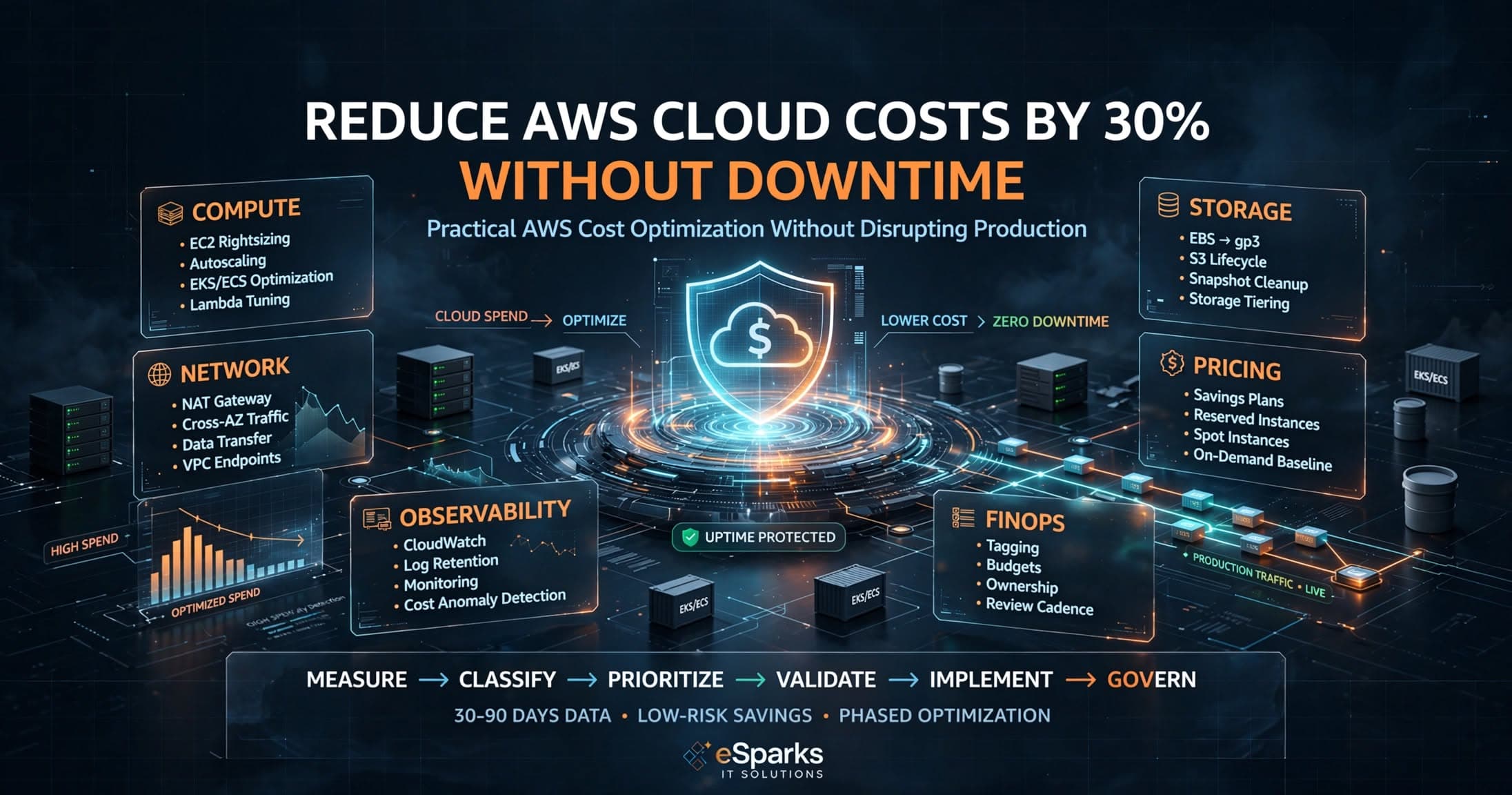
Reduce AWS Cloud Costs by 30% Without Downtime Today
Learn how to Reduce AWS Cloud Costs by 30% Without Downtime Today using rightsizing, autoscaling, storage tiers, and governance.

Tauseef Alam
Chief Technology Officer
Jun 29, 2026
10 min read
Reducing AWS costs by around 30% without downtime is realistic when you focus on waste removal instead of risky redesigns. The fastest path to Reduce AWS Cloud Costs by 30% Without Downtime Today is usually a combination of rightsizing, scheduling non-production resources, storage lifecycle policies, commitment discounts for stable workloads, and tighter control of network and observability spend. The key is to make changes in a measured order, with monitoring and rollback plans, so production availability is protected while unnecessary spend is removed.
Key takeaways
- You can often reduce AWS spend materially without downtime by targeting idle capacity, storage lifecycle waste, data transfer patterns, and mismatched pricing models before touching production traffic.
- The safest cost optimization sequence is measure first, classify workloads by criticality, test changes in non-production, and roll out in small increments with rollback plans and observability.
- Savings plans, reserved capacity, rightsizing, autoscaling, and storage tiering solve different cost problems and should be chosen based on workload predictability, not used as interchangeable discounts.
- Cloud cost reduction fails most often when teams optimize only compute while ignoring EBS, snapshots, NAT gateways, cross-AZ traffic, log retention, and unmanaged sprawl across accounts and regions.
- Business leaders should treat FinOps as an operating discipline with tagging, budgets, ownership, and review cadences, not as a one-time clean-up project.
Where the money usually leaks in AWS
Most AWS bills grow quietly, not because architecture is wrong, but because environments drift. Teams launch EC2 instances larger than needed, keep EBS volumes attached long after projects end, retain snapshots forever, and run NAT gateways, load balancers, and data pipelines that no longer match real traffic. Over time, these small decisions compound into a meaningful monthly overhead.
For business decision-makers, the important point is this: cloud cost waste is rarely limited to compute. In our experience, the biggest opportunities often sit across five areas working together: compute, storage, data transfer, managed services configuration, and governance. A company may rightsize EC2 and still overspend because CloudWatch log retention is set too high, RDS runs on provisioned capacity that does not reflect actual usage, or cross-AZ traffic is happening unnecessarily between services.
A practical first pass is to classify spend into these buckets:
- Compute: EC2, ECS, EKS worker nodes, Lambda, Fargate
- Storage: EBS, S3, EFS, snapshots, RDS storage
- Databases: RDS, Aurora, DynamoDB, ElastiCache
- Networking: NAT gateways, ALB/NLB, VPC endpoints, inter-AZ and egress traffic
- Observability and security: CloudWatch, GuardDuty, Security Hub, log pipelines
- Platform overhead: idle dev/test environments, duplicate staging stacks, orphaned resources
This breakdown matters because the right optimization method depends on the category. Rightsizing helps EC2 and RDS, lifecycle rules help S3 and snapshots, while architecture changes may be needed for excessive NAT or data transfer charges.
Reduce AWS Cloud Costs by 30% Without Downtime Today: the decision framework
If you want savings without service interruption, use a sequence that reduces financial waste before making architectural bets. The safest framework is discover, prioritize, validate, implement, then govern. It sounds simple, but the order prevents the common mistake of jumping straight into production changes with incomplete visibility.
Start with discovery. Pull at least 30 to 90 days of billing and utilization data from AWS Cost Explorer, Compute Optimizer, Trusted Advisor, CloudWatch metrics, and if available, CUR data into Athena or a FinOps tool. Then map workloads by business criticality: revenue-critical, customer-facing but tolerant, internal, and non-production. This lets you separate low-risk cleanup from changes that need formal change windows.
Next, prioritize by effort versus impact. A useful decision matrix looks like this:
- Low effort, low risk, immediate value: delete unattached EBS volumes, remove obsolete snapshots, schedule dev/test shutdowns, adjust log retention
- Low effort, moderate risk: rightsize EC2 and RDS after utilization review, move gp2 to gp3 where appropriate, tune autoscaling thresholds
- Medium effort, high value: purchase Savings Plans or Reserved Instances for stable baselines, consolidate idle clusters, optimize S3 storage classes
- Higher effort, architecture dependent: reduce NAT gateway traffic, redesign chatty cross-AZ service calls, shift from always-on instances to serverless or event-driven patterns
Before implementation, validate every change. For compute, compare CPU, memory, disk, and network patterns, not CPU alone. For databases, look at connection counts, IOPS, read/write latency, failover requirements, and maintenance windows. Then roll out in phases with alarms, synthetic checks, and rollback criteria. That is how you preserve uptime while reducing spend.
High-impact savings with little or no application change
The easiest savings usually come from changes that do not alter application code. Rightsizing is the classic example. Many EC2 instances are chosen during launch urgency and never revisited. If a service consistently uses a small share of its allocated vCPU and memory, moving from older generations or oversized families to better-fit instances can reduce cost without changing the application. Common examples include moving from m5 to m7g or m6i where software compatibility allows, or reducing oversized general-purpose nodes in ECS or EKS clusters.
Storage is another area where downtime-free savings are common. Switching eligible EBS volumes from gp2 to gp3 can lower cost while maintaining or tuning performance characteristics. S3 lifecycle policies can automatically move older objects from Standard to Standard-IA, Intelligent-Tiering, Glacier Instant Retrieval, or deeper archive tiers depending on access patterns. Snapshot governance also matters: many teams discover backups from retired systems still retained indefinitely.
A practical no-downtime checklist includes:
- Schedule non-production EC2, RDS, and EKS node groups to stop outside business hours where feasible
- Delete unattached EBS volumes and unused Elastic IPs
- Move suitable EBS volumes from gp2 to gp3 after performance review
- Set S3 lifecycle rules by bucket purpose, not one blanket policy for all data
- Reduce unnecessary CloudWatch log retention for verbose application and debug logs
- Review idle load balancers, stale AMIs, unused launch templates, and abandoned test environments
- Use AWS Compute Optimizer recommendations as input, but verify against real workload behavior
These changes are often enough to create meaningful savings before you touch customer-facing architecture. They are also reversible, which is exactly what you want when uptime is a hard requirement.
Matching pricing models to workload reality
One of the biggest AWS mistakes is paying on-demand rates for workloads that are actually predictable. If a service runs 24/7 and its baseline does not change dramatically month to month, a Savings Plan or Reserved Instance strategy can reduce cost without affecting performance or availability. This is a financial optimization, not an operational risk, when applied correctly.
The decision comes down to workload certainty. Compute Savings Plans are flexible across instance families, regions, and services like EC2, Fargate, and Lambda. They suit organizations that expect infrastructure to evolve but still maintain a stable spend baseline. Reserved Instances can make sense for more fixed patterns, especially for specific EC2 or RDS usage. For bursty or interruptible workloads such as batch processing, CI runners, image rendering, or analytics workers, Spot Instances can provide substantial savings if the application is designed to tolerate interruption.
A sensible commitment approach for decision-makers is:
- Commit only the baseline you can defend from historical usage, not aspirational future demand
- Leave variable traffic on on-demand or autoscaled capacity
- Use Spot for stateless, retryable, or queue-based jobs, not core transaction paths unless the platform is designed for it
- Revisit commitments quarterly after mergers, launches, regional expansion, or architecture shifts
Databases deserve the same discipline. For RDS and Aurora, many companies provision for peak load that occurs rarely. Serverless v2 for suitable Aurora workloads, read replica tuning, storage autoscaling, and rightsizing instance classes can all reduce cost while preserving resilience. The key is to assess workload patterns, connection behavior, and SLA expectations before changing capacity models.
Architecture changes that save more, but need tighter controls
After low-risk cleanup, the next layer is architecture-aware optimization. This is where teams can unlock more durable savings, but only if they understand traffic patterns and failure domains. A common hidden cost is NAT gateway spend caused by large volumes of outbound traffic from private subnets. In some environments, introducing VPC endpoints for S3 or DynamoDB, reviewing patching flows, or changing image pull strategies reduces NAT processing charges with no application downtime.
Another major issue is cross-AZ data transfer. Multi-AZ design is often the right resilience choice, but service-to-service chatter across zones can quietly inflate bills. For example, an application tier in one zone repeatedly calling a cache or internal API in another zone may add cost without any business benefit. The fix is not to weaken resilience, but to align placement, service discovery, and traffic routing with the architecture's intent.
Typical architecture-level optimization areas include:
- EKS and ECS bin-packing, node right-sizing, and cluster autoscaler or Karpenter tuning
- Lambda memory and timeout tuning, because under- or over-allocation both waste money differently
- Replacing permanently idle EC2 with event-driven services such as Lambda, Step Functions, or Fargate for suitable workloads
- Using CloudFront, caching layers, or origin shielding to reduce repeated origin requests and egress
- Reviewing replication, backup, and retention policies to ensure they meet compliance needs without excess duplication
- Splitting hot and cold data paths so expensive high-performance storage is reserved only for active workloads
This is where a senior delivery team adds value: not by chasing theoretical best practice, but by reading real telemetry, understanding business tolerance for change, and sequencing improvements so customer experience is not put at risk. At eSparks, this is usually the difference between a clean optimization program and a disruptive one.
Pitfalls that cause outages or fake savings
The fastest way to create downtime in a cost project is to optimize from billing data alone. Billing tells you what you pay for; it does not tell you why the resource exists, whether it is part of a failover design, or what happens during seasonal traffic, month-end reporting, or a product launch. Every meaningful change should be checked against architecture diagrams, deployment pipelines, and monitoring baselines.
Another common mistake is overcorrecting. Teams sometimes shrink instances based on average CPU, ignoring memory pressure, network throughput, Java heap behavior, or database burst periods. Others move data too aggressively into archive storage, only to discover restore delays affect operations. Cost control should improve efficiency, not degrade service quality, developer productivity, or recovery readiness.
Watch for these frequent traps:
- Deleting snapshots without confirming retention, compliance, or disaster recovery policy
- Rightsizing databases without evaluating IOPS, replication lag, and maintenance windows
- Buying too much committed capacity and then losing flexibility during platform changes
- Assuming serverless is always cheaper, even for steady high-throughput workloads
- Ignoring data transfer, which can erase savings gained from compute optimization
- Failing to tag resources by owner, environment, application, and cost center, making accountability impossible
- Running one-time cleanups without setting budgets, anomaly detection, and review cadences
For leadership teams, the lesson is simple: sustainable savings come from FinOps discipline. That means clear ownership, tagging standards, budget alerts, anomaly detection, regular engineering review, and a policy for how non-production environments are created and retired. Without governance, costs usually creep back within a few quarters.
A realistic rollout plan for the next 30 to 60 days
A good AWS cost program should feel operationally boring. In week one, establish visibility: enable or review cost allocation tags, validate AWS Budgets and Cost Anomaly Detection, inspect top services by spend, and identify all non-production accounts and environments. In week two, remove obvious waste such as unattached storage, unused IPs, stale snapshots outside policy, and long-running dev/test resources that can be scheduled.
Weeks three and four are typically for rightsizing and pricing strategy. Review EC2, RDS, EKS, ECS, and Lambda utilization; test smaller instance classes where metrics support it; tune autoscaling; and model commitment options for stable baseline usage. If you operate across multiple geographies such as the USA, UK, Canada, Australia, UAE, Saudi Arabia, Qatar, or the Netherlands, make sure regional usage patterns are assessed separately because traffic, compliance, and latency requirements may justify different optimization decisions.
By days 30 to 60, most organizations can move into architecture-level refinements with less urgency and more confidence. Focus on high-transfer paths, NAT gateway usage, storage tiers, cluster efficiency, and observability retention. The goal is not a dramatic one-off cut. It is a repeatable system where each workload has an owner, a performance baseline, a cost baseline, and a review cadence. That is how cloud savings persist without introducing downtime, firefighting, or unpleasant surprises on the next invoice.
Frequently Asked Questions
Can AWS costs really be reduced without downtime?
Yes, many AWS cost reductions can be implemented without downtime because they involve removing waste rather than changing live application behavior. Common examples include deleting unattached storage, applying S3 lifecycle rules, adjusting log retention, scheduling non-production environments, and purchasing Savings Plans for stable workloads.
What is the safest place to start when trying to reduce AWS cloud costs?
The safest starting point is visibility and low-risk cleanup. Review 30 to 90 days of spend and utilization, classify workloads by criticality, then target orphaned resources, idle non-production environments, oversized compute, and storage lifecycle issues before attempting architecture changes.
How long does an AWS cost optimization initiative usually take?
A first optimization wave often takes a few weeks to identify and implement low-risk changes, while deeper architectural improvements may take one to two months or more depending on environment size. The timeline depends on account complexity, change-control requirements, and how much production validation is needed.
Are Savings Plans always better than Reserved Instances or Spot Instances?
No, each pricing model fits a different workload pattern. Savings Plans are generally better for flexible but stable baseline compute usage, Reserved Instances suit more fixed patterns, and Spot Instances are most effective for interruptible or fault-tolerant workloads such as batch jobs or stateless workers.
Work with eSparks IT Solutions
Planning a project around this? We help businesses across the USA, UK, Canada, Australia and the GCC ship it. Explore our Cloud Computing services and portfolio, estimate your project cost, or book a free call.
Related cloud & DevOps services

Tauseef Alam
Chief Technology Officer
Passionate technology writer and industry expert with years of experience in software development, cloud computing, and digital transformation. Dedicated to sharing insights and helping developers stay ahead of the curve.
Related Topics
Continue Reading
More insights in Cloud Computing
Cloud Computing
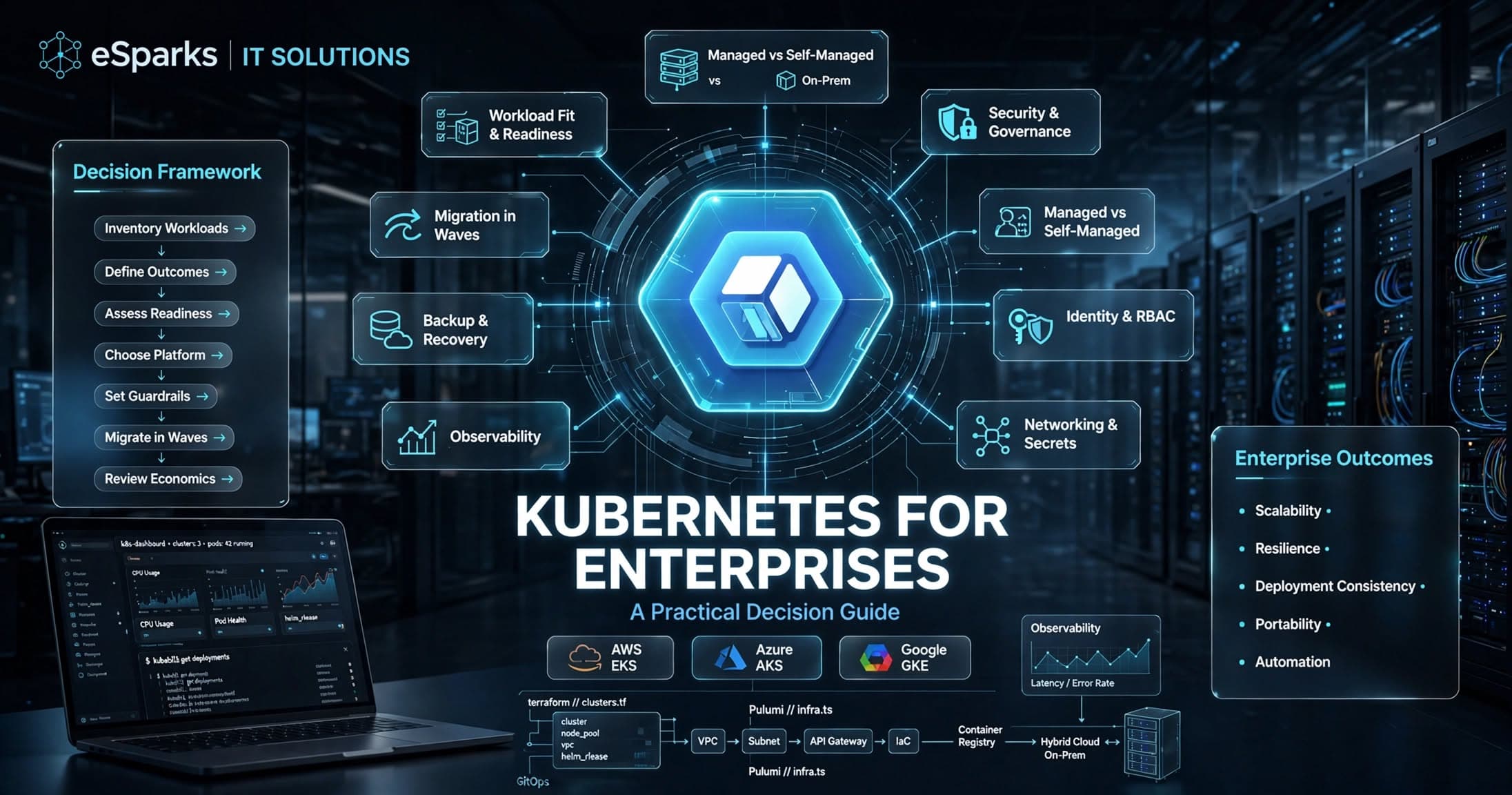
Kubernetes for Enterprises: A Practical Decision Guide
Kubernetes for enterprises can improve scalability, resilience, and release speed—but only when platform maturity, security, and operating model align.
Sep 26, 2026
Read More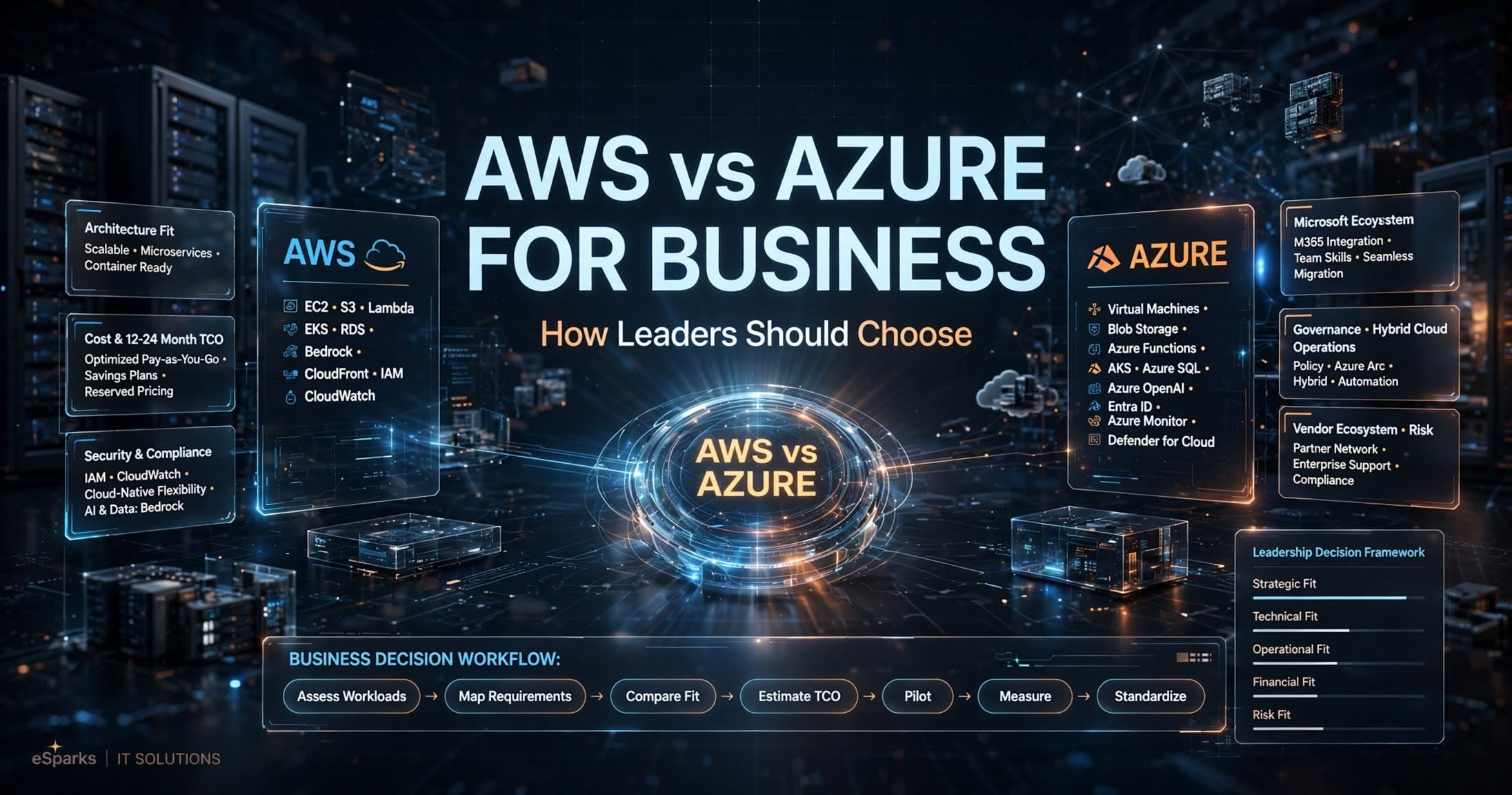
Cloud Computing
AWS vs Azure for Business: How Leaders Should Choose
Compare aws vs azure for business across cost, security, Microsoft fit, AI, and operations with a practical decision framework for leaders.
Sep 25, 2026
Read More
Cloud Computing
Mysql to Postgresql Migration Service: UK Decision Guide
A practical UK guide to choosing a mysql to postgresql migration service, covering risks, cost, timelines, tooling and delivery approach.
Sep 14, 2026
Read MoreReady to Transform Your Business?
Let's discuss how our expertise can help you achieve your goals