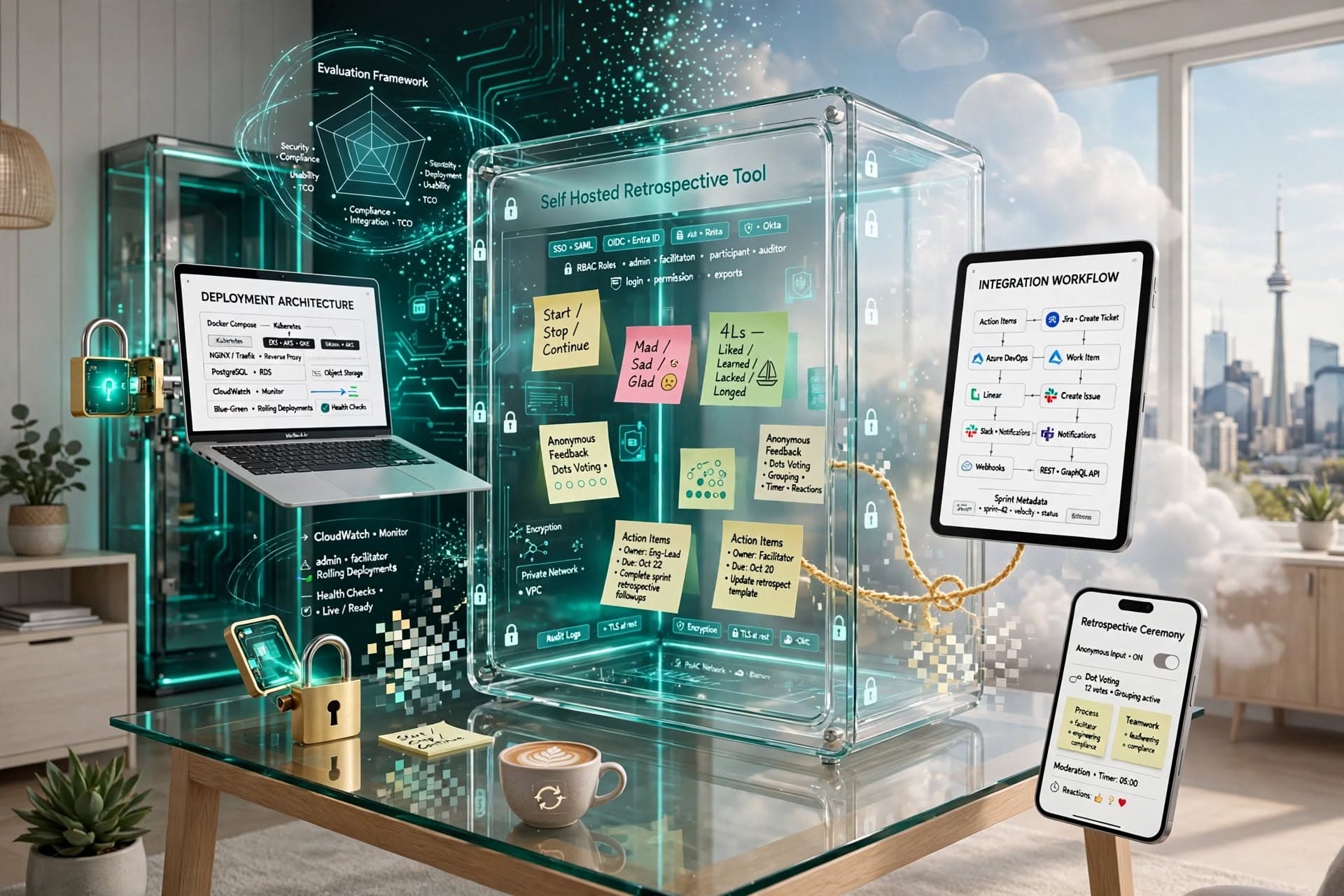

A Sprint Retrospective Tool for Remote Teams is software that helps distributed delivery teams reflect on a sprint, surface issues safely, agree improvements and track actions to completion. The right tool is not just a digital whiteboard: it should support structured facilitation, collaboration across time zones, integration with your delivery stack and enough governance for real business use.
Key takeaways
- A Sprint Retrospective Tool for Remote Teams should reduce friction in discussion, action tracking and follow-through, not simply replace sticky notes with a digital board.
- For business teams, the most important evaluation criteria are integration with existing delivery workflows, security controls, action accountability and ease of facilitation across time zones.
- Anonymous input can improve candour, but it needs balanced moderation, clear working agreements and structured prompts to avoid low-quality feedback or blame-focused sessions.
- Typical delivery options range from configuring an off-the-shelf SaaS product in days to building a tailored retrospective workflow over several weeks when governance or process requirements are specific.
- The success of retrospective software depends less on visual templates and more on whether actions are assigned, prioritised, revisited and linked to delivery outcomes.
Why remote retrospectives are harder than they look
In co-located teams, a retrospective can happen naturally around a wall, a board and a facilitator who can read the room. Remote teams lose those cues. Side conversations disappear, quieter contributors contribute less, and action items often end up scattered across chat, email and ticketing systems. What looks like a simple meeting problem is usually a workflow and information-management problem.
For founders, CTOs and IT managers, that matters because retrospectives are one of the few recurring ceremonies designed to improve the system of delivery itself. If they are weak, teams keep repeating avoidable issues: unclear stories, unstable deployments, test bottlenecks, slow approvals, handover friction, meeting overload or poor sprint scope control. A good tool creates a repeatable mechanism for capturing those patterns and turning them into operational changes.
The remote context adds further complexity:
- Team members may work asynchronously across the UK, Europe, the Middle East or North America.
- Contractors, internal staff and client-side stakeholders may need different access levels.
- Regulated environments may require auditability, SSO and data residency awareness.
- Agile maturity varies: one team wants a basic board, another needs categorisation, trend analysis and action follow-up.
That is why the best selection decision is rarely about which board looks nicest. It is about which product supports your delivery model with the least friction.
What a Sprint Retrospective Tool for Remote Teams should do
At minimum, the tool should support the core retrospective flow: gather input, cluster themes, vote or prioritise, agree actions and review those actions later. If any of those steps happens outside the system, adoption drops quickly. In practice, business teams need a little more than the basic agile textbook flow.
Look for functional depth in these areas:
- Facilitation formats: Start/Stop/Continue, Mad/Sad/Glad, 4Ls, Sailboat, Timeline, custom templates.
- Participation controls: optional anonymity, timed phases, moderator approval, private pre-work before live sessions.
- Action management: owners, due dates, status tracking, reminders, carry-over into the next retrospective.
- Collaboration quality: voting, clustering, emoji reactions, comments, moderation and presenter mode.
- Reporting: recurring themes, unresolved actions, export options and simple trend visibility over time.
- Integrations: Jira, Azure DevOps, Trello, Slack, Microsoft Teams, Google Workspace, Microsoft 365.
For many organisations, the non-functional requirements are equally important. Security and identity matter as soon as retrospective content includes interpersonal issues, process weaknesses or references to incidents. Typical enterprise expectations include SSO via SAML or OAuth, role-based access control, encryption in transit and at rest, audit logs, admin controls and retention settings. If your teams operate in healthcare, fintech, public-sector supply chains or any environment with internal governance reviews, these are not optional extras.
Usability should also be tested in realistic conditions. Can people join from locked-down corporate laptops? Does it perform well on standard browsers without plugins? Can a scrum master facilitate without spending half the meeting fighting the UI? In our experience, teams abandon tools that require too much ceremony for a 45- to 60-minute session.
Match the tool to your delivery environment
The right choice depends on how your software teams actually work. A product company with three cross-functional squads, daily releases and mature DevOps practices will not need the same solution as an enterprise IT department coordinating internal systems, external vendors and change-approval windows.
A practical way to map fit is to assess four dimensions.
First, consider team topology. If you have small autonomous squads, a lightweight SaaS tool may be enough. If multiple programmes need standardised retrospective workflows, governance and shared reporting, you may need stronger admin controls or even a tailored build.
Second, assess process maturity. Teams early in agile adoption often benefit from simple templates and clear facilitation. Mature teams usually ask for custom categories, links to incident reviews, sprint goal alignment and better action analytics.
Third, look at your stack. If work is managed in Jira Software or Azure DevOps, your retrospective actions should flow there with minimal re-entry. Manual copying sounds acceptable at first, but it usually breaks accountability after a few sprints.
Fourth, define governance needs. Questions worth answering up front include:
- Do you require single sign-on through Microsoft Entra ID, Okta or Google Workspace?
- Must data stay within a preferred hosting region?
- Is there a requirement for audit trails of who created, edited or resolved actions?
- Should managers see aggregate themes but not raw anonymous notes?
- Do you need backups, retention policies or export for compliance review?
This is also where build-versus-buy becomes clearer. Off-the-shelf tools are often sensible when needs are standard and speed matters. A custom solution becomes attractive when your process is distinct, your governance is strict, or you want retrospectives deeply embedded into your wider engineering workflow. When we built Retro — Sprint Retrospectives, one of the key lessons was that teams value simplicity in the session itself, but administrators still need structure behind the scenes for permissions, templates and action continuity.
A practical decision framework for buyers
If you are evaluating options for a business team, use a structured shortlist rather than a feature scavenger hunt. The following sequence works well because it keeps the conversation tied to outcomes.
-
Define the operational problem Are retrospectives being skipped, poorly attended, repetitive or not leading to action? Be specific. The tool should solve a process weakness, not become another app with no clear owner.
-
Document must-haves and nice-to-haves Must-haves commonly include SSO, browser-based access, anonymous input, Jira or Azure DevOps integration and action tracking. Nice-to-haves may include facilitation templates, sentiment tagging or dashboards.
-
Identify the audience and roles Decide who needs access: delivery teams, engineering managers, agile coaches, external partners or clients. Role design affects permissions, licensing and data visibility.
-
Run realistic scenario testing Ask vendors or internal teams to demonstrate your actual workflow, not a polished demo board. Example scenarios:
- A cross-border team runs a retrospective asynchronously over 24 hours.
- A facilitator converts three agreed improvements into Jira tickets.
- An engineering manager reviews overdue actions from the last three sprints.
- A regulated team exports retrospective records for internal review.
-
Score the options against weighted criteria A simple weighted matrix works well. Typical categories are usability, integration, security, action management, reporting, admin control and total cost of ownership.
-
Pilot with one or two teams before standardising Use a time-boxed pilot of two to four sprints. Review adoption, action follow-through and admin effort. Do not judge success solely on whether people liked the interface.
This framework helps avoid a common procurement mistake: choosing the most feature-rich platform when the real need is reliable adoption and action visibility.
Technical and security considerations that matter in practice
Retrospective data is often more sensitive than teams initially assume. Notes may mention deployment mistakes, friction between functions, quality gaps, missed commitments or concerns about ways of working. That means your technical review should include both architecture and governance, especially if the tool becomes widely adopted.
For SaaS products, check the basics properly:
- Identity: SAML 2.0, OAuth 2.0, SCIM provisioning if needed.
- Security controls: MFA support, role-based access control, audit logging, session management.
- Data protection: encryption at rest and in transit, retention configuration, deletion workflow.
- Hosting: region options, backup policy, business continuity posture.
- Integration method: native connectors, webhooks, REST APIs and rate limits.
For custom builds, the architecture should stay proportionate. A typical modern approach might use React or Next.js on the front end, a backend in Node.js, .NET or Python, PostgreSQL for structured data, Redis for transient session or queue support and cloud hosting on AWS, Azure or Google Cloud. If collaboration needs to feel live, WebSockets or managed real-time services can support voting, updates and facilitation timers. If you need integration with Jira or Azure DevOps, model actions as first-class entities with sync status and error handling rather than bolting integrations on later.
Security design should include straightforward but important decisions: what is stored anonymously, what is pseudonymous, who can reveal identities if at all, and how exports are controlled. Anonymous note collection sounds simple, but poor implementation can accidentally expose authorship through logs, notifications or admin views. That is a trust issue as much as a technical one.
Common pitfalls and how to avoid them
The first pitfall is choosing a brainstorming board instead of a retrospective workflow. Generic whiteboarding tools are useful, but they often stop at idea capture. Without action ownership, reminders and next-sprint review, teams enjoy the session and then repeat the same problems.
The second is over-emphasising anonymity. Anonymous input can increase honesty, especially in distributed teams with uneven seniority. But if every stage is anonymous, accountability disappears and sessions become vague or overly negative. A better pattern is anonymous collection followed by visible prioritisation and named action ownership.
The third is ignoring facilitation design. Even the best platform will not rescue a poorly run retrospective. Teams need consistent prompts, timeboxing, psychological safety and a rule that action items must be small enough to complete. Good examples are specific and testable, such as "add a staging smoke test to the release checklist" or "limit in-sprint scope changes to named approvers".
Other avoidable mistakes include:
- No integration with the delivery system, so actions die in meeting notes.
- Too many templates, leading to novelty instead of learning.
- Manager access set too broadly, reducing candour.
- No review of previous actions at the start of the next retro.
- Buying for one team and discovering it cannot scale administratively.
The simplest safeguard is a working agreement for how retrospectives are run. Define when anonymity is used, where actions are tracked, how many actions are allowed per sprint and who owns follow-up.
Typical cost and implementation ranges
Costs vary widely because there are really three models: off-the-shelf subscription, configured platform rollout and tailored build. For a small number of teams, SaaS licensing is usually the fastest route. Setup may take anywhere from a few days to a couple of weeks once procurement, SSO and permissions are included.
A more structured organisational rollout takes longer because standards need defining. That commonly includes template design, facilitator guidance, integration setup, access model decisions and pilot support. For mid-sized engineering organisations, it is reasonable to expect a few weeks rather than a few days, especially where IT security review is involved.
A tailored build or heavily customised solution is usually justified when you need one or more of the following: strict governance, a bespoke workflow, integration into an internal engineering portal, specific data residency expectations or a desire to combine retrospectives with broader delivery-improvement analytics. Typical delivery windows are measured in several weeks to a few months depending on scope, integration complexity and security requirements.
From a budgeting perspective, include more than licence cost. Decision-makers should account for:
- Security and architecture review time
- SSO and identity configuration
- Integration work with Jira, Azure DevOps or collaboration tools
- Facilitator onboarding and documentation
- Ongoing administration and user support
The most cost-effective option is usually the one that teams actually use consistently. A lightweight product that closes the loop on actions often creates more practical value than a sophisticated platform that becomes shelfware.
How to make the tool succeed after selection
Once a tool is chosen, implementation discipline matters more than feature depth. Start by standardising a minimal operating model: one or two approved templates, one action-tracking method, one naming convention and a rule that every retrospective opens by reviewing the previous sprint's actions. This keeps the process comparable without making it bureaucratic.
Next, make ownership explicit. Someone should own the platform operationally, usually within engineering enablement, delivery management or a similar function. That owner maintains templates, access, integrations and guidance for facilitators. Without clear ownership, tools drift into inconsistent use.
Finally, measure success with practical signals, not vanity metrics. Useful signals include whether retrospectives happen regularly, whether actions are completed, whether recurring blockers are visible and whether teams can trace process improvements back to recurring themes. If your remote teams can raise issues safely, convert them into actions and see those actions resolved, the tool is doing its job.
Frequently Asked Questions
What is a Sprint Retrospective Tool for Remote Teams?
A Sprint Retrospective Tool for Remote Teams is software that helps distributed agile teams review the last sprint, collect feedback, prioritise improvements and track action items. It is designed to support collaboration when participants are working across locations, time zones or hybrid schedules.
Should remote retrospective tools include anonymous feedback?
Anonymous feedback is often useful because it encourages candour, especially in teams with mixed seniority or low psychological safety. However, anonymity should usually be limited to idea collection, while prioritisation and action ownership remain visible so the team can stay constructive and accountable.
Can a general whiteboard replace a dedicated retrospective tool?
A general whiteboard can work for basic brainstorming, but it often falls short on action tracking, role controls, reporting and integration with delivery systems such as Jira or Azure DevOps. Dedicated retrospective tools are better when you need repeatability, governance and follow-through across multiple sprints or teams.
How long does it take to implement retrospective software?
A simple SaaS rollout can often be configured in days, while a business-grade deployment with SSO, permissions, integrations and pilot support usually takes a few weeks. A custom-built solution typically takes several weeks to a few months, depending on workflow complexity and security requirements.
Work with Esparks IT Solutions
Planning a project around this? We work with businesses in the United States, Canada and the UAE, as well as the UK and Australia. See how we work with clients in the UK. See a related project: Retro — Sprint Retrospectives. Explore our Programming services and portfolio, estimate your project cost, or book a free call.