Cloud Computing
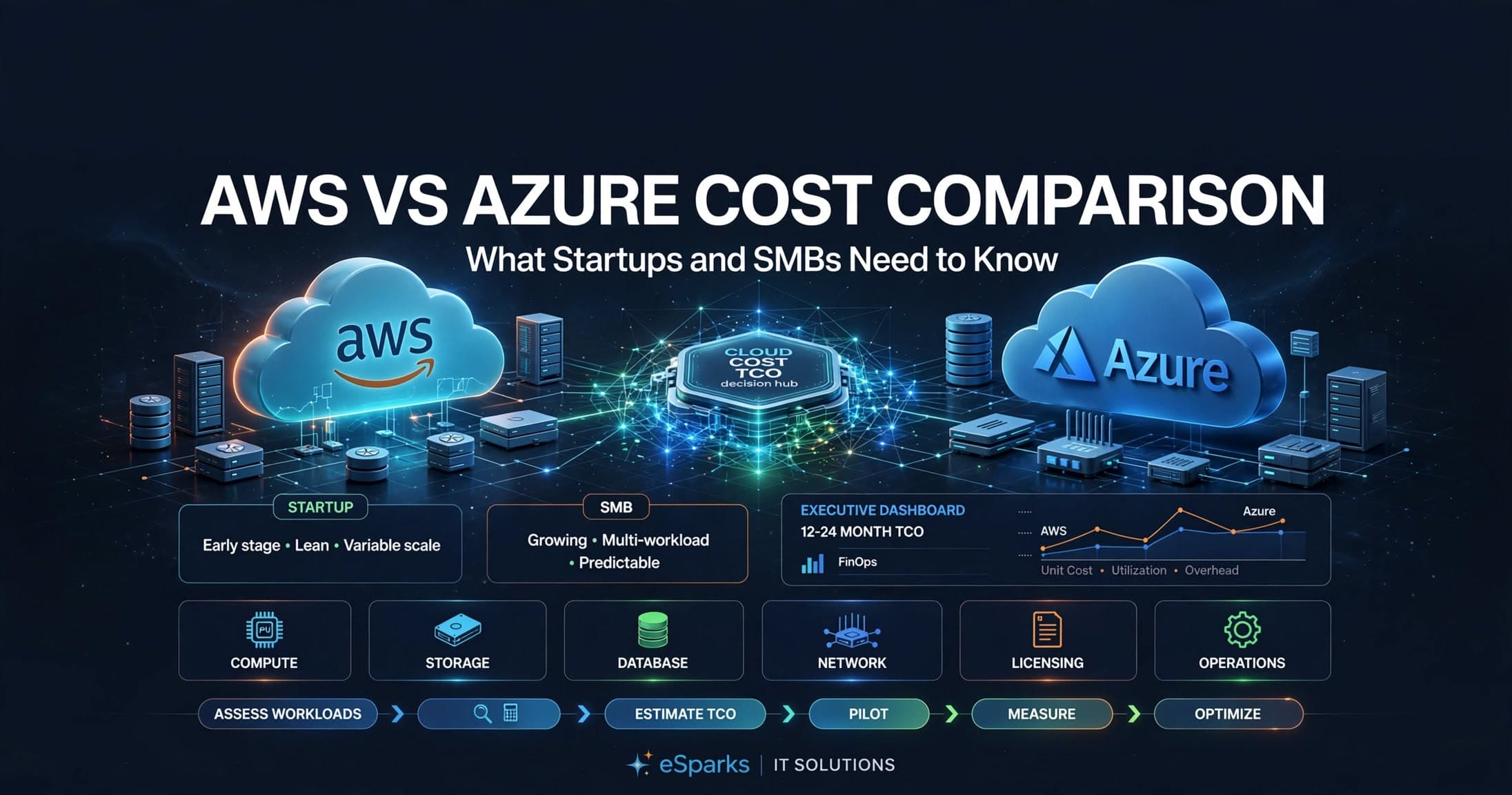
AWS vs Azure Cost Comparison: What Startups and SMBs Need to Know
AWS vs Azure Cost Comparison: What Startups and SMBs Need to Know, including pricing drivers, hidden costs, and a practical cloud decision framework.

Tauseef Alam
Chief Technology Officer
Jun 30, 2026
10 min read
When leaders ask about AWS vs Azure Cost Comparison: What Startups and SMBs Need to Know, the short answer is this: neither cloud is universally cheaper. AWS often gives more pricing flexibility and service breadth, while Azure can be more economical for Microsoft-heavy environments; for most startups and SMBs, the real cost difference comes from architecture, discounts, and operational discipline more than list prices.
Key takeaways
- In AWS vs Azure cost comparison, the cheaper cloud is usually the one that best fits your existing stack, operations model, and discount strategy rather than the one with the lowest list price.
- Compute is only part of cloud spend; storage tiers, managed databases, egress, NAT, logging, backups, support, and identity all materially affect total monthly cost.
- Reserved capacity, savings plans, right-sizing, and shutting down non-production environments often reduce startup and SMB cloud spend more reliably than switching providers.
- AWS often offers broader service choice and pricing flexibility, while Azure can be cost-efficient for Microsoft-centric environments using Windows Server, SQL Server, Microsoft 365, and Entra ID.
- The best way to choose between AWS and Azure is to model a 12-month workload forecast, run a small proof of concept, and compare total cost of ownership instead of single-service pricing.
Start with total cost of ownership, not headline pricing
A cloud bill is not just virtual machines and storage. Founders and IT managers often compare EC2 vs Azure Virtual Machines or S3 vs Azure Blob Storage, then make a decision too early. In practice, total cost of ownership includes compute, managed databases, backups, monitoring, outbound data transfer, support plans, identity, security tooling, disaster recovery, and the engineering time needed to operate everything safely.
That is why a low hourly price can still produce a higher monthly bill. A team might choose cheap compute but then overspend on NAT gateways, cross-region replication, premium disks, log retention, or high-availability database configurations. On top of direct cloud charges, there is operational cost: how many engineers are needed to manage Kubernetes, CI/CD, IAM policies, patching, and compliance requirements.
For decision-makers, a better framing is: which platform will let us run this workload reliably, securely, and with predictable spend over the next 12 months? If you are comparing providers for a greenfield product, the answer may differ from a migration of an existing .NET and SQL Server estate. The right cloud for a SaaS startup with containerized services is not always the right cloud for a professional services firm modernizing internal business systems.
The biggest cost drivers in AWS and Azure
The largest line item is usually compute. On AWS, this may mean EC2, ECS on Fargate, EKS worker nodes, Lambda, or managed app services. On Azure, the equivalents may include Virtual Machines, Azure Container Apps, AKS nodes, Azure Functions, and Azure App Service. If you size instances generously, leave environments running 24/7, or fail to autoscale, either provider becomes expensive quickly.
Managed data services are the next major driver. Amazon RDS, Aurora, DynamoDB, and ElastiCache are powerful, but availability settings, storage IOPS, snapshots, and multi-AZ configurations all add cost. Azure SQL Database, Azure Database for PostgreSQL, Cosmos DB, and Azure Cache for Redis have similar patterns. A database that is intentionally overprovisioned for “future growth” can cost far more than the application layer.
Then come the hidden-but-predictable items many teams underestimate:
- Data egress to the internet, partner systems, or end users
- Cross-region and cross-availability-zone traffic
- Load balancers, public IPs, NAT gateways, and private connectivity
- Log ingestion and retention in CloudWatch or Azure Monitor/Log Analytics
- Backup vaults, snapshots, and disaster recovery replicas
- Web application firewalls, DDoS protections, and key management
- Premium storage, provisioned IOPS, and high-throughput file services
- Enterprise support plans and third-party security tools
In our experience at eSparks, startups rarely blow the budget because one VM was slightly pricier on one cloud. They overspend because the architecture was not designed with cost visibility from day one.
Where AWS can be cheaper, and where Azure can be cheaper
AWS often works out well when a team wants broad service optionality, strong support for cloud-native patterns, and flexible commitment models like Savings Plans or Reserved Instances. Teams building with EKS, Lambda, S3, CloudFront, and Aurora can optimize aggressively if they understand how to right-size services and choose the correct purchase options. AWS also has a mature marketplace and a deep ecosystem of tooling around observability, governance, and automation.
Azure often becomes financially attractive when the environment is already centered on Microsoft technologies. Common examples include .NET applications, Windows Server workloads, SQL Server licensing, Microsoft 365 identity integration, Entra ID, and hybrid environments tied to on-prem Active Directory. In those cases, Azure Hybrid Benefit and operational familiarity can materially improve the economics, even if the list price of a comparable service appears similar.
A few practical patterns help clarify the tradeoff:
- If your app is built on ASP.NET Core, SQL Server, Azure DevOps, and Entra ID, Azure can reduce both licensing friction and administration overhead.
- If your product uses event-driven microservices, object storage, CDN-heavy delivery, and a wide mix of open-source services, AWS may offer more granular optimization paths.
- If your team already has strong expertise in one cloud, the learning curve on the other can add real cost through slower delivery, misconfiguration, and governance gaps.
- If you expect multi-region global traffic early, compare CDN, database replication, and egress pricing carefully rather than assuming the bigger provider is cheaper.
The conclusion is not that one platform wins. The more accurate conclusion is that Azure often rewards Microsoft alignment, while AWS often rewards cloud-native optimization maturity.
Common pricing traps that hurt startups and SMBs
The first trap is overprovisioning. A startup might launch with production-grade assumptions meant for an enterprise: oversized Kubernetes clusters, managed databases with expensive HA settings, premium SSDs everywhere, and separate staging environments running nonstop. That can be justified later, but not always on day one. A lean baseline with clear scaling thresholds is usually safer.
The second trap is ignoring traffic patterns. Outbound bandwidth, cross-zone traffic, and API-heavy architectures can turn into a major surprise. For example, a media-rich application serving customers in multiple countries may find CDN and egress charges rising faster than compute. Likewise, chatty microservices deployed across multiple zones or regions can create network costs that never show up in a basic price calculator.
The third trap is paying for convenience without a policy. Managed services are usually worth it, but only if the team understands their billing model. Common examples include:
- Serverless functions with inefficient memory/time settings
- Managed Kubernetes clusters with too many always-on nodes
- Log platforms retaining verbose debug logs for months
- Database backup retention far beyond recovery requirements
- Orphaned disks, snapshots, load balancers, and public IPs after testing
- Premium support tiers purchased before they are operationally necessary
Another issue is poor tagging and cost allocation. If environments, teams, and products are not tagged consistently, finance and engineering cannot tell which service is creating spend. That prevents accountability and makes optimization reactive. Good governance does not need to be bureaucratic; it just needs to make the bill understandable.
A practical decision framework for choosing the right cloud
If you are making a first-time cloud decision or reassessing an existing footprint, use a structured process. This avoids choosing based on anecdote, vendor marketing, or a single price point.
- Define the workload profile. List your expected users, regions, uptime requirements, compliance needs, data sensitivity, and whether the application is monolithic, modular, or microservices-based.
- Map the core services. Identify likely building blocks such as VMs, containers, object storage, relational databases, caching, queues, CDN, identity, and backups.
- Estimate 12-month usage. Use realistic ranges, not best-case assumptions. Include production, staging, development, peak traffic, log storage, backups, and support.
- Check licensing and ecosystem fit. If you depend on Windows Server, SQL Server, Microsoft 365, or existing Azure administration skills, that should influence the decision. If your stack is mostly Linux, Kubernetes, PostgreSQL, and open-source tooling, evaluate that bias too.
- Model discount options. Compare on-demand with reserved capacity, Savings Plans, spot usage for fault-tolerant jobs, and any startup credits or migration incentives.
- Run a proof of concept. Deploy one representative workload on both clouds for a short period if the choice is strategic. Measure not only spend, but deployment speed, observability, security controls, and operating effort.
- Set governance before scale. Define tagging, budgets, alerts, access controls, backup policies, and approved service patterns early.
This process usually surfaces the decisive factor quickly. Sometimes it is lower run cost. Sometimes it is faster delivery with an existing team. Sometimes it is less compliance complexity or better support for a specific AI, data, or integration requirement.
Example scenarios and typical cost ranges
Consider a small SaaS product with a web frontend, API layer, PostgreSQL database, Redis cache, object storage, CDN, CI/CD, and separate dev/staging environments. On either AWS or Azure, a lean but production-ready setup for early traffic might land in the low hundreds to low thousands of dollars per month, depending on uptime targets, data transfer, and whether environments run continuously. The same workload can rise quickly if managed Kubernetes, multi-region failover, premium monitoring, and larger databases are added before they are needed.
Now consider a mid-sized internal business application for a professional services or retail company. It may rely on Windows-based services, SQL Server, identity federation, secure VPN access, document storage, and integration with Microsoft 365. In this case, Azure may simplify management and potentially lower effective cost because the surrounding identity, admin, and licensing model is already familiar. A comparable AWS deployment may still be viable, but the surrounding operational overhead can be higher for teams with limited cloud specialists.
A third scenario is data and AI. Suppose a company needs data pipelines, a lakehouse-style storage layer, Python-based processing, vector search, and access to foundation models or ML tooling. Cost here depends heavily on storage growth, GPU or accelerated compute needs, batch schedules, and inference patterns. In both clouds, AI can become expensive not because of the platform alone, but because experimentation is left unconstrained. Guardrails matter:
- Separate R&D budgets from production budgets
- Use autoscaling and job scheduling for batch work
- Archive cold data into lower-cost storage tiers
- Set quotas on GPU or premium compute where possible
- Track cost per workload, model, or environment
For most SMBs, the realistic first optimization target is not changing clouds. It is reducing waste inside the chosen cloud through right-sizing, scheduling, storage tiering, and commitment discounts.
Cost optimization tactics that matter more than provider choice
The most reliable savings come from engineering discipline. Rightsizing is first: review CPU, memory, disk, and IOPS usage monthly and downgrade idle resources. Autoscaling is second: align capacity with traffic instead of paying for peak all month. Third is environment scheduling: many development and QA systems only need to run during business hours.
Commitment-based pricing can make a meaningful difference when workloads are stable. On AWS, Savings Plans and Reserved Instances are common tools. On Azure, Reserved VM Instances and savings plans for compute are worth evaluating. Spot or preemptible-style capacity can help for batch jobs, CI workers, and non-critical processing, but it should not be the foundation of customer-facing production unless the workload is designed for interruption.
Storage and observability also deserve attention. Move older objects to colder tiers, trim log verbosity in production, and set retention based on real operational and compliance needs. Review backup frequency and retention so they match recovery objectives, not vague assumptions. FinOps practices such as showback, budgets, anomaly detection, and monthly cloud reviews help keep this sustainable.
Finally, standardize secure infrastructure delivery. Terraform, Bicep, CloudFormation, GitHub Actions, Azure DevOps, and policy-as-code reduce drift and make costs repeatable. Whether you choose AWS or Azure, the organizations with the healthiest cloud economics are usually the ones that treat cloud architecture, security, and cost governance as one system rather than separate conversations.
Frequently Asked Questions
Is AWS cheaper than Azure for startups?
Not consistently. AWS can be cheaper for cloud-native workloads that benefit from flexible purchasing options and broad service choice, while Azure can be cheaper for startups already using Microsoft technologies, identity, and licensing. The deciding factor is usually workload design and operational fit, not a universal price advantage.
What costs do SMBs most often miss when comparing AWS and Azure?
SMBs commonly miss data egress, cross-region traffic, NAT and load balancer charges, logging and monitoring retention, backups, premium storage, and support plans. These items often become material once an application is in production, even when the initial VM or database estimate looked reasonable.
Should we compare AWS and Azure using only their pricing calculators?
No. Pricing calculators are useful for baseline estimates, but they do not fully capture architecture choices, team expertise, governance maturity, or waste from overprovisioning. A better approach is to combine calculator estimates with a 12-month usage model and, for strategic workloads, a small proof of concept.
How can a startup or SMB reduce cloud costs without changing providers?
The fastest gains usually come from right-sizing resources, shutting down non-production environments when idle, using reserved or savings-based pricing for stable workloads, and setting retention policies for logs and backups. Strong tagging, budgets, and monthly cost reviews also help prevent silent waste from growing over time.
Work with eSparks IT Solutions
Planning a project around this? We help businesses across the USA, UK, Canada, Australia and the GCC ship it. Explore our Cloud Computing services and portfolio, estimate your project cost, or book a free call.
Related cloud & DevOps services

Tauseef Alam
Chief Technology Officer
Passionate technology writer and industry expert with years of experience in software development, cloud computing, and digital transformation. Dedicated to sharing insights and helping developers stay ahead of the curve.
Related Topics
Continue Reading
More insights in Cloud Computing
Cloud Computing
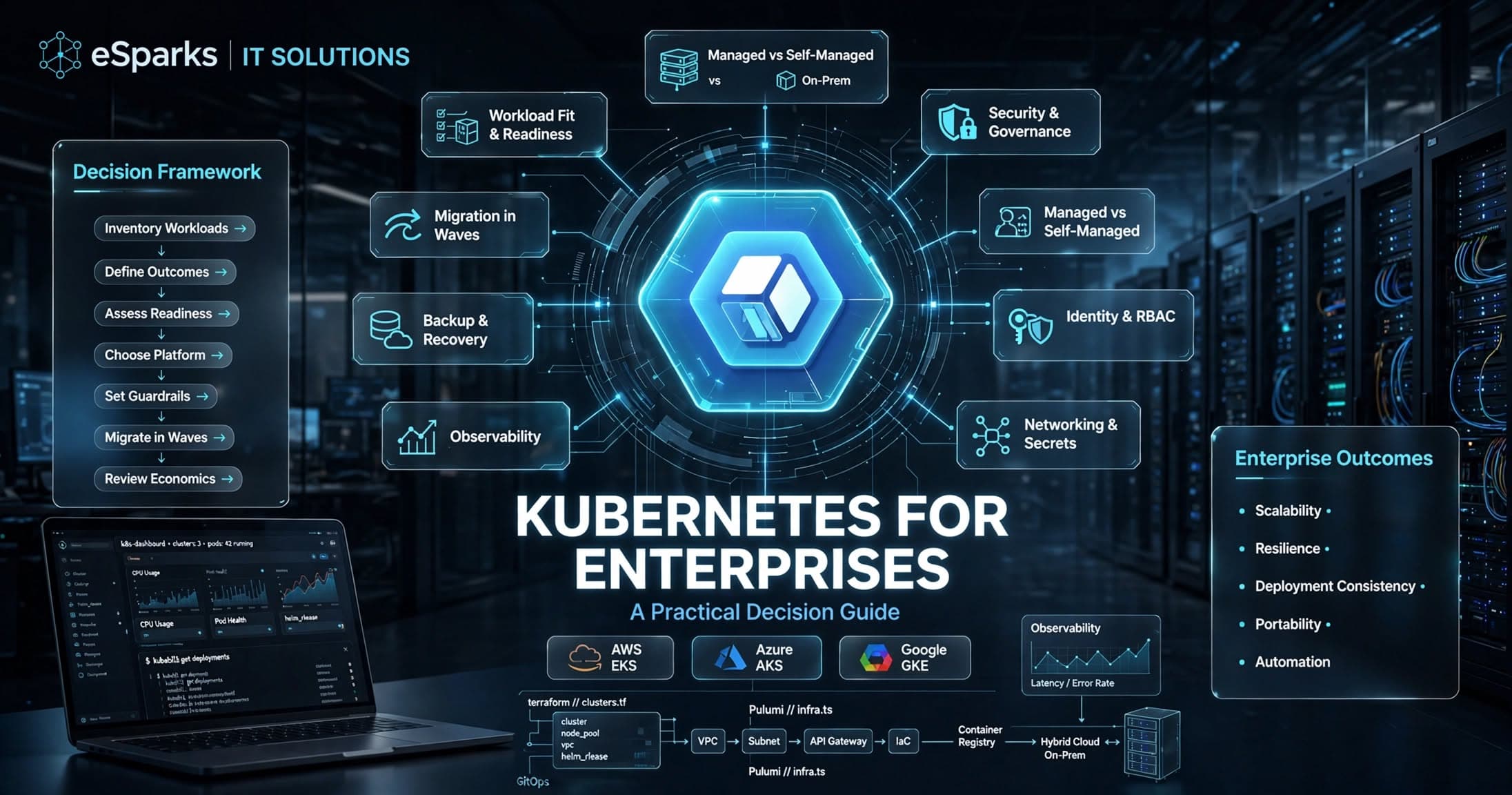
Kubernetes for Enterprises: A Practical Decision Guide
Kubernetes for enterprises can improve scalability, resilience, and release speed—but only when platform maturity, security, and operating model align.
Sep 26, 2026
Read More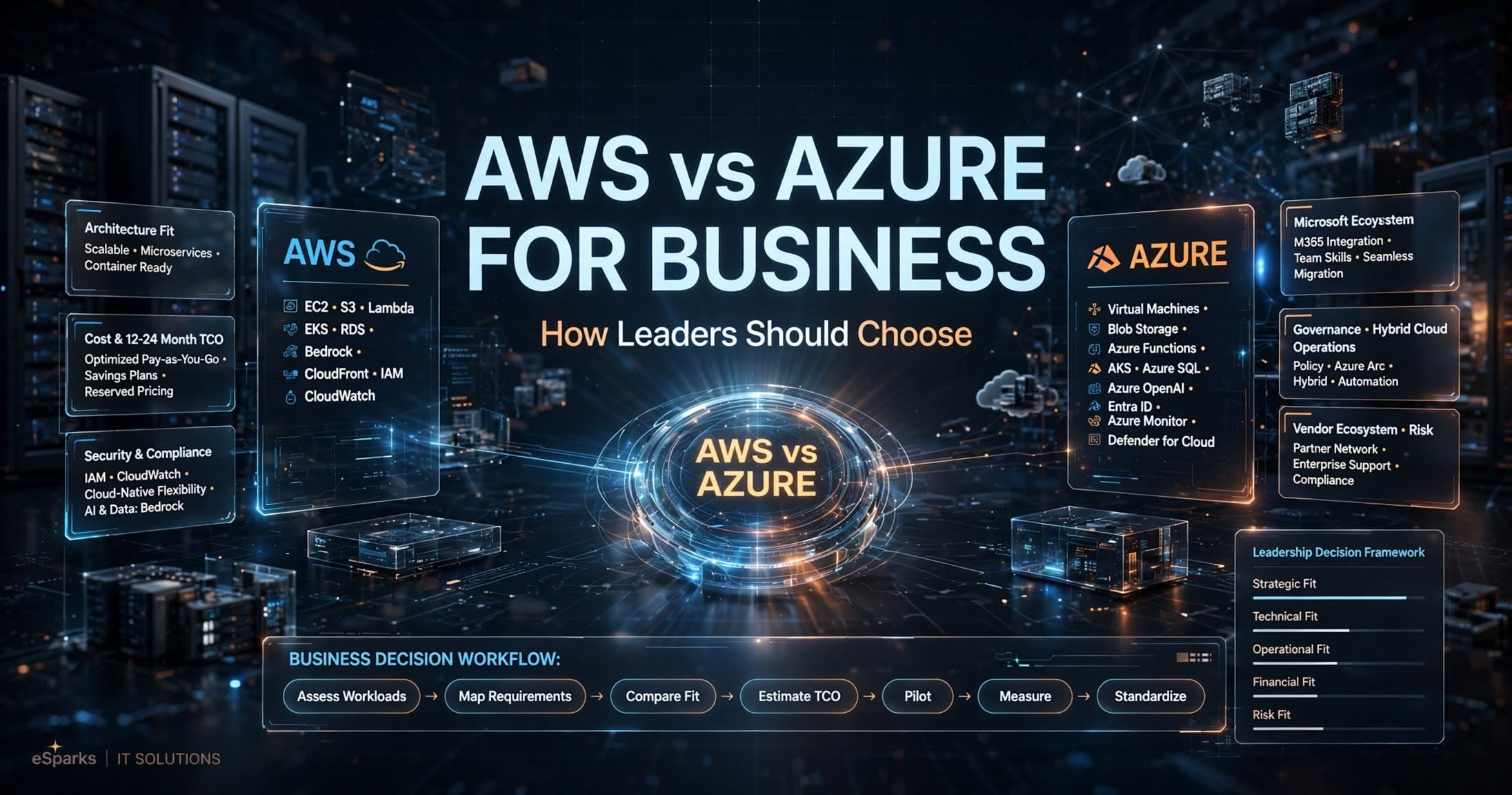
Cloud Computing
AWS vs Azure for Business: How Leaders Should Choose
Compare aws vs azure for business across cost, security, Microsoft fit, AI, and operations with a practical decision framework for leaders.
Sep 25, 2026
Read More
Cloud Computing
Mysql to Postgresql Migration Service: UK Decision Guide
A practical UK guide to choosing a mysql to postgresql migration service, covering risks, cost, timelines, tooling and delivery approach.
Sep 14, 2026
Read MoreReady to Transform Your Business?
Let's discuss how our expertise can help you achieve your goals