Cloud Computing
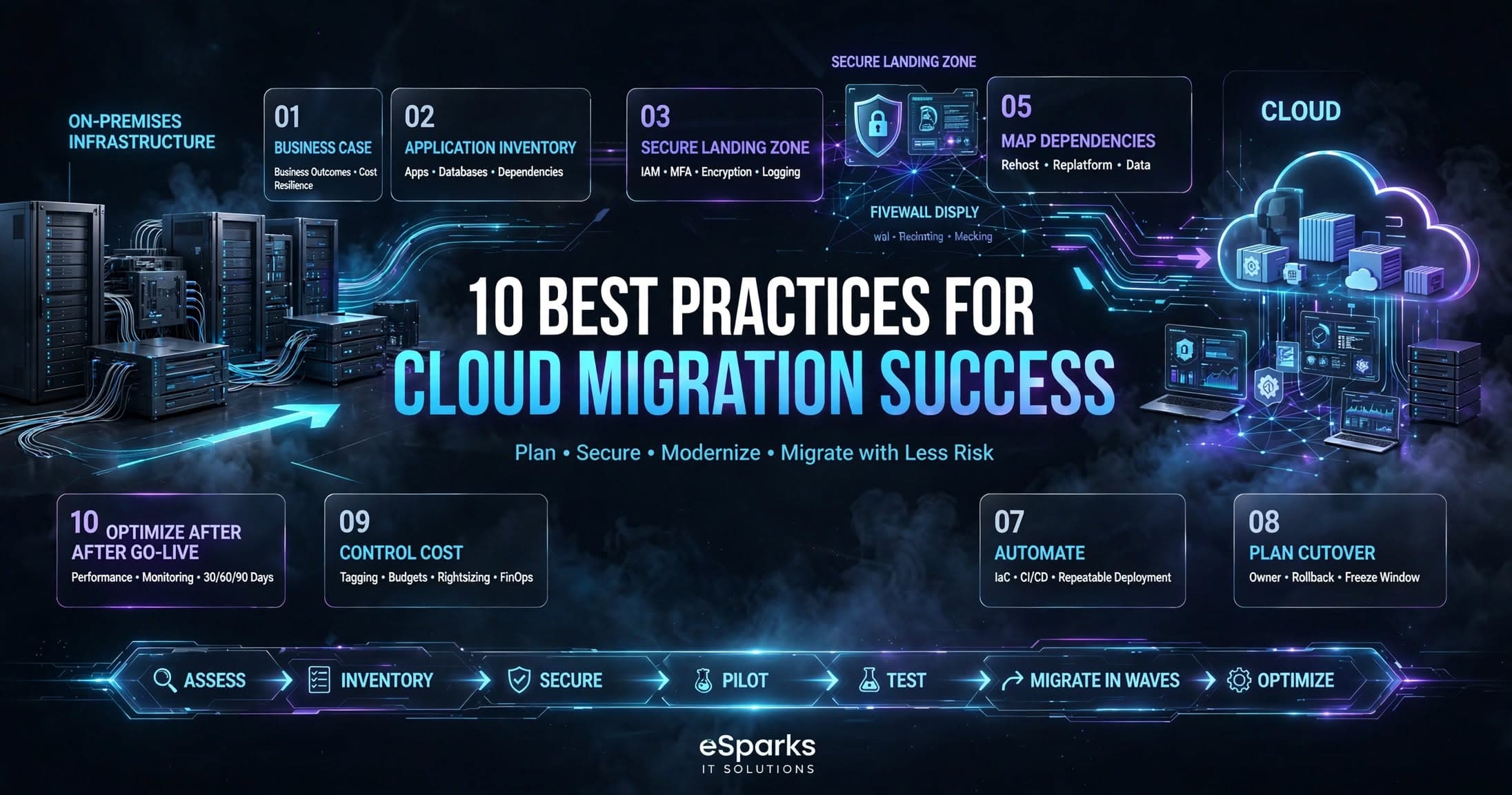
10 Best Practices for Cloud Migration Success
10 Best Practices for Cloud Migration Success for business leaders: plan, secure, modernize, and migrate with less risk and stronger long-term value.

Tauseef Alam
Chief Technology Officer
Mar 12, 2024
10 min read
10 Best Practices for Cloud Migration Success: start with the business case
The most reliable path to 10 Best Practices for Cloud Migration Success is not starting with servers, but with outcomes. A good migration begins by defining why the workload is moving: lower operational overhead, better resilience, faster delivery, global reach, compliance, or a platform for modernization.
Key takeaways
- Cloud migration succeeds when the business case, application inventory, and target architecture are defined before any workloads move.
- The safest migration path is usually phased: assess, pilot, migrate low-risk apps first, then modernize and optimize after cutover.
- Security, identity, networking, and backup design must be built into the landing zone before production workloads move.
- Costs often rise temporarily during dual-running, testing, and refactoring, so migration budgets should include contingency for the transition period.
- A migration plan should include application dependencies, rollback steps, ownership, and acceptance criteria for every wave.
In practice, that means deciding what success looks like for each application. A customer portal may need lower latency and higher uptime. An internal reporting system may need easier scaling and simpler backup. A legacy finance system may only need a safe lift-and-shift first, with modernization later.
The business case should also be realistic about cost timing. Typical migration programs often have a transition period where cloud spend, support effort, and parallel environments run higher than the eventual steady state. Leaders who plan for that window avoid surprise budgets and rushed cutovers.
Build an application inventory before you choose the migration path
Most migration problems begin with incomplete discovery. Before selecting a cloud model, build a full inventory of applications, databases, integrations, identity dependencies, storage, and network flows. Include the hidden pieces too: batch jobs, file shares, scheduled tasks, SMTP relays, VPN connections, and hardcoded IP allowlists.
A practical assessment framework is to group each system into one of six migration options: rehost, replatform, refactor, repurchase, retire, or retain. Rehosting a stable application to AWS, Azure, or Google Cloud can be fast, while refactoring a monolith into services might take months. Retiring unused systems or repurchasing commodity software can deliver value faster than moving everything as-is.
A useful decision rule is this: if an app is low complexity and time-sensitive, rehost or replatform first; if it is strategically important and frequently changed, consider refactoring; if it is redundant or obsolete, retire it. We have seen too many programs fail because every system was treated as a candidate for the same migration style.
Design the landing zone and security baseline first
Cloud migration is not just moving workloads; it is building the destination platform correctly. The landing zone should define accounts or subscriptions, network segmentation, identity and access management, logging, monitoring, backup, encryption, and guardrails before production traffic arrives.
At minimum, your baseline should include centralized identity with least-privilege access, multi-factor authentication, role-based access controls, and separation between development, test, and production. For security controls, align with recognized frameworks such as CIS Benchmarks, NIST guidance, ISO 27001 practices, and cloud provider well-architected principles. For regulated environments, map controls to the requirements your business already follows, such as data residency, audit trails, and retention.
Network design deserves special attention. Many migrations fail because the cloud environment is secure in isolation but cannot reliably reach on-premises systems, payment gateways, ERP tools, or third-party APIs. Build connectivity deliberately through site-to-site VPN or dedicated links such as AWS Direct Connect, Azure ExpressRoute, or equivalent private connectivity, and test latency, DNS, and failover before the first critical cutover.
Choose the right migration pattern for each workload
There is no single cloud migration formula that fits every application. The right pattern depends on technical debt, business urgency, team capability, and acceptable risk. A reporting dashboard with limited integrations may move quickly with a rehost approach, while a heavily integrated order-processing system may need phased replatforming or selective refactoring.
A useful step-by-step decision framework is:
- Classify the workload by business criticality, compliance sensitivity, and downtime tolerance.
- Map dependencies, especially databases, message queues, identity providers, and third-party services.
- Estimate the effort to move versus the effort to modernize.
- Decide whether the first move should be rehost, replatform, refactor, repurchase, or retire.
- Define rollback criteria and success metrics before any cutover.
Typical migration timelines vary widely. Small, self-contained applications may move in a few weeks, while complex enterprise platforms often take several months end to end. For many organizations, a phased program of assessment, pilot, and two or three migration waves is far safer than attempting a single large-bang switch.
Test, automate, and rehearse cutover like a production event
The technical success of a migration is usually determined by what happens before cutover day. Build infrastructure with Infrastructure as Code using tools such as Terraform, AWS CloudFormation, Azure Bicep, or Pulumi so that environments can be recreated consistently. Pair that with automated configuration management, CI/CD pipelines, and repeatable validation scripts.
Every workload should have a rehearsal plan. That means testing data synchronization, confirming DNS changes, validating authentication, checking backups, and measuring application behavior under expected load. If the app is customer-facing, include tests for session persistence, payment flows, file uploads, email delivery, and webhook callbacks. If the app is internal, test integrations with BI tools, ERP systems, and directory services.
A strong cutover plan includes a clear owner for each step, a communications timeline, a rollback trigger, and a freeze window for changes. The goal is not perfection; it is predictable execution. In our experience at eSparks, the teams that document and rehearse every dependency before migration avoid the most painful surprises.
Control cost, performance, and operating model after go-live
Cloud migration success does not end at go-live. Once the workload is live, you need to confirm that spending, performance, and operations are trending in the right direction. Otherwise, the new environment can become more expensive and harder to manage than the old one.
For cost control, tag resources consistently, define budgets and alerts, right-size instances, and review storage tiers, database consumption, and data transfer charges. Watch for common cloud cost traps such as idle non-production environments, oversized managed databases, unnecessary cross-zone traffic, and always-on development resources. FinOps practices are especially valuable for businesses with multiple product teams or variable usage patterns.
For performance and operations, set clear post-migration metrics: response times, error rates, deployment frequency, backup recovery confidence, and incident response times. Many organizations also use a 30-, 60-, and 90-day stabilization plan to review logs, tune scaling policies, optimize databases, and clean up temporary migration artifacts. This is where the migration starts paying back the effort through better reliability and cleaner operations.
Avoid the mistakes that derail cloud projects
The most common mistake is treating migration as an IT relocation rather than a business transformation. When leadership is focused only on moving servers, teams often skip architecture review, security design, or application rationalization. That creates faster movement in the short term but more technical debt in the cloud.
Another frequent failure is ignoring ownership. Every workload needs a business owner, a technical owner, and a clear decision-maker for risk acceptance. Without that accountability, migration decisions stall when teams need to choose between speed, refactoring, data cleanup, or temporary exceptions.
A practical way to reduce risk is to migrate in waves. Start with a non-critical application, then a medium-complexity workload, then a more regulated or integrated system. Each wave should refine the template for discovery, security, testing, and support. This approach is often faster overall than attempting to solve every edge case upfront.
What business leaders should ask before approving a migration plan
Before approving a partner or internal plan, ask whether the team has identified all dependencies, chosen a target cloud architecture, and defined a rollback strategy. Ask how identity, logging, network security, and backups will be handled on day one, not after the move. Ask which workloads will be migrated first and why.
Also ask how the program will manage data residency, access controls, and change management. Businesses operating across the USA, UK, Canada, Australia, UAE, Saudi Arabia, Qatar, and the Netherlands often face different compliance and latency considerations, so the plan should reflect where users, data, and support teams actually operate.
The strongest migration plans are specific about effort, not vague about ambition. A clear plan will separate quick wins from long-term modernization, identify the systems that should not move, and show how the cloud environment will be governed after launch. That is the difference between a move and a durable foundation for digital transformation.
Frequently Asked Questions
What is the biggest reason cloud migrations fail?
The biggest reason is incomplete planning around dependencies, security, and ownership. Teams often move an application without fully mapping its databases, integrations, identity systems, and rollback needs, which creates outages and delays during cutover.
How long does a typical cloud migration take?
Small, self-contained workloads can move in a few weeks, while complex enterprise migrations often take several months. The timeline depends on application complexity, testing requirements, compliance needs, and whether the work is a simple rehost or a deeper modernization effort.
Should we refactor applications before moving them to the cloud?
Not always. Stable, low-risk applications are often best moved first with a rehost or replatform approach, while strategic or heavily changed systems may benefit from refactoring. The right choice depends on business value, technical debt, and the cost of delay.
What should be in a cloud landing zone?
A cloud landing zone should include account or subscription structure, network segmentation, identity and access controls, logging, monitoring, encryption, backup, and security guardrails. It is the foundation that makes later migrations repeatable and governable.
Work with eSparks IT Solutions
Planning a project around this? We help businesses across the USA, UK, Canada, Australia and the GCC ship it. Explore our Cloud Computing services and portfolio, estimate your project cost, or book a free call.
Related cloud & DevOps services

Tauseef Alam
Chief Technology Officer
Passionate technology writer and industry expert with years of experience in software development, cloud computing, and digital transformation. Dedicated to sharing insights and helping developers stay ahead of the curve.
Related Topics
Continue Reading
More insights in Cloud Computing
Cloud Computing
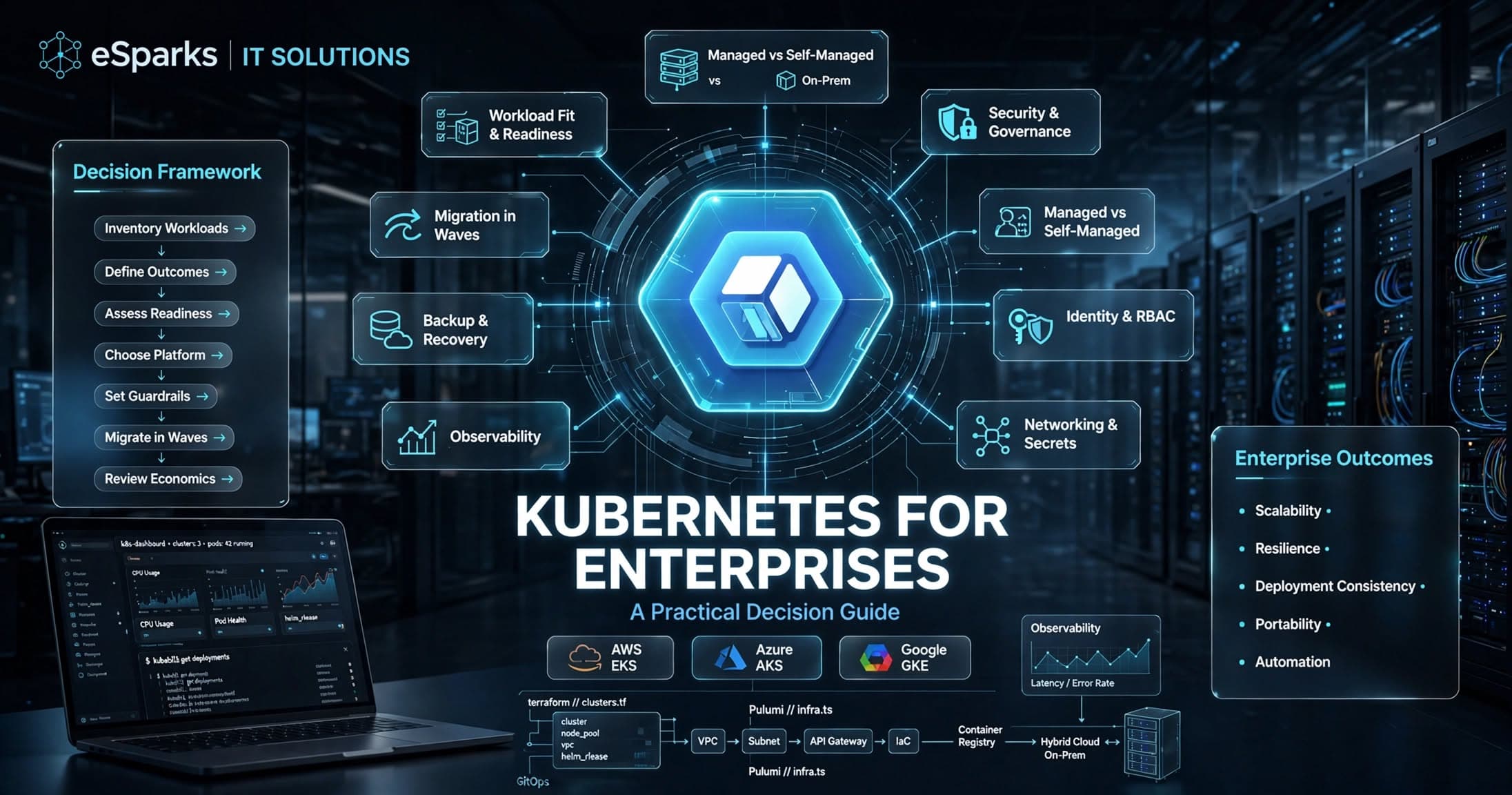
Kubernetes for Enterprises: A Practical Decision Guide
Kubernetes for enterprises can improve scalability, resilience, and release speed—but only when platform maturity, security, and operating model align.
Sep 26, 2026
Read More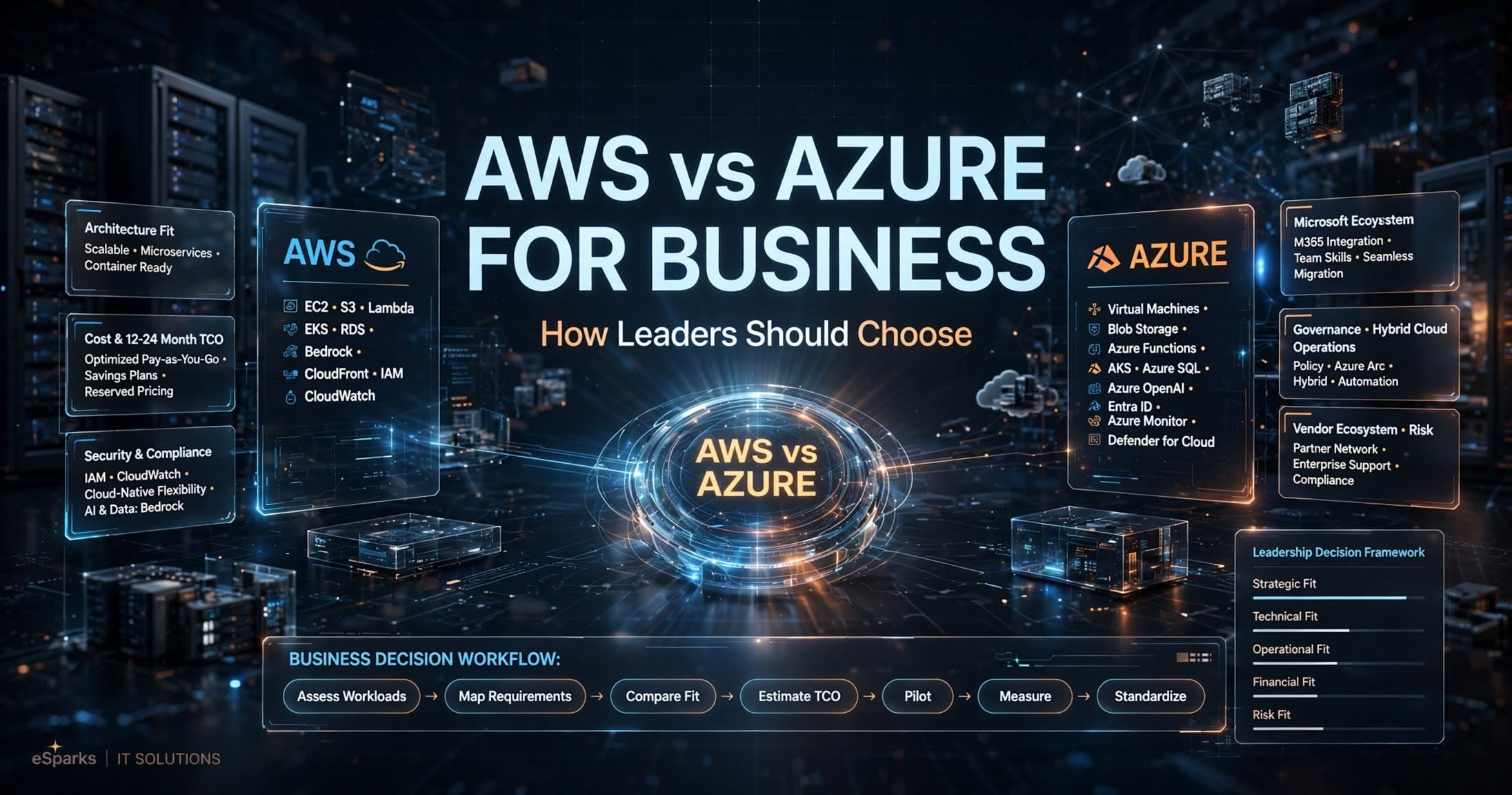
Cloud Computing
AWS vs Azure for Business: How Leaders Should Choose
Compare aws vs azure for business across cost, security, Microsoft fit, AI, and operations with a practical decision framework for leaders.
Sep 25, 2026
Read More
Cloud Computing
Mysql to Postgresql Migration Service: UK Decision Guide
A practical UK guide to choosing a mysql to postgresql migration service, covering risks, cost, timelines, tooling and delivery approach.
Sep 14, 2026
Read MoreReady to Transform Your Business?
Let's discuss how our expertise can help you achieve your goals